.KCODE 파일 확장자

Kano Code Artwork

개발사 Kano
인기도
3.0  |  4 투표
 

KCODE 파일이란 무엇인가요?

A KCODE file is an artwork created by Kano Code, an online artwork coding app. It contains one or more snippets of block-based code defined by a user that creates the artwork when run. KCODE files store information in plain text.

추가 정보

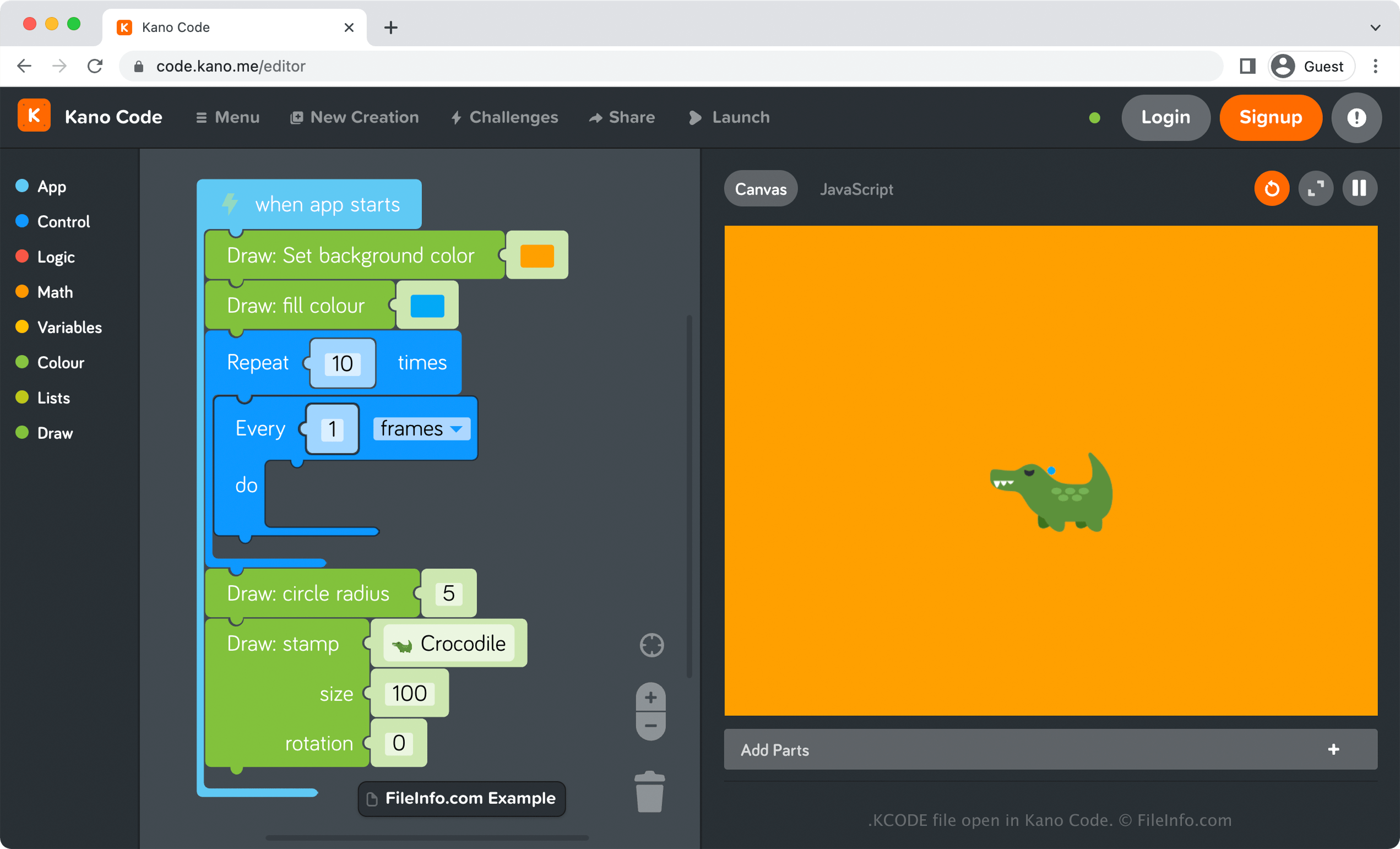
Kano Code에서 열린 .kcode 파일의 스크린샷
Kano Code에서 열린 KCODE 파일

Kano Code is an online artwork-coding app that allows you to drag and drop code blocks to create artwork. For example, you could add several blocks of code that fill the background color of your canvas as orange, draw blue circles every 3 seconds, and insert an image of an alligator.

How to create a KCODE file with Kano Code

To create a KCODE file with Kano Code, select Menu → New Creation, add your code, then select Menu → Save. After choosing Save, your browser will instantly begin downloading a KCODE file that stores your saved creation. You can store the KCODE file on your computer as a backup file or open it again with Kano Code to resume editing the artwork.

KCODE 파일을 여는 방법

You can open a KCODE file by uploading it to Kano Code in any web browser. Kano Code is also available as a desktop app in Windows. To open a KCODE file with Kano Code, select Menu → Import.

Opening a KCODE file with a text editor

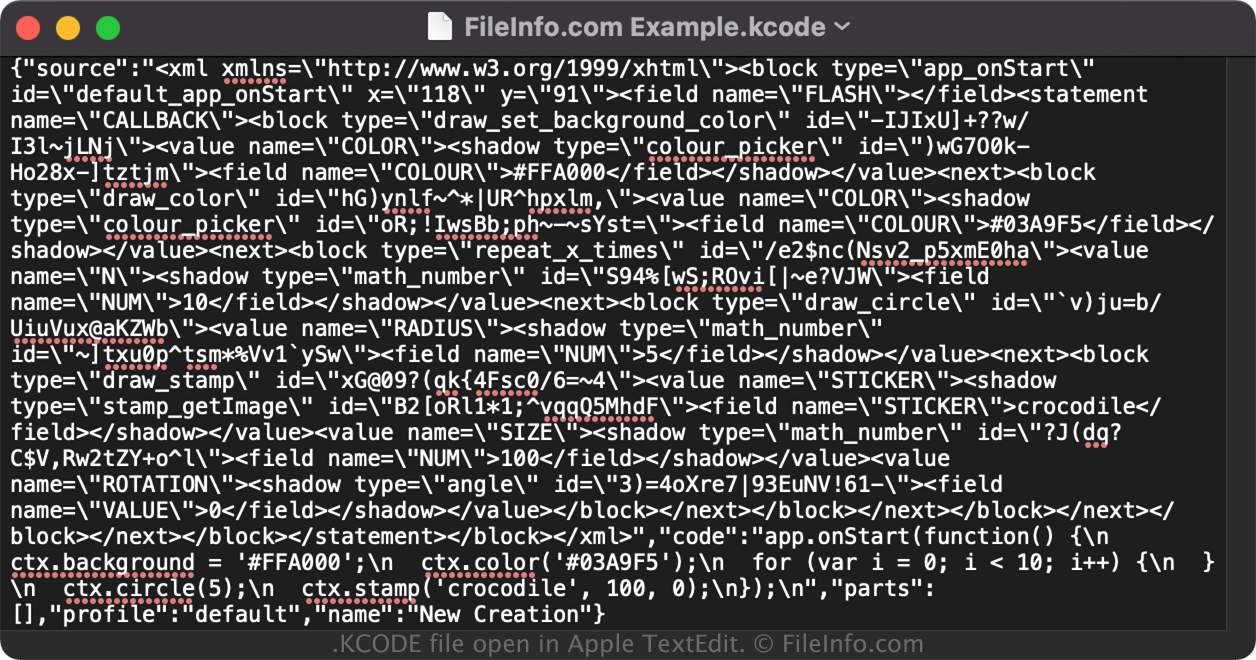
KCODE file open in Apple TextEdit

Since KCODE files save information in plain text, you can also open them with a text or source code editor. Opening A KCODE file in this manner is not the same as opening it with Kano Code, which natively supports the KCODE format.

참고: You may need to change the .kcode file extension to .txt to open the file.

File Viewer Plus(으)로 400개 이상의 파일 형식을 여세요.무료 다운로드

KCODE 파일을 여는 프로그램

Windows
무료
Web
무료
카테고리: 데이터
업데이트: 2022-06-09

검증자 FileInfo.com

FileInfo.com 팀 이 페이지에 나열된 Kano Code Artwork 파일 형식과 Windows 앱을 독자적으로 조사했습니다. 저희의 목표는 100% 정확성이며, 검증한 파일 유형에 대한 정보만 게시합니다.

이 페이지에 추가하거나 업데이트할 내용을 제안하고 싶으시면 알려 주세요.