

.JENKINSFILE 文件扩展名
Jenkins Pipeline定义
| 开发者 | Jenkins |
| 受欢迎程度 |
3.0 | 1 票 |
什么是 JENKINSFILE 文件?
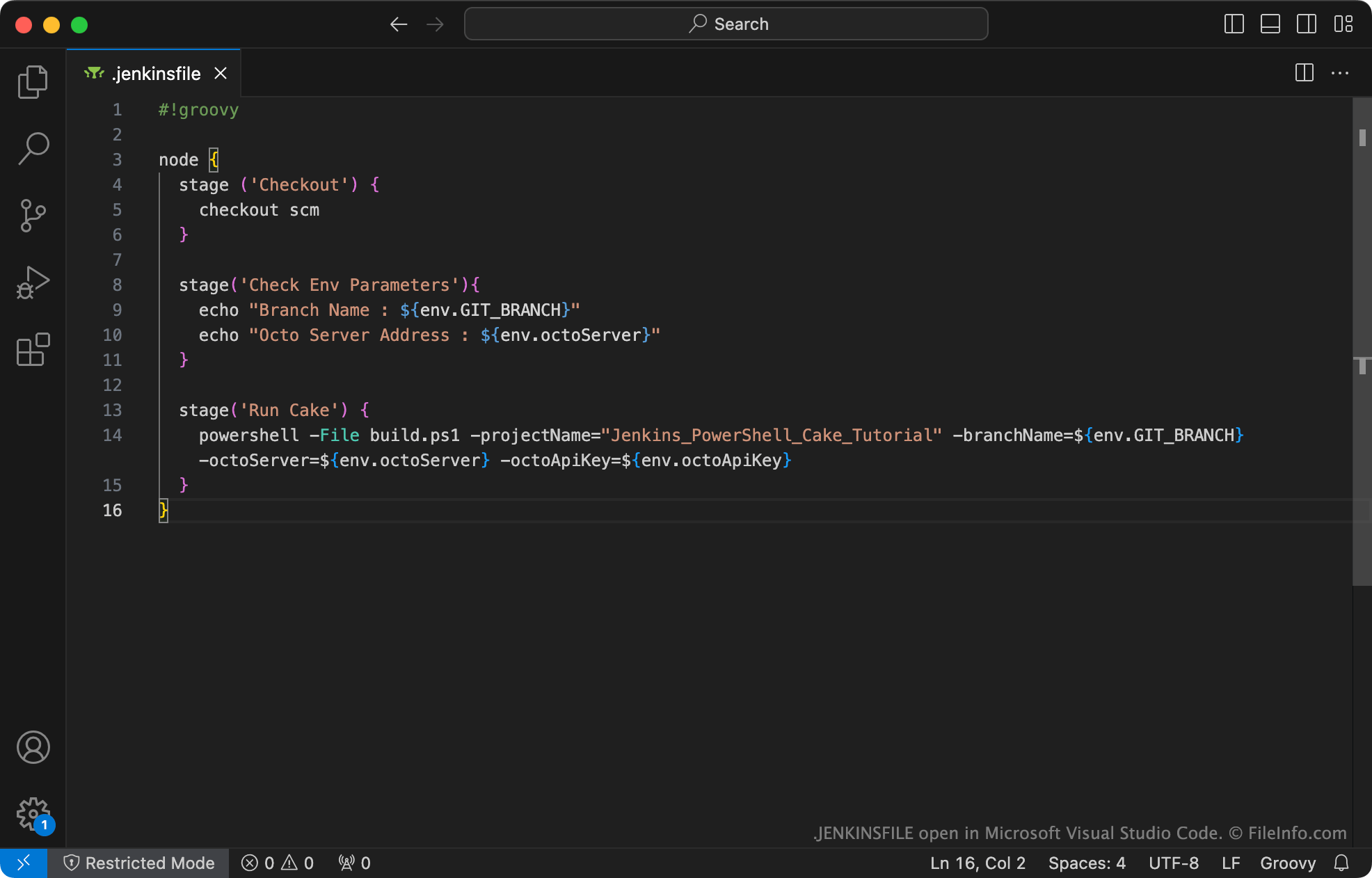
JENKINSFILE是一个纯文本文件,用于定义Jenkins Pipeline。它包含使用Apache Groovy编程语言编写的声明。创建Pipeline项目的开发人员必须始终创建一个JENKINSFILE,并将其存储在项目的源代码控制存储库中。
更多信息
Jenkins是一款开源自动化服务器,开发人员可以使用它自动执行软件的构建、测试和交付。Jenkins Pipeline是一套Jenkins插件,允许开发人员在Jenkins中创建持续交付流水线(称为Jenkins Pipeline)。这样,开发人员就可以快速构建、测试和交付通过Jenkins部署的软件更新。
创建Jenkins Pipeline时,开发人员必须创建一个文本文件,用于定义Pipeline的阶段(例如构建、测试和部署)及其相关设置。此Pipeline定义称为JENKINSFILE,其文件名始终是.jenkinsfile。
开发人员可以使用Jenkins、该程序的Blue Ocean插件或任何源代码编辑器来创建和编辑JENKINSFILE。开发人员通常会在设置新的Jenkins Pipeline项目时,使用Blue Ocean创建JENKINSFILE。
常见 .JENKINSFILE 文件名
.jenkinsfile - 开发人员必须为其Jenkins Pipeline的JENKINSFILE指定的名称。
如何打开 JENKINSFILE 文件
你可以使用Microsoft Visual Studio Code或任何其他文本编辑器打开JENKINSFILE,以查看和编辑其中包含的Jenkins Pipeline定义。如果可以,你应使用支持Apache Groovy语法突出显示的源代码编辑器打开JENKINSFILE。
有关如何将JENKINSFILE与Jenkins Pipeline结合使用的说明,请参阅Jenkins官方文档。