.I7XP 文件扩展名
Inform 7 Extension Project
| 开发者 | Graham Nelson |
| 受欢迎程度 |
3.5 | 2 票 |
什么是 I7XP 文件?
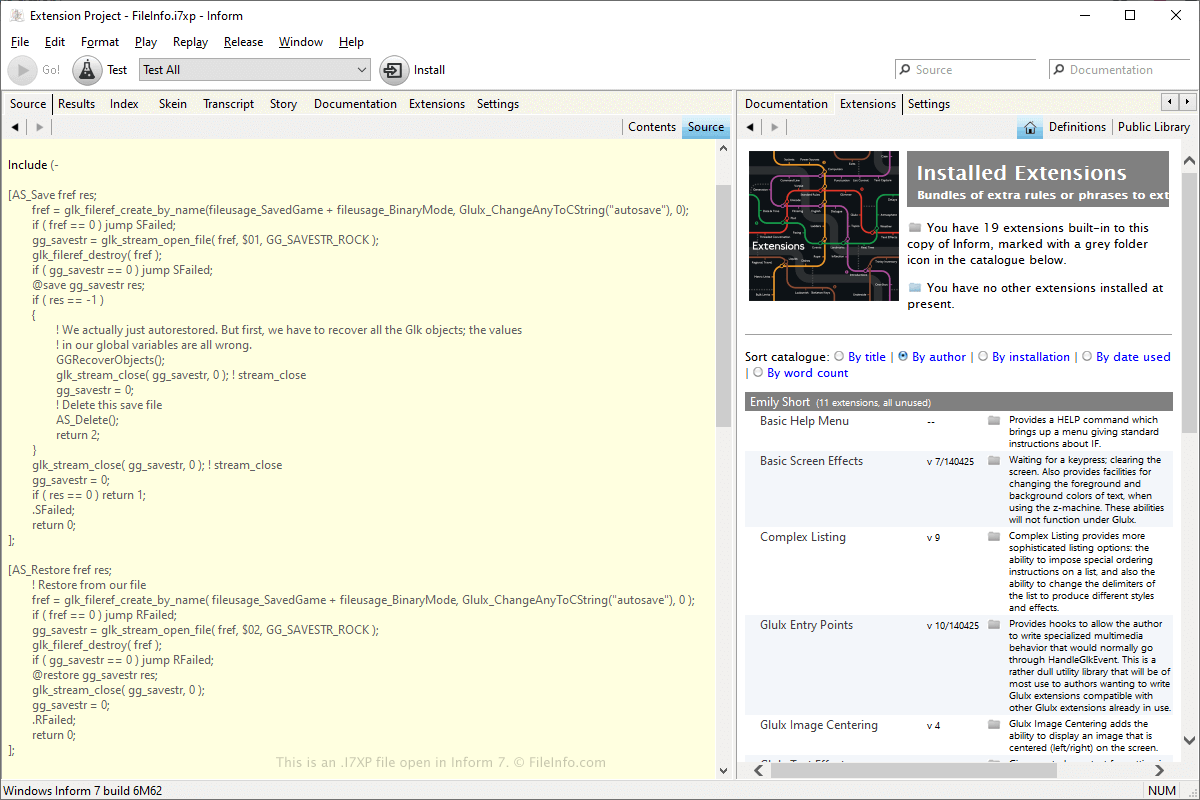
An I7XP file is an archive created by Inform, an IDE for creating Interactive Fiction (IF) programs used by Z-code interpreters, such as Zoom or Frotz. It stores the extension project contents, which includes various files in "Build," "Index," and "Source" folders, along with a .PLIST file.
更多信息
Inform is a free program that provides various tools for creating IF stories. The application includes support for .I7X extensions that extend the functionality of Inform, such as capability upgrades to the user interface or enhanced capabilities for creating IF stories. I7X extensions are created by Inform from I7XP project files.
You can create an I7XP file, select File → New Extension Project → New Extension... or Create From Installed Extension. The I7XP archive is actually just a folder, but Inform treats it as a single file when opening it. I7XP files are saved in the following directory, by default:
C:\Users\[username]\Documents\Inform\Projects\
注: I7XP files were introduced with the release of Inform 7.
如何打开 I7XP 文件
You can open an I7XP file with Inform by selecting File → Open Project..., navigate to the location of the I7XP file, select it, then click Open.
Since the I7XP file is just a folder, you can open the file by double-clicking it in the Windows File Explorer. You can then view its contents, which includes the I7X file(s) in the "Source" folder.