.I7X 文件扩展名

Inform 7 Extension Source Code File

开发者 Graham Nelson
受欢迎程度
2.0  |  3 
 

什么是 I7X 文件?

An I7X file contains source code used by Inform, an IDE for creating Interactive Fiction (IF) programs used by Z-code interpreters, such as Zoom or Frotz. It stores code for an extension that extends the capabilities of Inform, such as interface upgrades or IF story creation capabilities. I7X files are saved in plain text with Unicode UTF-8 encoding.

更多信息

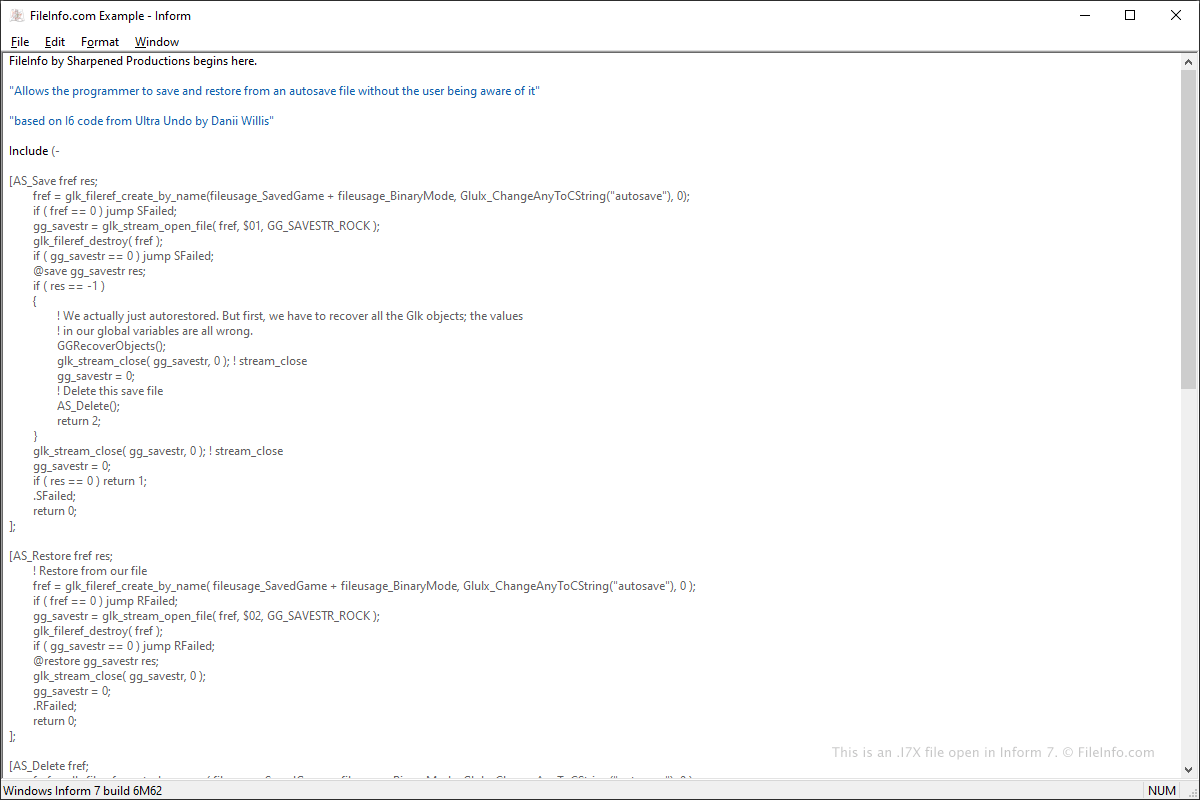
在 Inform 7 中打开的 .i7x 文件截图
在 Inform 7 中打开的 I7X 文件

Inform is a free application that features a programming language users can utilize to create custom IF stories that other users can experience. Inform users can download I7X extensions from various public sites, such as GitHub and IF fan sites, then install them in Inform.

You can use Inform 7 to create I7X files. To do this, select File → New Extension Project, write the extension, then select File → Export Extension.... Or you can select File → New Extension..., write your extension, then select File → Save or Save As....

You can also create I7X files with any text editor. However, you may need to manually change the .txt file extension to .i7x.

注: I7X files were introduced with the release of Inform 7.

如何打开 I7X 文件

You can open an I7X file with Inform by selecting File → Install Extension. Once opened in Inform, the information will be displayed in the right panel.

Since I7X files are saved in plain text, you can open them with a plain text editor, such as Microsoft Notepad (Windows) or Apple TextEdit (macOS). Also, Microsoft Visual Studio Code (multiplatform) is a useful source code editor that includes helpful syntax editing capabilities for viewing and editing I7X files.

使用File Viewer Plus打开 400 多种文件格式。免费下载

可打开 I7X 文件的程序

分类: 开发者
更新时间: 2020-11-19

验证者 FileInfo.com

FileInfo.com 团队 独立研究了本页面列出的 Inform 7 Extension Source Code 文件格式和 Mac, Windows, and Linux 应用。 我们的目标是达到 100% 的准确率,并且仅发布我们已验证过的文件类型信息。

如果您想为此页面提出新增或更新建议,请告诉我们