

.HVL 文件扩展名
Hively Tracker模块
| 开发者 | Peter Gordon |
| 受欢迎程度 |
3.0 | 2 票 |
什么是 HVL 文件?
HVL文件是由Hively Tracker创建的音频模块。Hively Tracker是一款基于适用于Amiga计算机的AHX跟踪器的音乐跟踪器。它包含用于播放合成音乐的二进制数据。在Hively Tracker中打开时,HVL文件会显示为一组音轨、音符和其他歌曲数据。
更多信息
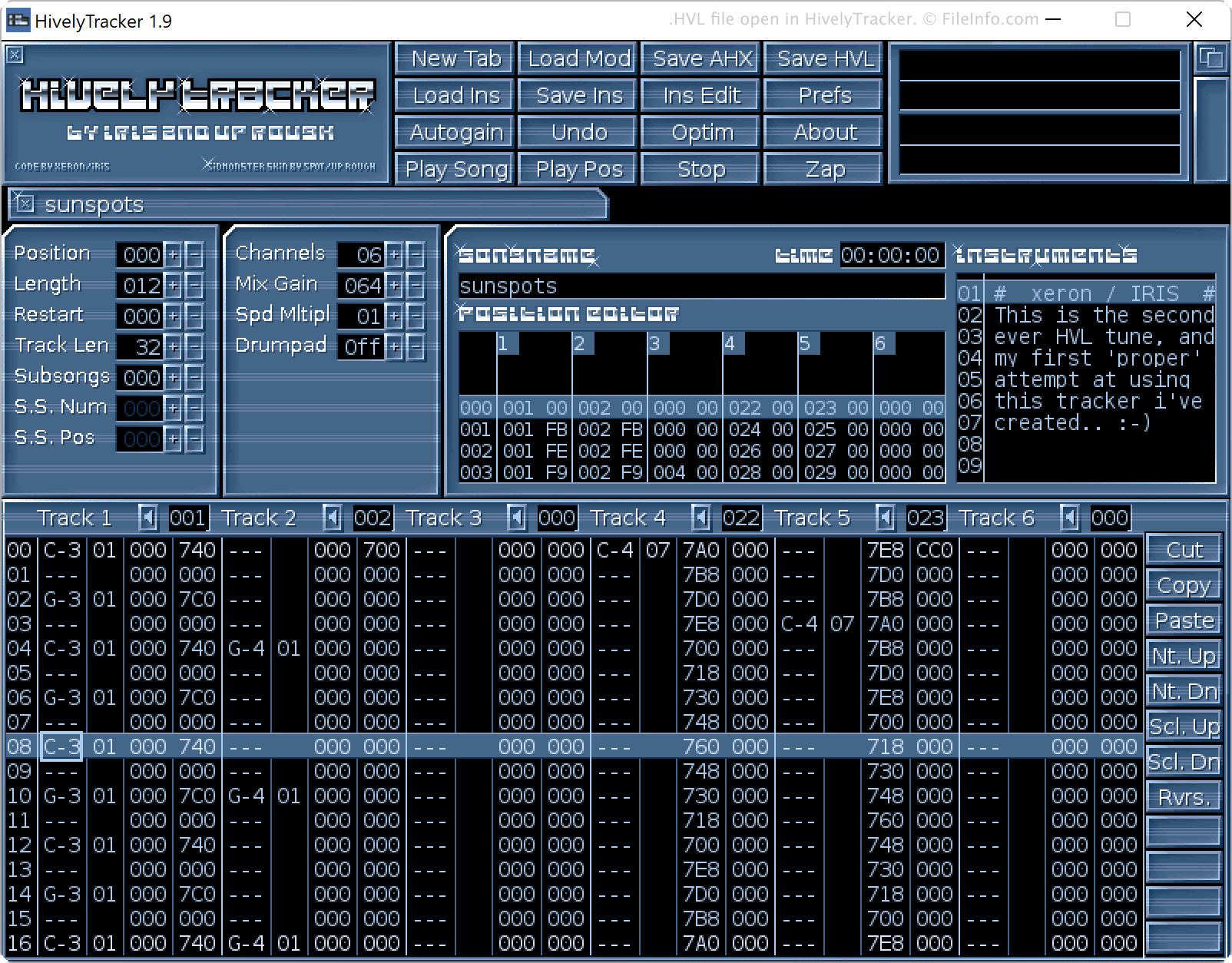
Hively Tracker是一款受Abyss' Highest eXperience(AHX)启发的音乐跟踪器。AHX是一款适用于Amiga计算机的经典跟踪器。与AHX一样,Hively Tracker可以导入和导出以.AHX格式保存的音频模块。不过,Hively Tracker还可以创建以HVL格式保存的模块,并在多个方面改进了AHX格式(包括支持包含多声道音频以及使用按声道设置的立体声声像)。
注: Hively Tracker适用于Windows、macOS、AmigaOS和MorphOS。
如何打开 HVL 文件
你可以使用Hively Tracker打开HVL文件。为此,请打开Hively Tracker并选择。然后,找到并打开你的HVL文件。要播放HVL文件中包含的歌曲,请选择。
如何转换 HVL 文件
你可以使用Hively Tracker将HVL文件转换为.AHX(Abyss' Highest eXperience模块)格式。为此,请使用Hively Tracker打开你的HVL文件,然后选择。
可打开 HVL 文件的程序
Windows
Mac