.FKR 文件扩展名
Free Keylogger Report
| 开发者 | IwantSoft |
| 受欢迎程度 |
1.5 | 2 票 |
什么是 FKR 文件?
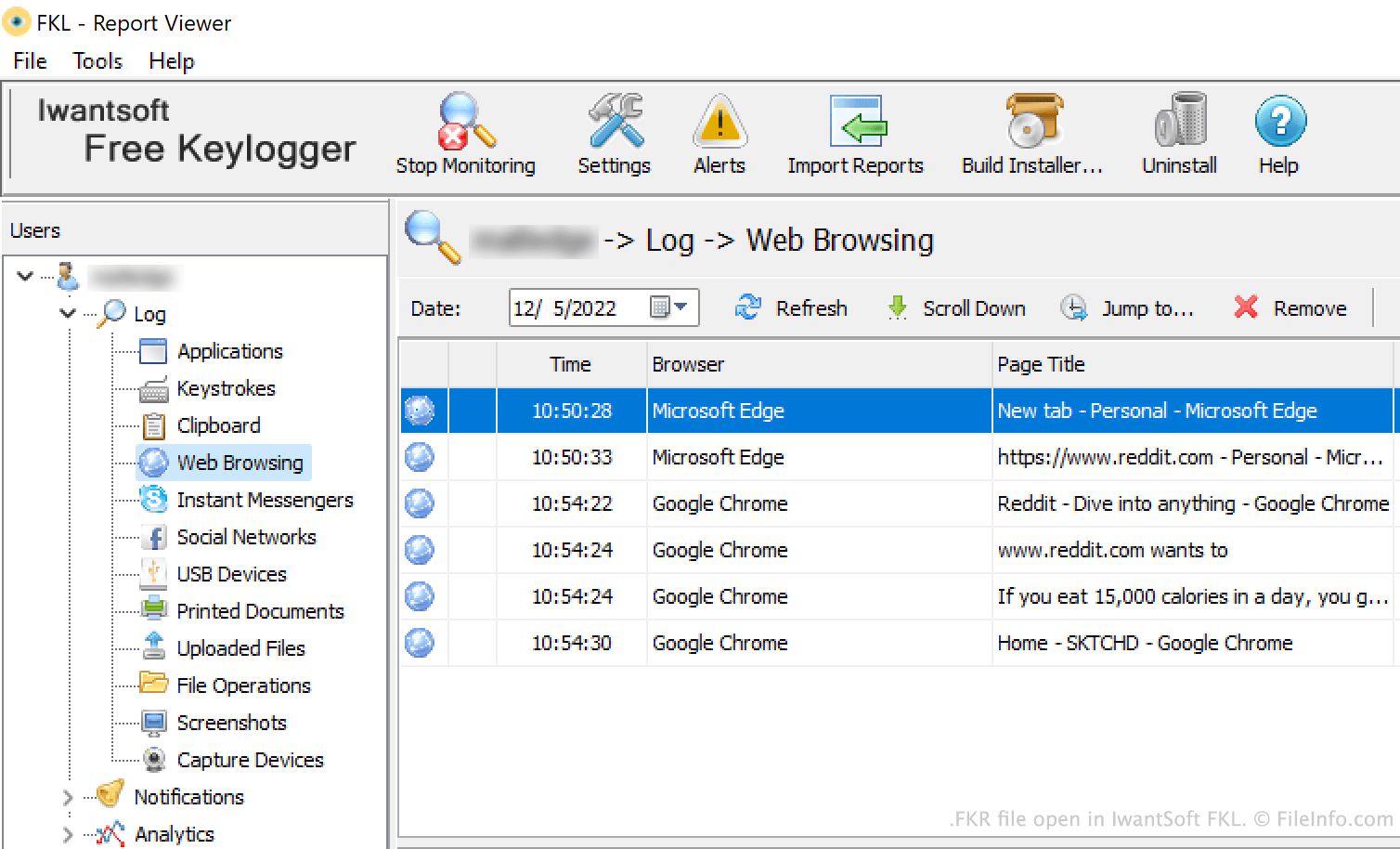
An FKR file is a report created by IwantSoft FKL, a Windows keylogger and activity monitoring application. It contains a log of the actions a user performed on their computer during a monitored timeframe. For example, an FKR file lists the applications a user opened, the keys they pressed, and the websites they visited.
更多信息
Businesses use IwantSoft FKL to monitor their employees' PC usage. Periodically, FKL sends reports of users' activities to an administrator via email, FTP, a local network, or Dropbox. These reports are saved as FKR files.
Administrators can open FKR files in FKL's Report Viewer to view the information they contain. The report's Log section shows all the activities a user performed, divided into categories. By default, this information is listed chronologically. The report's Analytics section shows bar graphs of a user's application and website usage.
如何打开 FKR 文件
You can open an FKR file with IwantSoft FKL (Windows). To do so, open FKL and click the Import Reports button. Then, navigate to and open your FKR file.