

.CUSTOMTANK 文件扩展名
Wee Tanks!自定义坦克
| 开发者 | Studio Kit |
| 受欢迎程度 |
4.7 | 7 票 |
什么是 CUSTOMTANK 文件?
CUSTOMTANK文件包含一个自定义坦克,可在Wee Tanks!中使用。玩家在创建自定义Wee Tanks!战役(.CAMPAIGN文件)时创建并加载CUSTOMTANK文件。
更多信息
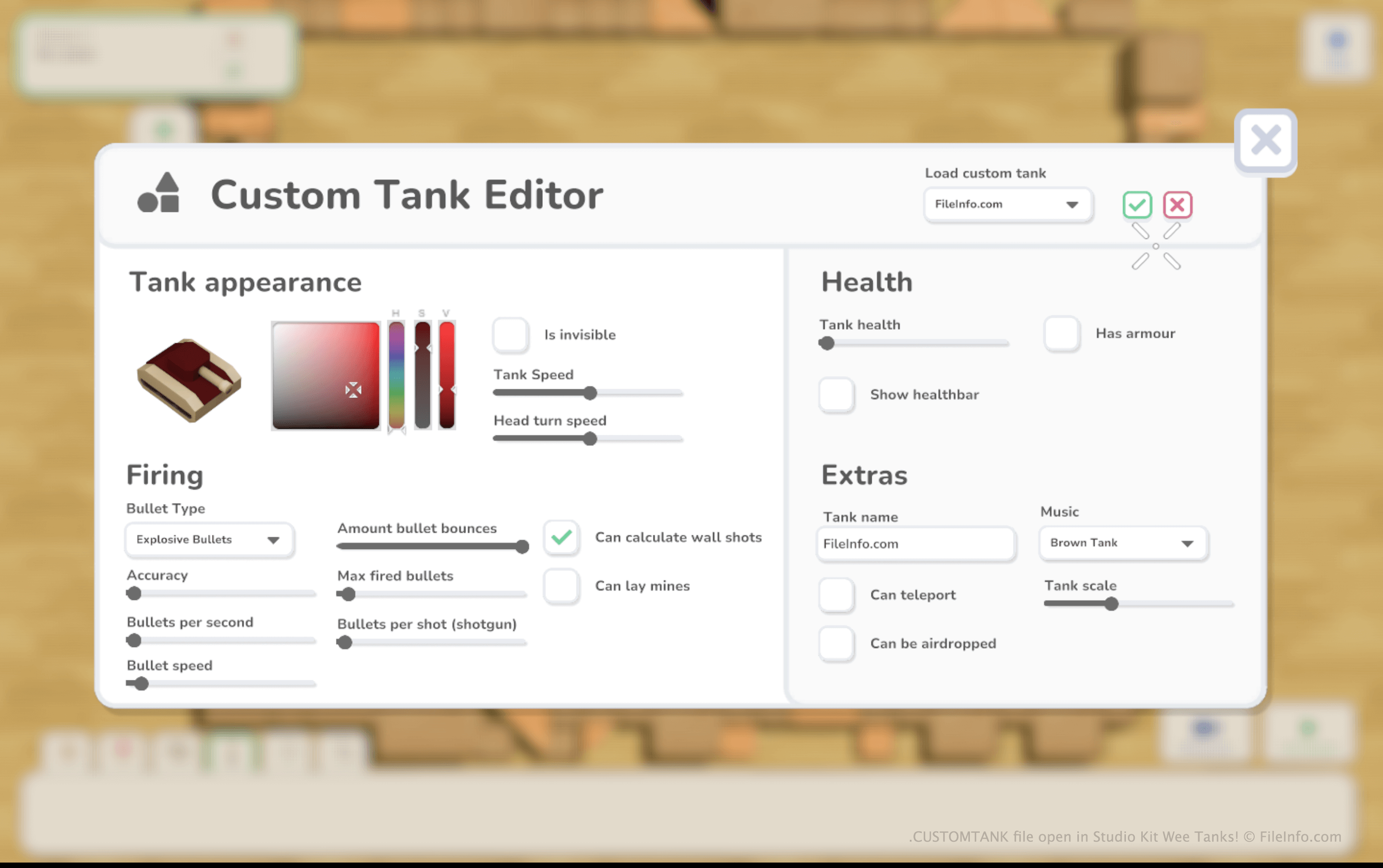
在Wee Tanks!中,玩家驾驶玩具坦克,尝试摧毁一系列敌方玩具坦克。玩家可以游玩Wee Tanks!的默认战役,也可以使用游戏的地图编辑器创建自己的地图和战役。
创建自定义战役时,玩家可以创建自定义敌方坦克并将其添加到战役中。为此,他们需要选择自定义坦克创建选项卡,然后点击。
创建自定义坦克后,玩家可以将坦克保存为CUSTOMTANK文件,以便在其他关卡中使用。Wee Tanks!会将CUSTOMTANK文件保存到Documents/My Games/Wee Tanks/custom_tanks目录。
如何打开 CUSTOMTANK 文件
你可以在Wee Tanks!(Windows、Mac)中打开CUSTOMTANK文件。操作步骤如下:
- 将文件放入你的Documents/My Games/Wee Tanks/custom_tanks目录。
- 打开Wee Tanks!,开始创建或编辑自定义战役。
- 战役加载后,选择自定义坦克创建选项卡。然后选择。
- 自定义坦克编辑器出现后,选择,加载CUSTOMTANK文件中包含的坦克。
可打开 CUSTOMTANK 文件的程序
Windows
Mac