.CSPROJ 文件扩展名
Visual Studio C# Project
| 开发者 | Microsoft |
| 受欢迎程度 |
3.8 | 38 票 |
什么是 CSPROJ 文件?
A CSPROJ file is a C# (C Sharp) programming project file created by Microsoft Visual Studio. It contains XML-formatted text that lists a project's included files and compilation options. Developers compile CSPROJ files using MSBuild (the Microsoft Build Engine).
更多信息
When developers create a new program in Microsoft Visual Studio, they start by creating a new project and associated project file. The project file contains information that MSBuild uses to compile the developer's project into an executable program. Specific types of Visual Studio projects use specific types of Visual Studio project files; C# projects use CSPROJ files.
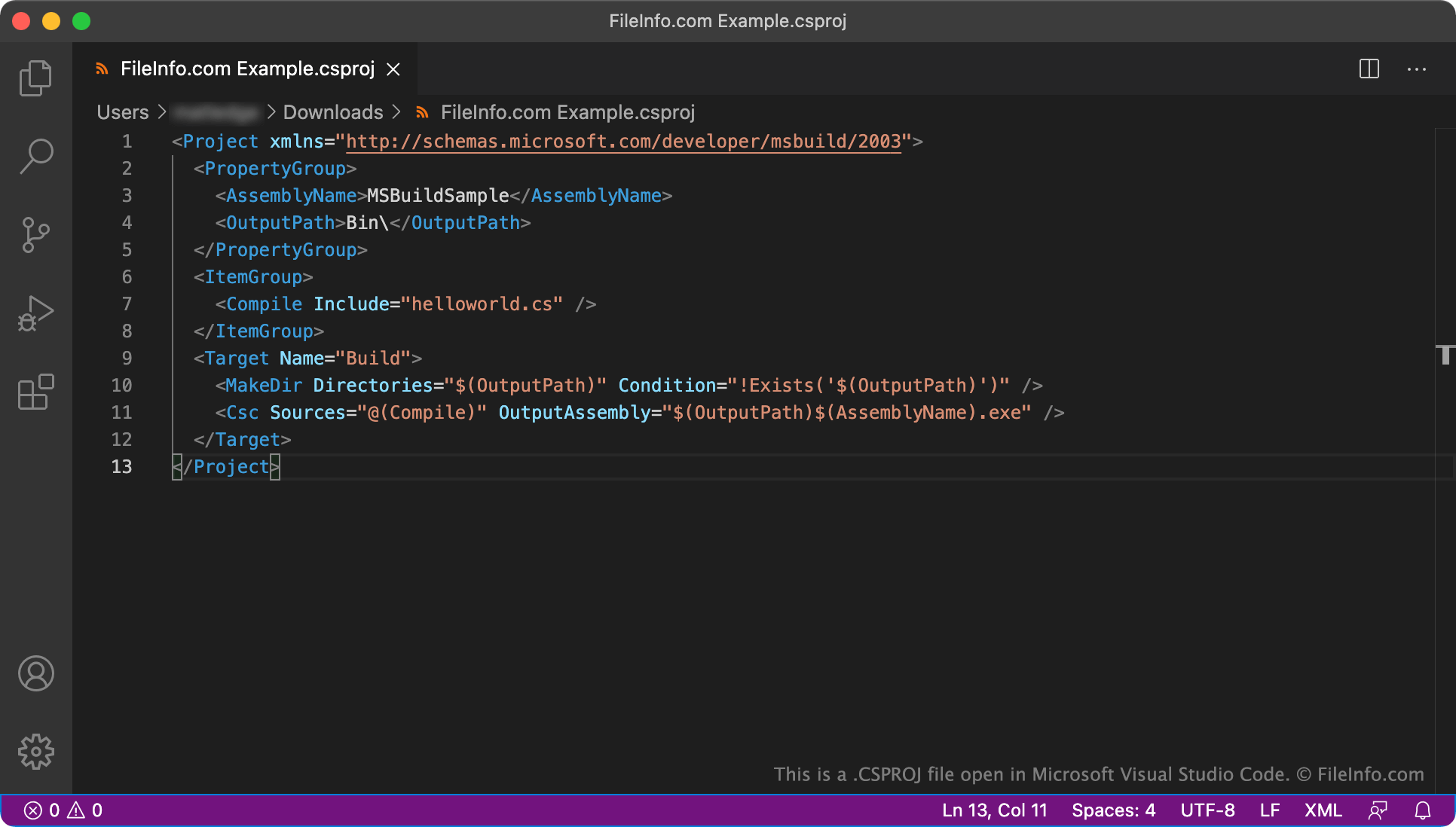
CSPROJ files define a project's content, platform requirements, versioning information, and web server or database server settings. They also list the files that are part of the project. All this information is defined using MSBuild's XML schema, which use the following elements (among others):
- <Project>: Used to identify the project file's XML schema and specify entry points for the build process.
- <PropertyGroup>: Used to define build configuration properties.
- <ItemGroup>: Used to add inputs, such as source code files, into the build system.
- <Target>: Used to specify and execute build operations.
How do I use a CSPROJ file to build an application?
To build a C# application developed in Visual Studio, a developer invokes MSBuild.exe from the Windows command-line interface along with the name of their CSPROJ file. For example, to build a project named MyProject.csproj, a developer would enter the command MSBuild.exe MyProject.csproj in the command prompt, along with any other appropriate command-line options.
如何打开 CSPROJ 文件
CSPROJ files are are meant to be opened and edited in Microsoft Visual Studio (Windows, Mac) as part of Visual Studio projects. However, because CSPROJ files are XML files, you can open and edit them in any text or source code editor.