.BPMN 文件扩展名
Business Process Model and Notation
| 开发者 | Camunda |
| 受欢迎程度 |
4.3 | 3 票 |
什么是 BPMN 文件?
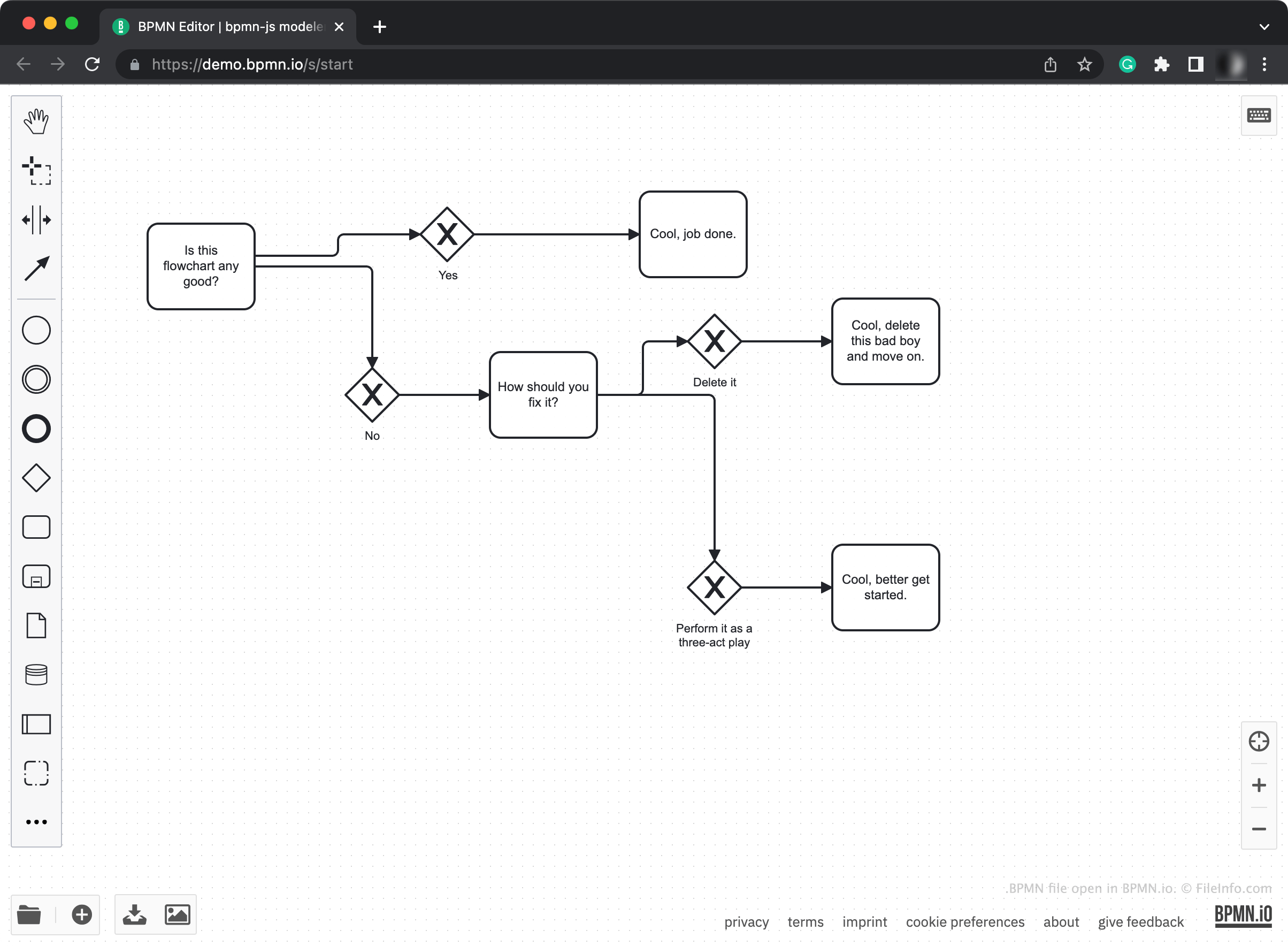
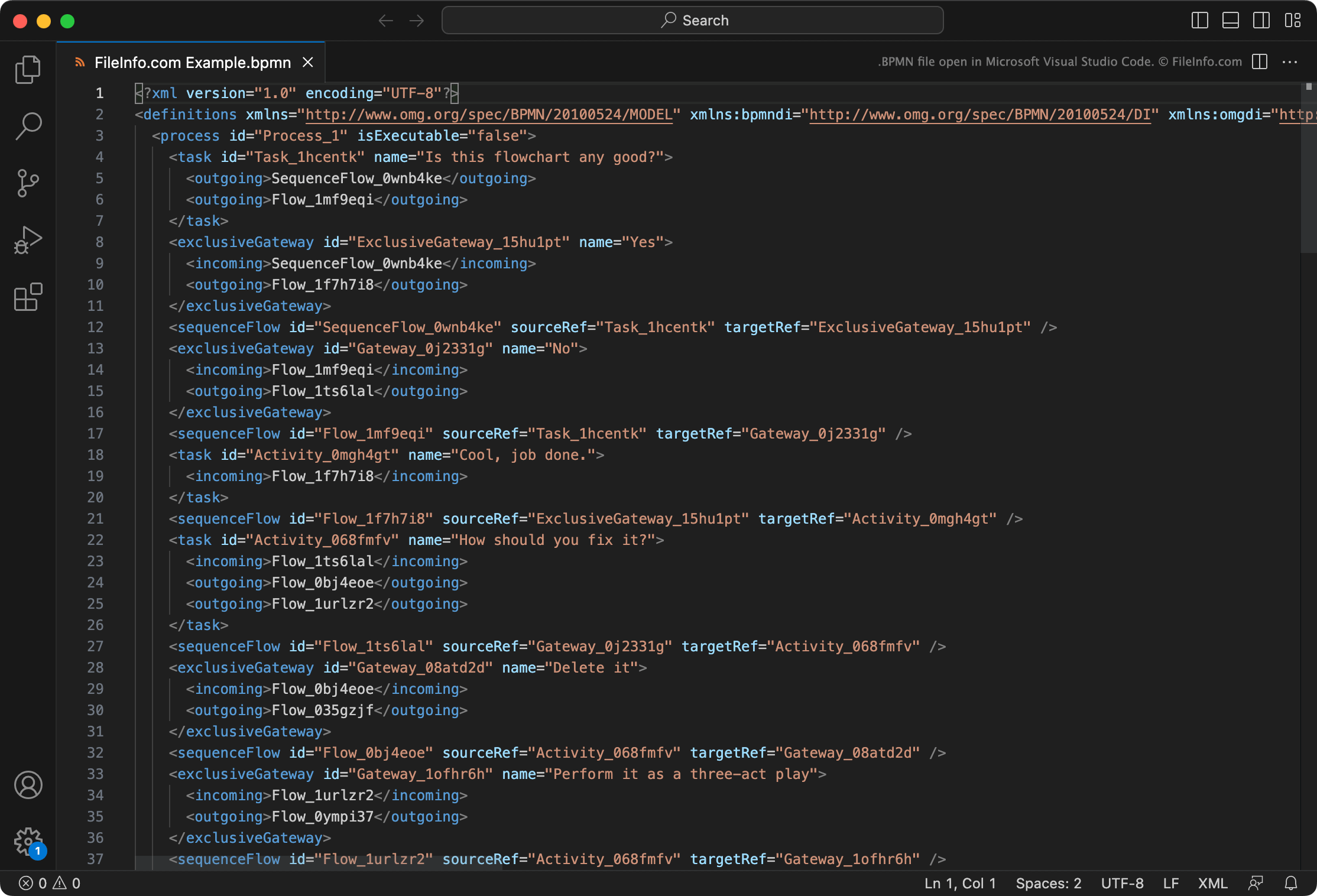
A BPMN file is a diagram created by Camunda BPMN Editor, an online diagramming tool. It contains XML data that specifies the diagram's included shapes, arrows, and text. Most often, the data a BPMN file contains describes a flowchart, which you can view by opening the file in BPMN.
更多信息
BPMN Editor is a diagram creation and editing tool that allows you to create flowcharts and process diagrams. You can then export these diagrams as .SVG files or use bpmn-js, a BPMN rendering toolkit, to embed the diagrams in a webpage or application.
Primarily, users access BPMN Editor from the website demo.bpmn.io. After using BPMN editor to create a diagram, you can save that diagram as a local BPMN file. This allows you to re-open and continue editing the diagram you've created at a later time, or embed your BPMN file within a webpage or application.
如何打开 BPMN 文件
You can open a BPMN file with Camunda BPMN Editor. To do so:
- Navigate to demo.bpmn.io in your web browser.
- Select the Folder icon that appears in the bottom-left corner.
- Navigate to and open your BPMN file.
If you do not have access to BPMN Editor (for example, because you are offline), you can instead open a BPMN file in Microsoft Visual Studio Code or any other text editor to view the XML data it contains. Opening a BPMN file in a source code editor, like Visual Studio Code, is more useful than opening it in a regular text editor, like Microsoft Notepad, because source code editors highlight XML syntax.
如何转换 BPMN 文件
You can use BPMN Editor to export the diagram a BPMN file describes as an .SVG image. To do so, select the Image icon that appears in the program's bottom-left corner. Then, name and save your SVG file.