
.ATOM 文件扩展名

Atom Syndication Format File

开发者 Internet Engineering Task Froce
受欢迎程度
2.8  |  12 
 

什么是 ATOM 文件?

An ATOM file contains a website feed saved in the Atom Syndication Format. This feed consists of XML-formatted data, which lists the website's recent articles (or other content). You are most likely to encounter an ATOM file in your web browser, when viewing a website's Atom feed.

更多信息

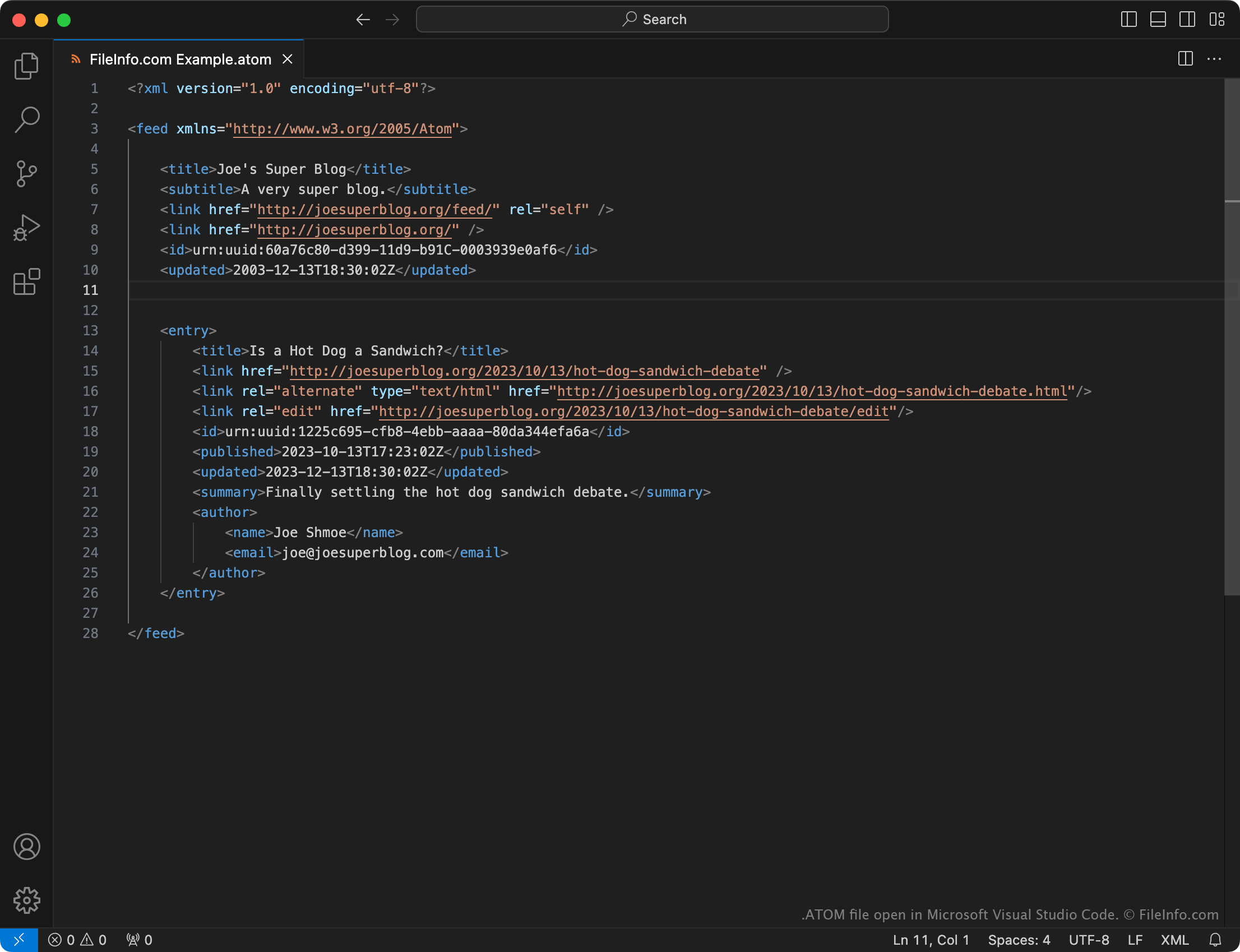
在 Microsoft Visual Studio Code 中打开的 .atom 文件截图
在 Microsoft Visual Studio Code 中打开的 ATOM 文件

Web feeds are files that contain a list of a website's recent updates, typically saved in an XML format. When a user publishes an update to a website that uses a web feed, they (or their website's content management software) also update its feed to include a summary of the new content. Users subscribed to the website's feed are then notified of the new content.

Atom is a feed format that was created to compete with the more popular .RSS format. Just like RSS feeds, Atom feeds are formatted using XML.

In most cases, users who subscribe to an Atom feed will never need to view an ATOM file. Instead, they can simply enter the URL of a website's ATOM file into their Atom feed reader, to subscribe to the feed the file describes.

However, in some cases, users may download the current version of an Atom feed as an ATOM file. For example, a web developer may want to download a website's Atom feed as an ATOM file to inspect the feed's structure or troubleshoot feed issues.

如何打开 ATOM 文件

If you've downloaded an ATOM file, you can open it in any text editor or web browser to view the data it contains.

To subscribe to a website's Atom feed, you must typically enter the website's Atom feed address into your feed reader.

使用File Viewer Plus打开 400 多种文件格式。免费下载

可打开 ATOM 文件的程序

All Platforms
分类: 网页
更新时间: 2023-10-13

验证者 FileInfo.com

FileInfo.com 团队 独立研究了本页面列出的 Atom Syndication Format 文件格式和 应用。 我们的目标是达到 100% 的准确率,并且仅发布我们已验证过的文件类型信息。

如果您想为此页面提出新增或更新建议,请告诉我们