
.ATOM 파일 확장자

Atom Syndication Format File

개발사 Internet Engineering Task Froce
인기도
2.8  |  12 투표
 

ATOM 파일이란 무엇인가요?

An ATOM file contains a website feed saved in the Atom Syndication Format. This feed consists of XML-formatted data, which lists the website's recent articles (or other content). You are most likely to encounter an ATOM file in your web browser, when viewing a website's Atom feed.

추가 정보

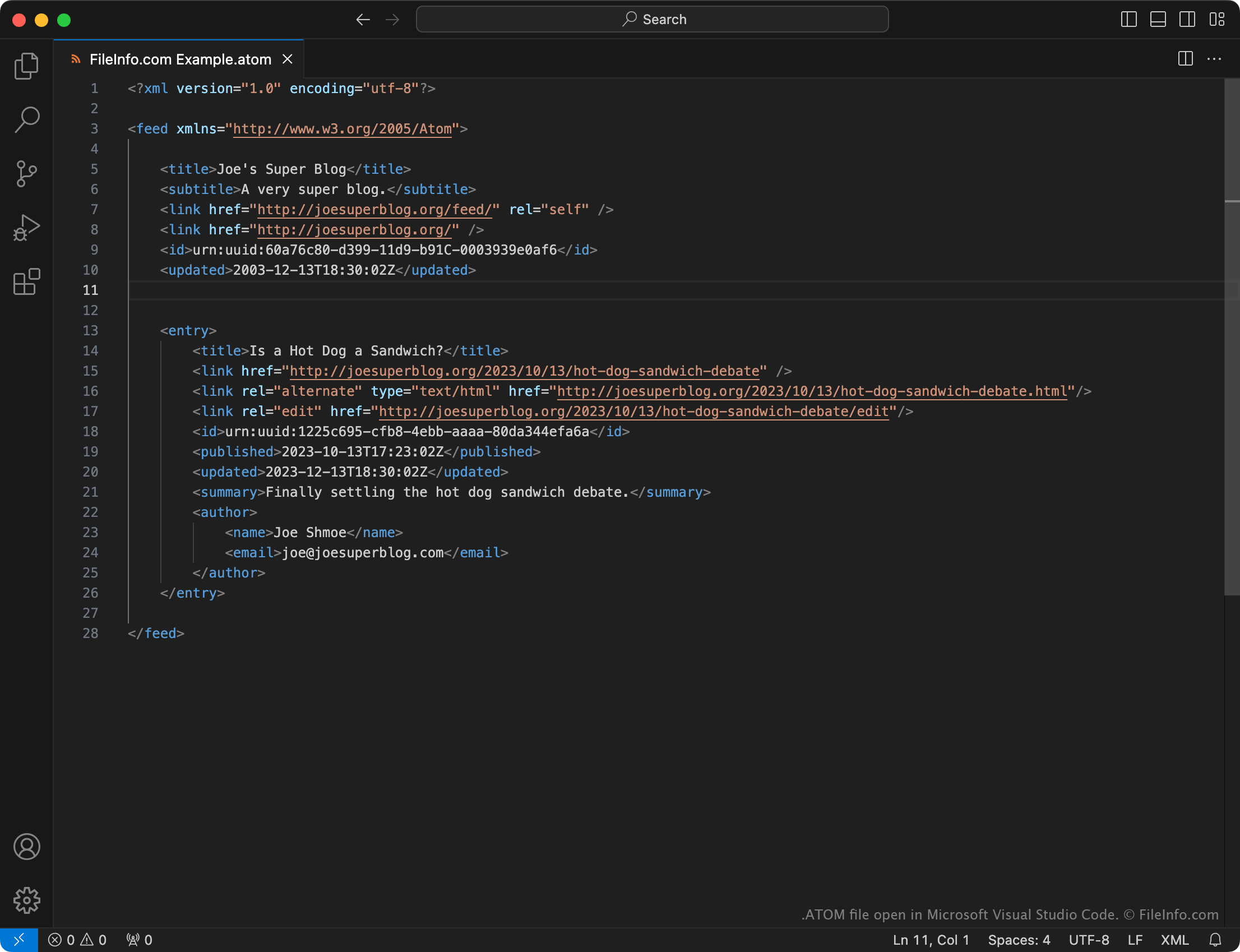
Microsoft Visual Studio Code에서 열린 .atom 파일의 스크린샷
Microsoft Visual Studio Code에서 열린 ATOM 파일

Web feeds are files that contain a list of a website's recent updates, typically saved in an XML format. When a user publishes an update to a website that uses a web feed, they (or their website's content management software) also update its feed to include a summary of the new content. Users subscribed to the website's feed are then notified of the new content.

Atom is a feed format that was created to compete with the more popular .RSS format. Just like RSS feeds, Atom feeds are formatted using XML.

In most cases, users who subscribe to an Atom feed will never need to view an ATOM file. Instead, they can simply enter the URL of a website's ATOM file into their Atom feed reader, to subscribe to the feed the file describes.

However, in some cases, users may download the current version of an Atom feed as an ATOM file. For example, a web developer may want to download a website's Atom feed as an ATOM file to inspect the feed's structure or troubleshoot feed issues.

ATOM 파일을 여는 방법

If you've downloaded an ATOM file, you can open it in any text editor or web browser to view the data it contains.

To subscribe to a website's Atom feed, you must typically enter the website's Atom feed address into your feed reader.

File Viewer Plus(으)로 400개 이상의 파일 형식을 여세요.무료 다운로드

ATOM 파일을 여는 프로그램

All Platforms
카테고리:
업데이트: 2023-10-13

검증자 FileInfo.com

FileInfo.com 팀 이 페이지에 나열된 Atom Syndication Format 파일 형식과 앱을 독자적으로 조사했습니다. 저희의 목표는 100% 정확성이며, 검증한 파일 유형에 대한 정보만 게시합니다.

이 페이지에 추가하거나 업데이트할 내용을 제안하고 싶으시면 알려 주세요.