

.TNZ Extensão de arquivo
Cena do OpenToonz
| Desenvolvedor | Dwango |
| Popularidade |
3,3 | 3 Votos |
O que é um arquivo TNZ?
Um arquivo TNZ é uma cena criada pelo Dwango OpenToonz, um aplicativo de animação 2D de código aberto. Ele contém dados formatados em XML que especificam as propriedades e o conteúdo da cena. Os arquivos TNZ não contêm nenhuma das imagens ou outros recursos usados em uma cena.
Mais informações
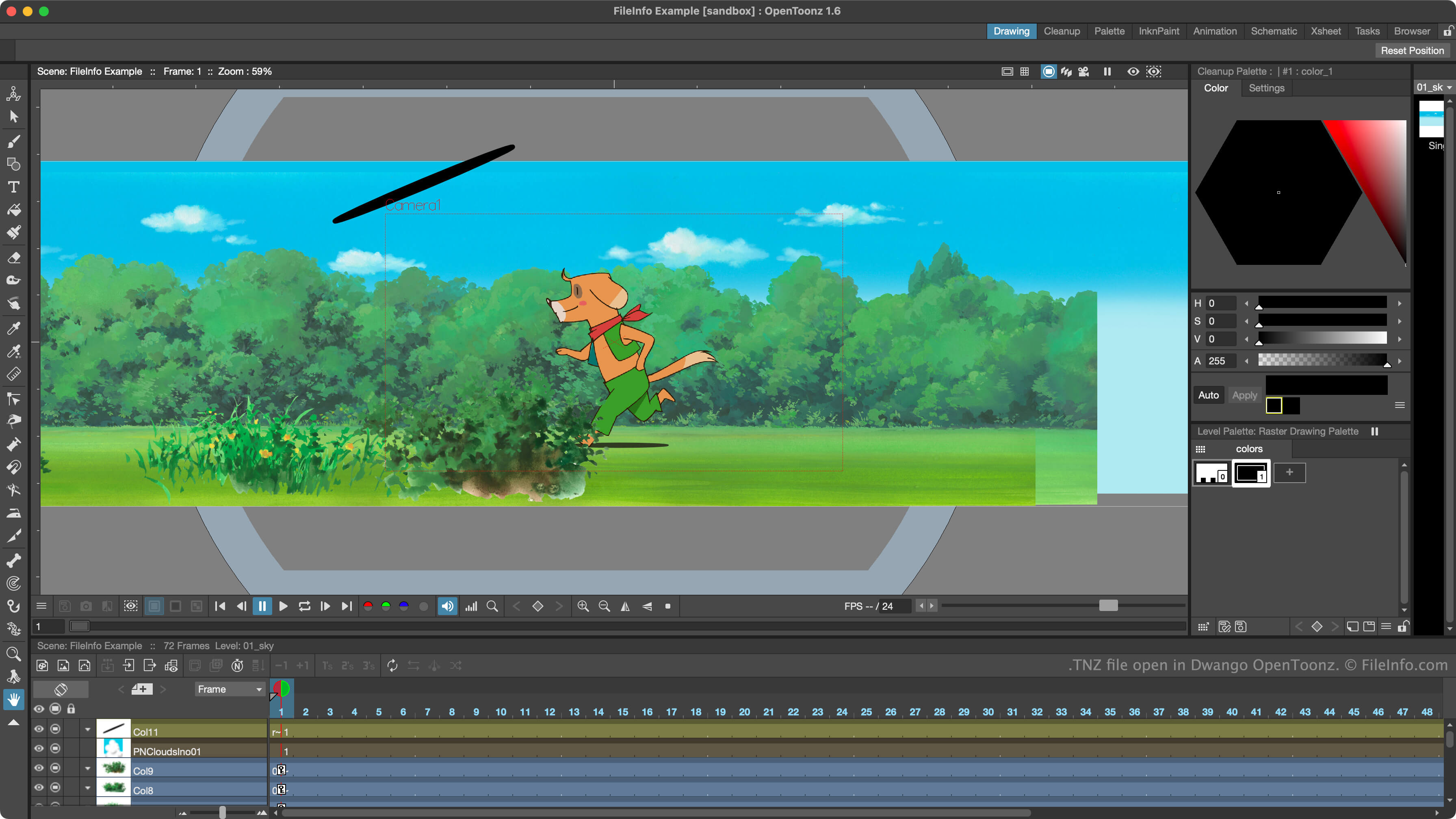
Animadores usam o OpenToonz para criar cenas de animação 2D. Originalmente conhecido como Toonz, o programa se tornou de código aberto em 2016 e foi renomeado para OpenToonz.
O OpenToonz salva os projetos de criação de cenas dos animadores como arquivos TNZ. Esses arquivos são arquivos de texto simples que especificam as configurações da cena, os recursos incluídos e as animações. Por padrão, o OpenToonz salva os arquivos TNZ no diretório scenes.
É importante observar que os arquivos TNZ não contêm uma cópia dos recursos usados em uma cena. Em vez disso, eles contêm referências ao local onde esses recursos estão armazenados. Se você mover os recursos referenciados por um arquivo TNZ, ou o próprio arquivo TNZ, poderá ter dificuldade para abrir o arquivo no OpenToonz.
NOTA: O OpenToonz salva cópias de backup dos arquivos TNZ dos usuários como arquivos TNZ.BAK. Para usar esses arquivos, remova .bak da extensão.
Como abrir um arquivo TNZ
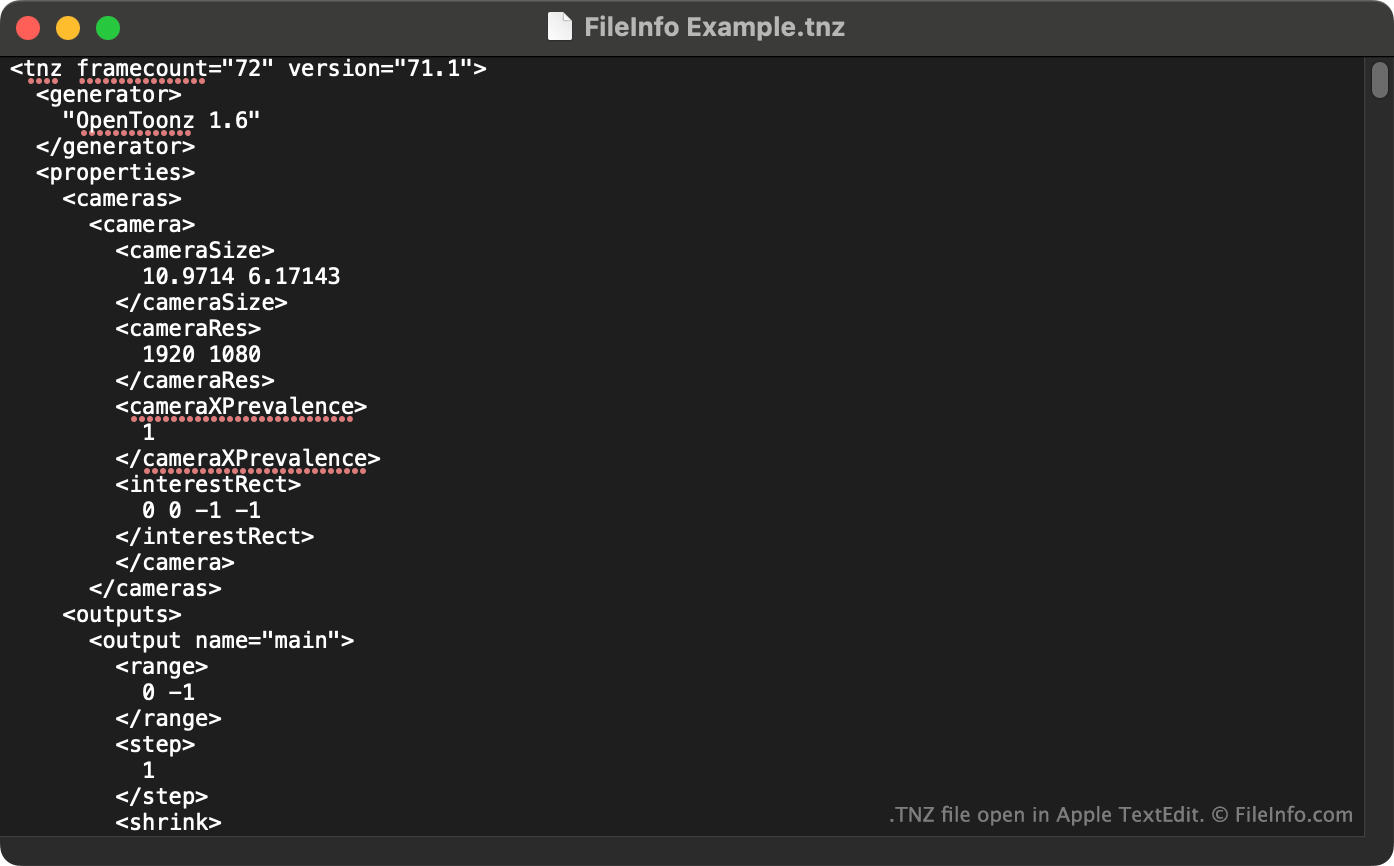
Você pode abrir um arquivo TNZ com o Dwango OpenToonz (Windows, Mac). Para fazer isso, selecione na barra de menus do programa. Em seguida, navegue até o arquivo TNZ e abra-o.
Você também pode visualizar os dados de texto simples contidos em um arquivo TNZ no Microsoft Notepad (Windows), no Apple TextEdit (Mac) ou em qualquer outro editor de texto.