

.TNZ Extension de fichier
Scène OpenToonz
| Développeur | Dwango |
| Popularité |
3,3 | 3 Votes |
Qu'est-ce qu'un fichier TNZ ?
Un fichier TNZ est une scène créée par Dwango OpenToonz, une application d’animation 2D open source. Il contient des données au format XML qui spécifient les propriétés et le contenu de la scène. Les fichiers TNZ ne contiennent aucune des images ni aucun autre élément utilisé dans une scène.
Plus d'informations
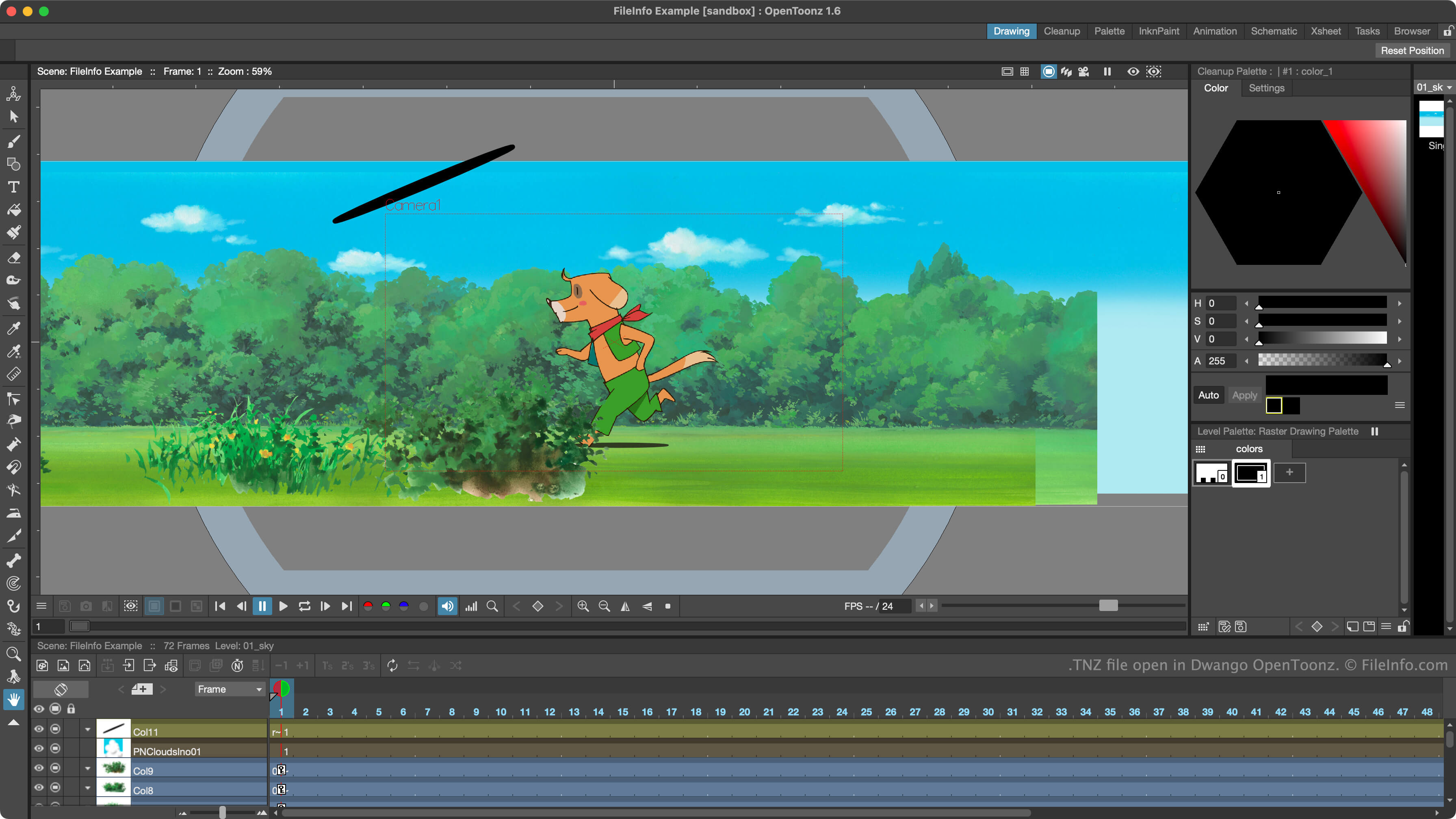
Les animateurs utilisent OpenToonz pour créer des scènes animées en 2D. Connu à l’origine sous le nom de Toonz, le programme est devenu open source en 2016 et a été renommé OpenToonz.
OpenToonz enregistre les projets de création de scènes des animateurs dans des fichiers TNZ. Ces fichiers sont des fichiers texte brut qui spécifient les paramètres d’une scène, les éléments inclus et les animations. Par défaut, OpenToonz enregistre les fichiers TNZ dans son répertoire scenes.
Il est important de noter que les fichiers TNZ ne contiennent pas de copie des éléments utilisés dans une scène. Ils contiennent plutôt des références indiquant où ces éléments sont stockés. Si vous déplacez les éléments référencés par un fichier TNZ, ou le fichier TNZ lui-même, vous risquez d’avoir des difficultés à ouvrir le fichier dans OpenToonz.
REMARQUE : OpenToonz enregistre des sauvegardes des fichiers TNZ des utilisateurs sous forme de fichiers TNZ.BAK. Pour utiliser ces fichiers, supprimez .bak de leur extension.
Comment ouvrir un fichier TNZ
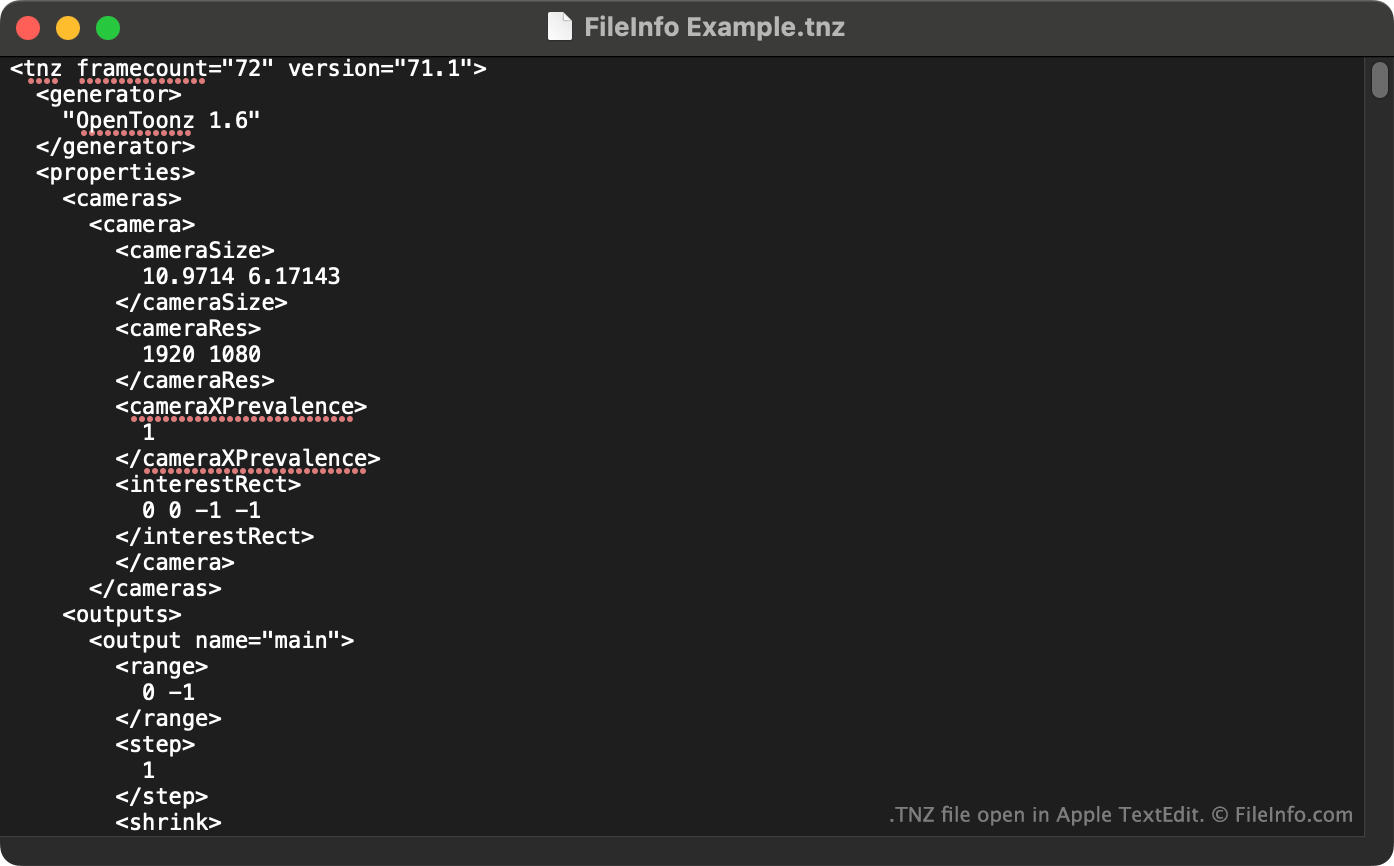
Vous pouvez ouvrir un fichier TNZ avec Dwango OpenToonz (Windows, Mac). Pour ce faire, sélectionnez dans la barre de menus du programme. Ensuite, accédez à votre fichier TNZ et ouvrez-le.
Vous pouvez également afficher les données en texte brut contenues dans un fichier TNZ dans Microsoft Notepad (Windows), Apple TextEdit (Mac) ou tout autre éditeur de texte.