

.TNZ Bestandsextensie
OpenToonz-scène
| Ontwikkelaar | Dwango |
| Populariteit |
3,3 | 3 stemmen |
Wat is een TNZ-bestand?
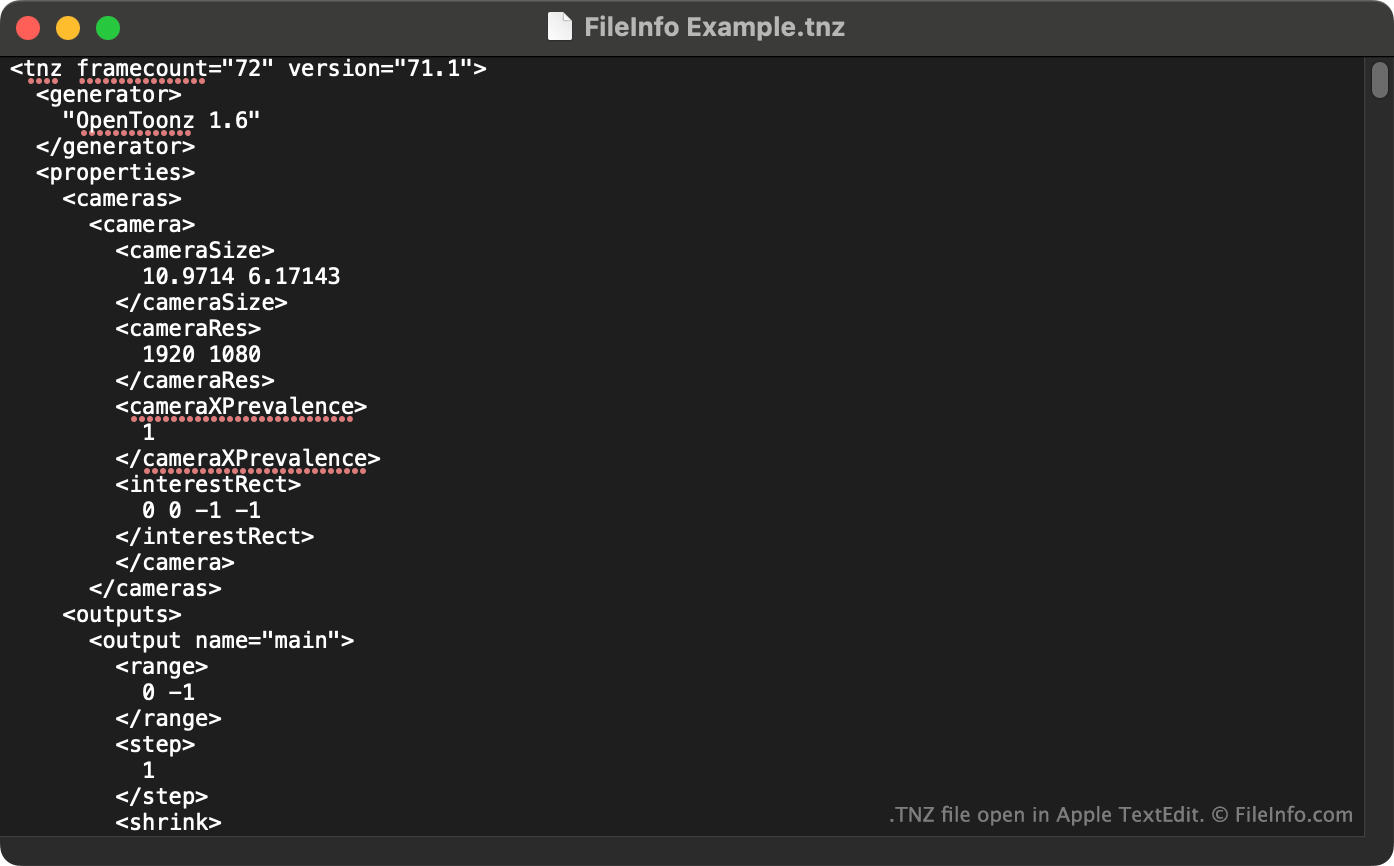
Een TNZ-bestand is een scène die is gemaakt met Dwango OpenToonz, een opensourceprogramma voor 2D-animatie. Het bevat gegevens in XML-indeling die de eigenschappen en inhoud van de scène specificeren. TNZ-bestanden bevatten geen van de afbeeldingen of andere assets die in een scène worden gebruikt.
Meer informatie
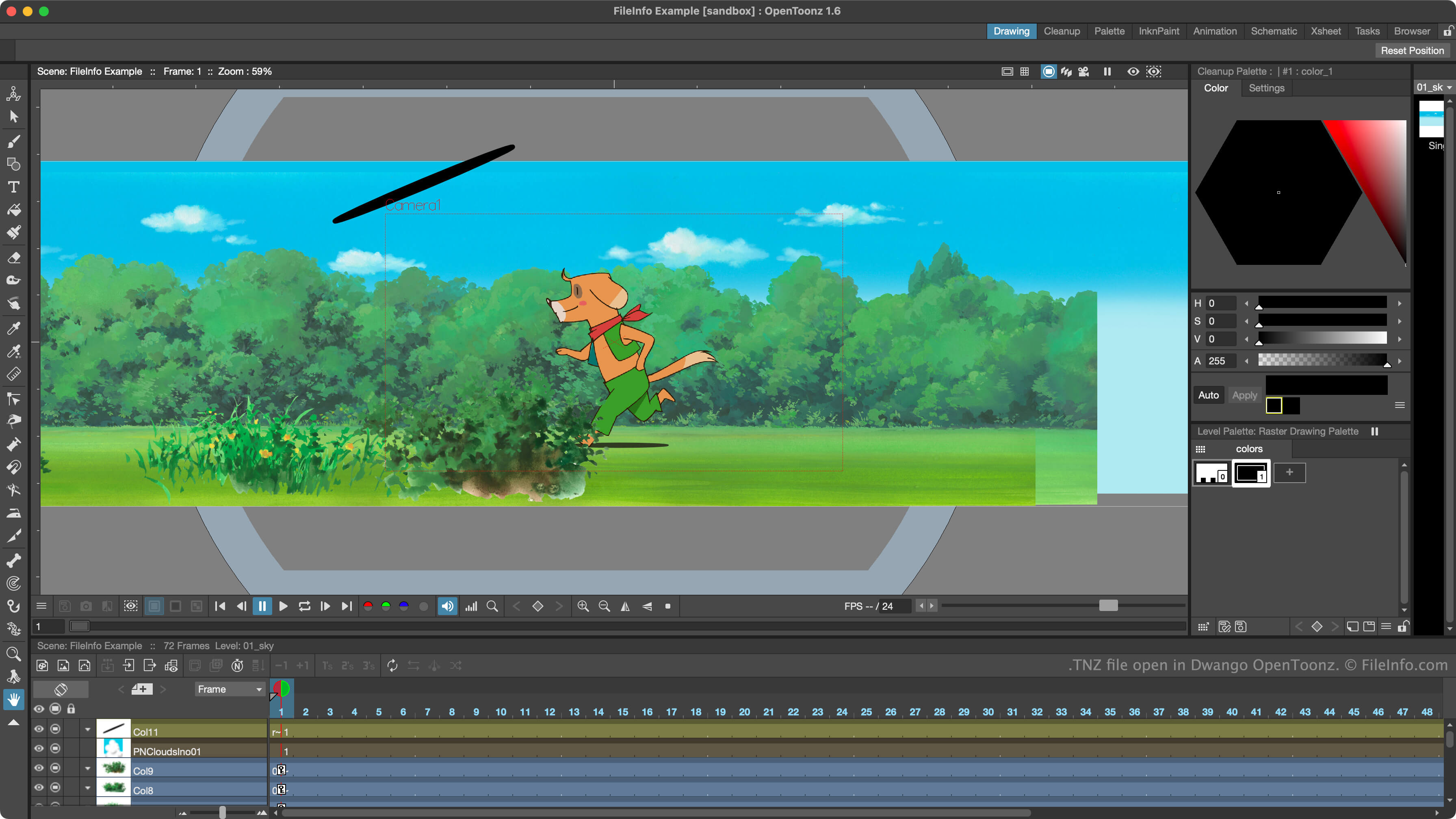
Animatoren gebruiken OpenToonz om geanimeerde 2D-scènes te maken. Het programma stond oorspronkelijk bekend als Toonz, werd in 2016 opensource en kreeg toen de naam OpenToonz.
OpenToonz slaat de projecten van animatoren voor het maken van scènes op als TNZ-bestanden. Deze bestanden zijn tekstbestanden zonder opmaak waarin de instellingen, opgenomen assets en animaties van een scène worden gespecificeerd. OpenToonz slaat TNZ-bestanden standaard op in de map scenes.
TNZ-bestanden bevatten met name geen kopie van de assets die in een scène worden gebruikt. In plaats daarvan bevatten ze verwijzingen naar de locaties waar die assets zijn opgeslagen. Als je de assets waarnaar een TNZ-bestand verwijst, of het TNZ-bestand zelf, verplaatst, kun je problemen ondervinden bij het openen van het bestand in OpenToonz.
OPMERKING: OpenToonz slaat back-ups van de TNZ-bestanden van gebruikers op als TNZ.BAK-bestanden. Als je deze bestanden wilt gebruiken, verwijder je .bak uit hun extensie.
Een TNZ-bestand openen
Je kunt een TNZ-bestand openen met Dwango OpenToonz (Windows, Mac). Selecteer daarvoor in de menubalk van het programma. Ga vervolgens naar je TNZ-bestand en open het.
Je kunt de tekstgegevens in een TNZ-bestand ook bekijken in Microsoft Notepad (Windows), Apple TextEdit (Mac) of een andere teksteditor.