

.RS~ Extensão de arquivo
Arquivo de código-fonte Rust para desenvolvimento
| Desenvolvedor | Rust Foundation |
| Popularidade |
2,0 | 1 Voto |
O que é um arquivo RS~?
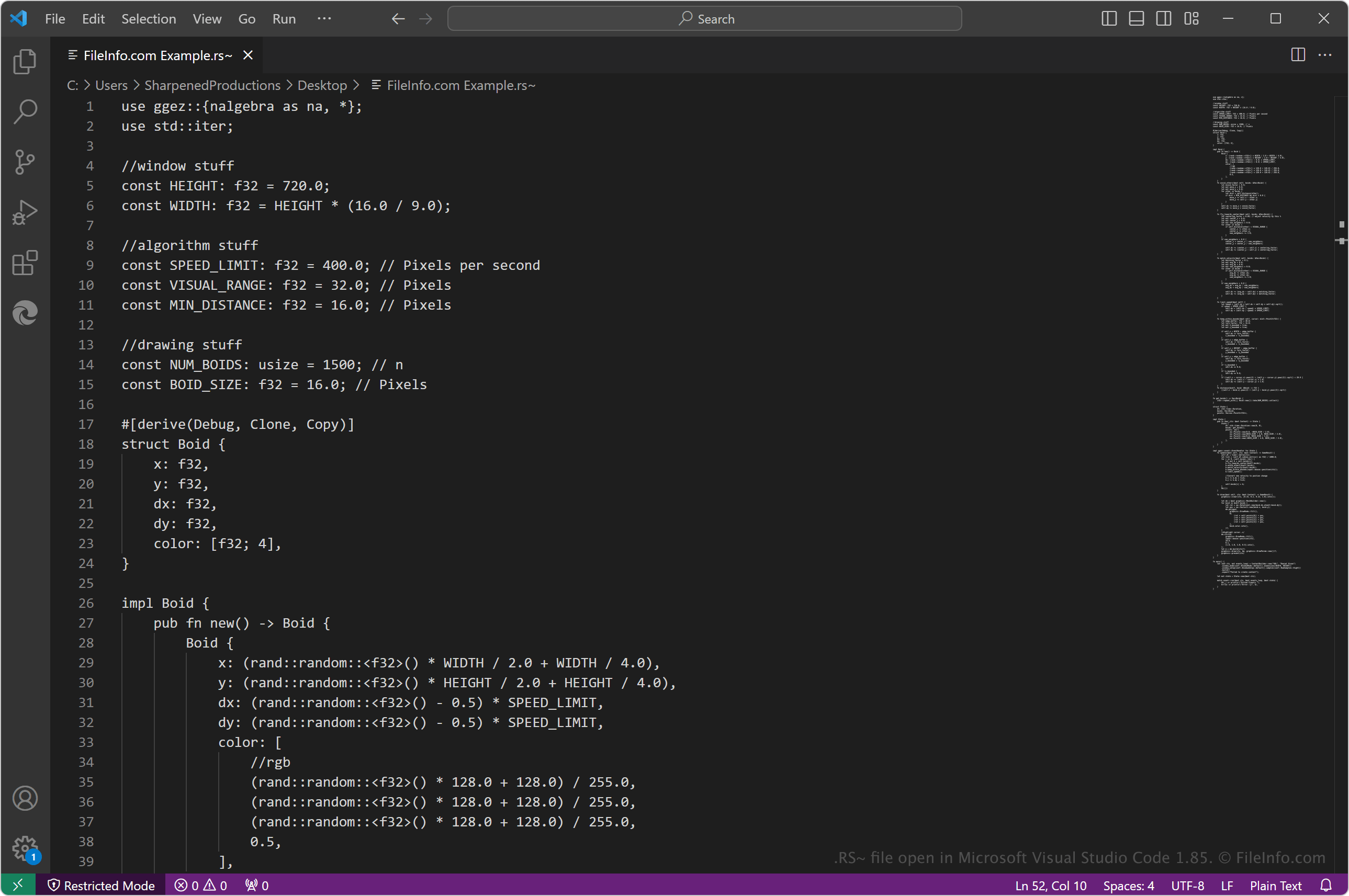
Um arquivo RS~ contém código-fonte Rust semelhante a um arquivo .RS, mas os desenvolvedores o utilizam durante a etapa de desenvolvimento para indicar a si mesmos e a outras pessoas que o código-fonte não está pronto para ser compilado. Os desenvolvedores Rust removem então o ~ da extensão de arquivo .rs~ quando estão prontos para compilar o código-fonte com o compilador rustc do Rust em código de máquina para executá-lo como um programa na plataforma de destino.
Mais informações
Rust é uma linguagem de programação de uso geral utilizada em várias tecnologias, incluindo Azure, Amazon Web Services (AWS), Dropbox e Cloudflare. Alguns de seus principais recursos incluem desempenho, segurança da memória, integração com outras linguagens e capacidade de ser executada em dispositivos incorporados.
Como abrir um arquivo RS~
Você pode abrir arquivos RS~ com o Rust, que permite editar e compilar código-fonte Rust (o compilador rustc está incluído no Rust). Você pode instalar o Rust em várias plataformas ou usar o Rust Playground (a versão online disponível no site do Rust).
Você também pode abrir e editar arquivos RS~ com vários editores de código-fonte e texto simples, incluindo Microsoft Visual Studio Code (multiplataforma), Sublime Text (multiplataforma), Microsoft Notepad (Windows) e Apple TextEdit (Mac). Talvez seja necessário remover o ~ da extensão de arquivo .rs~ para que o editor de código-fonte identifique a linguagem de programação Rust e ofereça recursos de codificação, como recursos de realce de sintaxe.