

.RS~ Estensione file
File di sviluppo del codice sorgente Rust
| Sviluppatore | Rust Foundation |
| Popolarità |
2,0 | 1 Voto |
Che cos'è un file RS~?
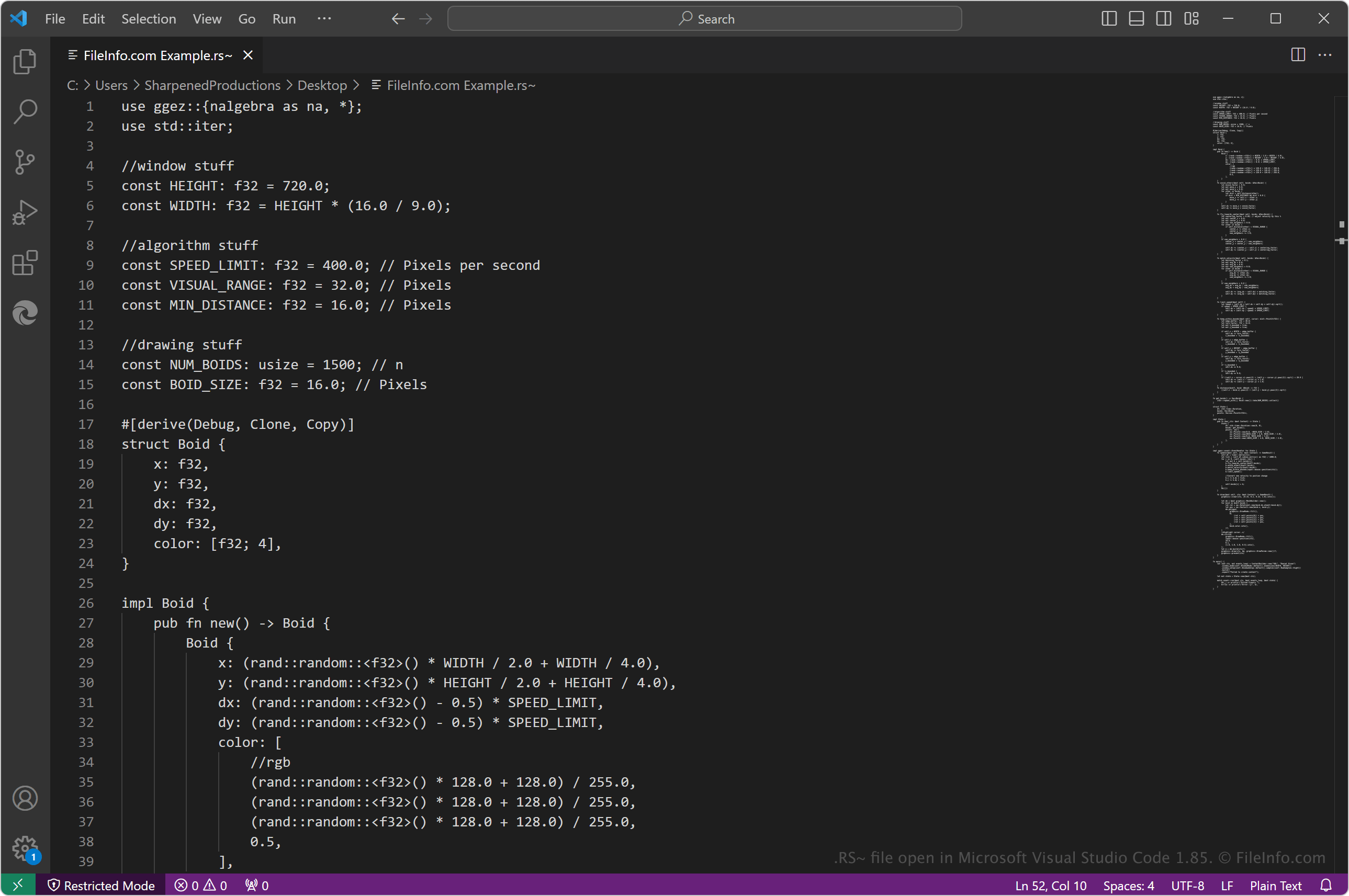
Un file RS~ contiene codice sorgente Rust simile a un file .RS, ma gli sviluppatori lo usano durante la fase di sviluppo per indicare a se stessi e agli altri che il codice sorgente non è pronto per essere compilato. Gli sviluppatori Rust rimuovono quindi il ~ dall'estensione del file .rs~ quando sono pronti a compilare il codice sorgente con il compilatore rustc di Rust in codice macchina, da eseguire come programma sulla piattaforma di destinazione.
Maggiori informazioni
Rust è un linguaggio di programmazione generico utilizzato in varie tecnologie, tra cui Azure, Amazon Web Services (AWS), Dropbox e Cloudflare. Alcune delle sue caratteristiche principali sono le prestazioni, la sicurezza della memoria, l'integrazione con altri linguaggi e la capacità di funzionare su dispositivi integrati.
Come aprire un file RS~
Puoi aprire i file RS~ con Rust, che ti consente di modificare e compilare il codice sorgente Rust (il compilatore rustc è incluso in Rust). Puoi installare Rust su varie piattaforme oppure usare Rust Playground (la versione online disponibile tramite il sito web di Rust).
Puoi anche aprire e modificare i file RS~ con vari editor di codice sorgente e di testo semplice, tra cui Microsoft Visual Studio Code (multipiattaforma), Sublime Text (multipiattaforma), Microsoft Notepad (Windows) e Apple TextEdit (Mac). Potrebbe essere necessario rimuovere il ~ dall'estensione del file .rs~ affinché l'editor di codice sorgente riconosca il linguaggio di programmazione Rust e fornisca funzionalità di codifica, come l'evidenziazione della sintassi.