

.LRLIBRARY Rozszerzenie pliku
Biblioteka Adobe Lightroom
| Deweloper | Adobe Systems |
| Popularność |
4,2 | 5 Głosów |
Czym jest plik LRLIBRARY?
Plik LRLIBRARY to biblioteka zdjęć używana przez Adobe Lightroom, aplikację do edycji i zarządzania zdjęciami. Przechowuje kopie obrazów importowanych przez użytkowników do Lightrooma oraz dane, do których aplikacja odwołuje się podczas organizowania i zarządzania zaimportowanymi obrazami, co pomaga skrócić czas ładowania (podobnie jak pamięć podręczna). Lightroom automatycznie tworzy plik LRLIBRARY o nazwie Lightroom Library.lrlibrary i zapisuje go w folderze Pictures użytkownika podczas instalowania aplikacji.
Więcej informacji
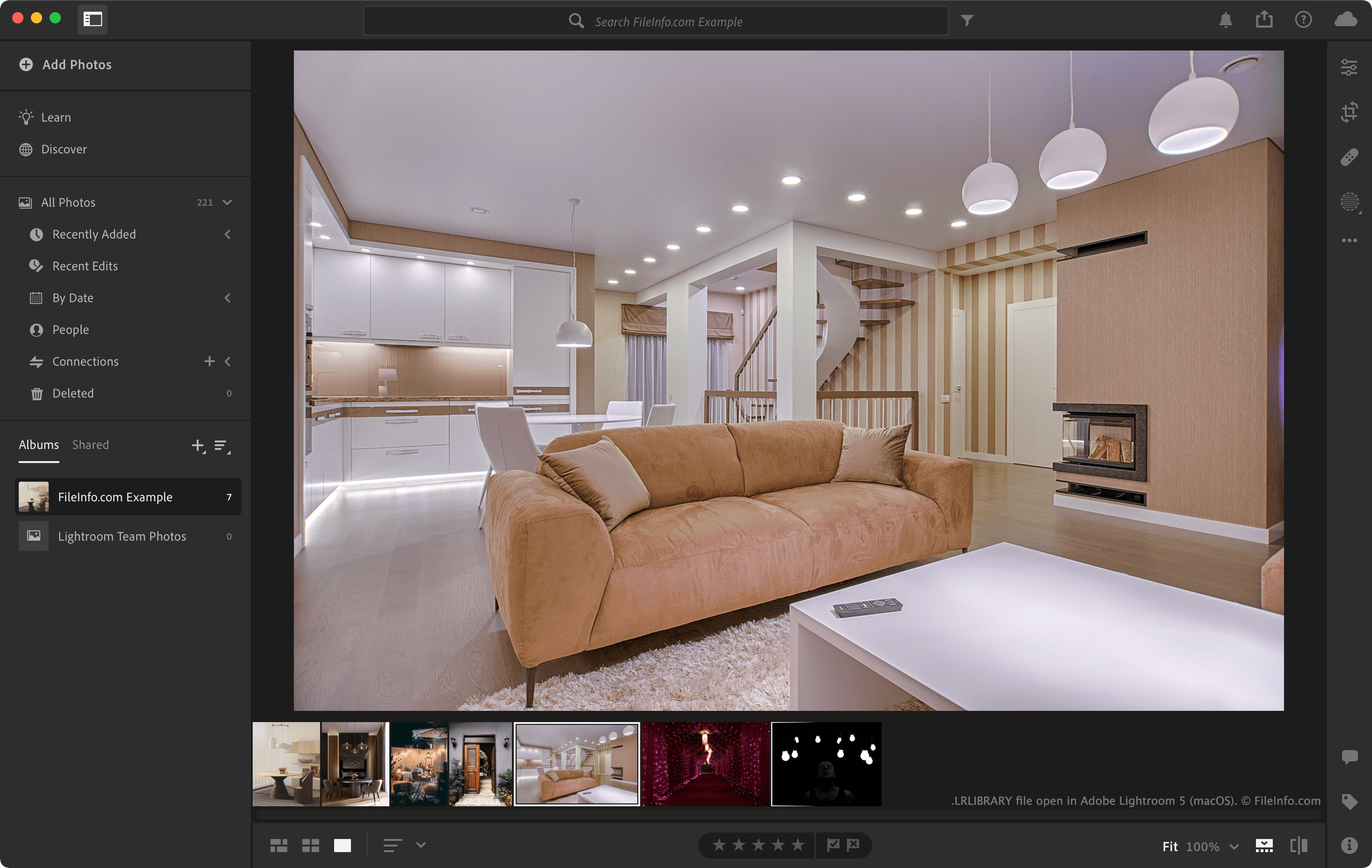
Wewnątrz pliku LRLIBRARY zdjęcia są przechowywane w folderze originals i uporządkowane według daty ich wykonania. Taka struktura pomaga Lightroomowi szybko znajdować i wyświetlać zaimportowane obrazy. Plik LRLIBRARY zawiera również dane pomocnicze, takie jak pliki katalogów .MCAT i inne pliki metadanych, których Lightroom używa do śledzenia zmian, tagów, albumów i innych szczegółów organizacyjnych.
Lokalizacje przechowywania plików LRLIBRARY
Lightroom domyślnie zapisuje pliki LRLIBRARY w następujących lokalizacjach:
Windows - C:\Users\[user name]\Pictures\Lightroom
macOS - /Users/[user name]/Pictures/Lightroom
Możesz zmienić lokalizację przechowywania plików LRLIBRARY, wybierając w Lightroomie opcję lub .
Jak otworzyć plik LRLIBRARY
Plik LRLIBRARY można otworzyć za pomocą programu Adobe Lightroom. Aby to zrobić, kliknij dwukrotnie plik (gdy Lightroom jest zainstalowany) albo kliknij plik prawym przyciskiem myszy i wybierz opcję .
Ponieważ pliki LRLIBRARY są pakietami macOS, możesz kliknąć plik LRLIBRARY prawym przyciskiem myszy i wybrać opcję , aby wyświetlić katalogi i pliki pakietu w Finderze Apple.
Możesz ręcznie przeglądać zawartość pliku LRLIBRARY za pomocą Eksploratora plików systemu Windows. Możesz na przykład otworzyć plik LRLIBRARY w Eksploratorze plików, aby wyświetlić katalogi i odzyskać zawarte w nim obrazy.