

.LRLIBRARY Bestandsextensie
Adobe Lightroom-bibliotheek
| Ontwikkelaar | Adobe Systems |
| Populariteit |
4,2 | 5 stemmen |
Wat is een LRLIBRARY-bestand?
Een LRLIBRARY-bestand is een fotobibliotheek die wordt gebruikt door Adobe Lightroom, een toepassing voor fotobewerking en -beheer. Het bevat kopieën van afbeeldingen die gebruikers in Lightroom importeren en gegevens waarnaar de app verwijst om de geïmporteerde afbeeldingen te ordenen en te beheren. Hierdoor worden laadtijden verkort (vergelijkbaar met een cache). Lightroom maakt automatisch het LRLIBRARY-bestand met de naam Lightroom Library.lrlibrary en slaat het op in de map Pictures van de gebruiker wanneer die de toepassing installeert.
Meer informatie
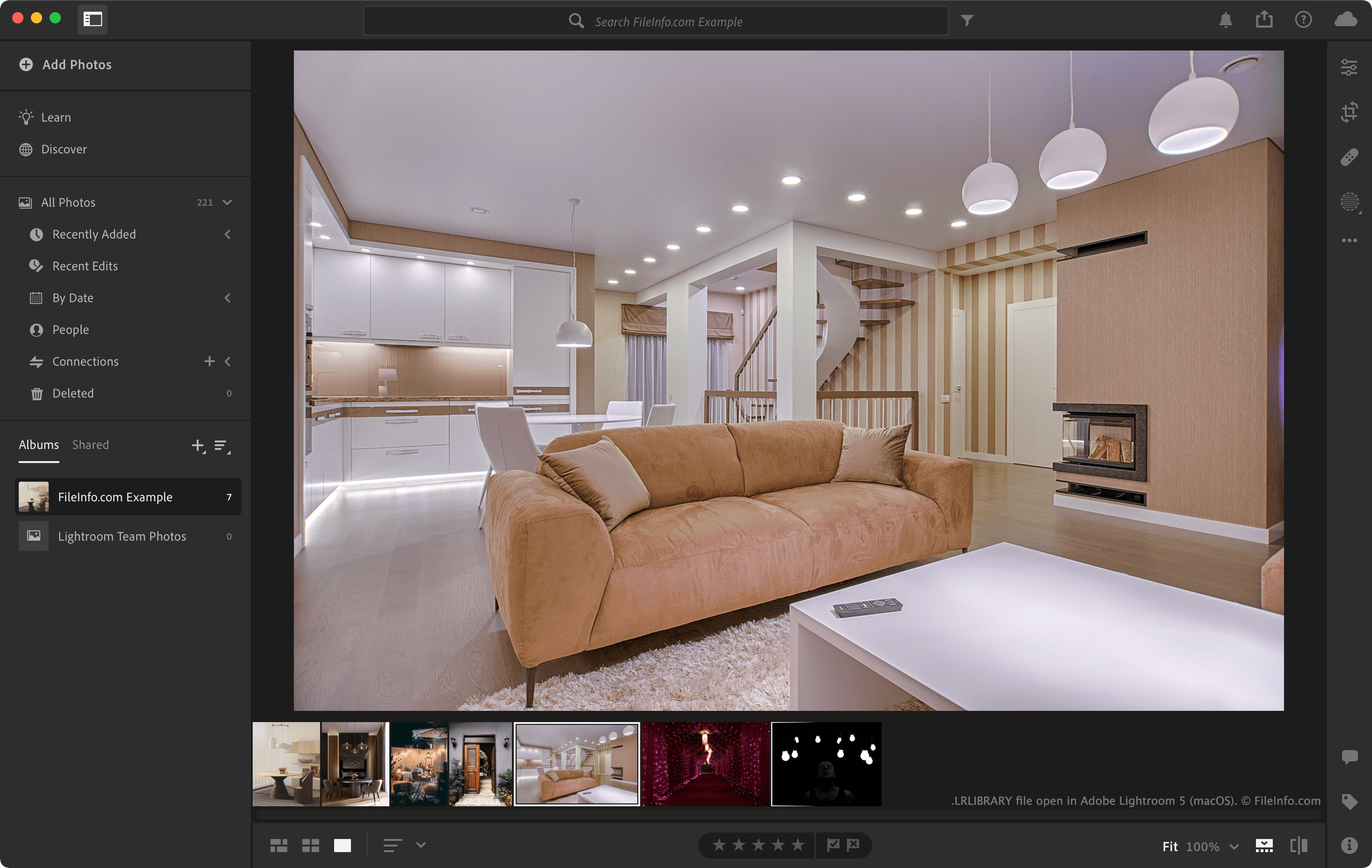
In het LRLIBRARY-bestand worden foto's opgeslagen in de map originals en geordend op de datum waarop ze zijn gemaakt. Dankzij deze structuur kan Lightroom geïmporteerde afbeeldingen snel vinden en weergeven. Het LRLIBRARY-bestand bevat ook ondersteunende gegevens, zoals .MCAT-catalogusbestanden en andere metagegevens-bestanden. Lightroom gebruikt deze om bewerkingen, tags, albums en andere organisatorische gegevens bij te houden.
Opslaglocaties van LRLIBRARY-bestanden
Lightroom slaat LRLIBRARY-bestanden standaard op de volgende locaties op:
Windows - C:\Users\[user name]\Pictures\Lightroom
macOS - /Users/[user name]/Pictures/Lightroom
Je kunt de opslaglocatie van LRLIBRARY-bestanden wijzigen door in Lightroom of te selecteren.
Een LRLIBRARY-bestand openen
Je kunt een LRLIBRARY-bestand openen met Adobe Lightroom. Dubbelklik hiervoor op het bestand (terwijl Lightroom is geïnstalleerd) of klik met de rechtermuisknop op het bestand en selecteer .
Omdat LRLIBRARY-bestanden macOS-pakketten zijn, kun je met de rechtermuisknop op een LRLIBRARY-bestand klikken en selecteren om de mappen en bestanden van het pakket met Apple Finder te bekijken.
Je kunt de inhoud van een LRLIBRARY-bestand handmatig verkennen met Windows Verkenner. Je kunt bijvoorbeeld een LRLIBRARY-bestand openen met Verkenner om de mappen te bekijken en de afbeeldingen die het bevat terug te halen.