

.CRX Rozszerzenie pliku
Rozszerzenie Chromium
| Deweloper | |
| Popularność |
4,1 | 702 Głosy |
Czym jest plik CRX?
Plik CRX jest rozszerzeniem dla przeglądarek Google Chrome, Microsoft Edge i innych przeglądarek internetowych opartych na Chromium. Dodaje do przeglądarki internetowej dodatkową funkcję lub motyw. Na przykład plik CRX może zawierać blokadę reklam, moduł sprawdzania pisowni, menedżer haseł lub tłumacza stron internetowych.
Więcej informacji
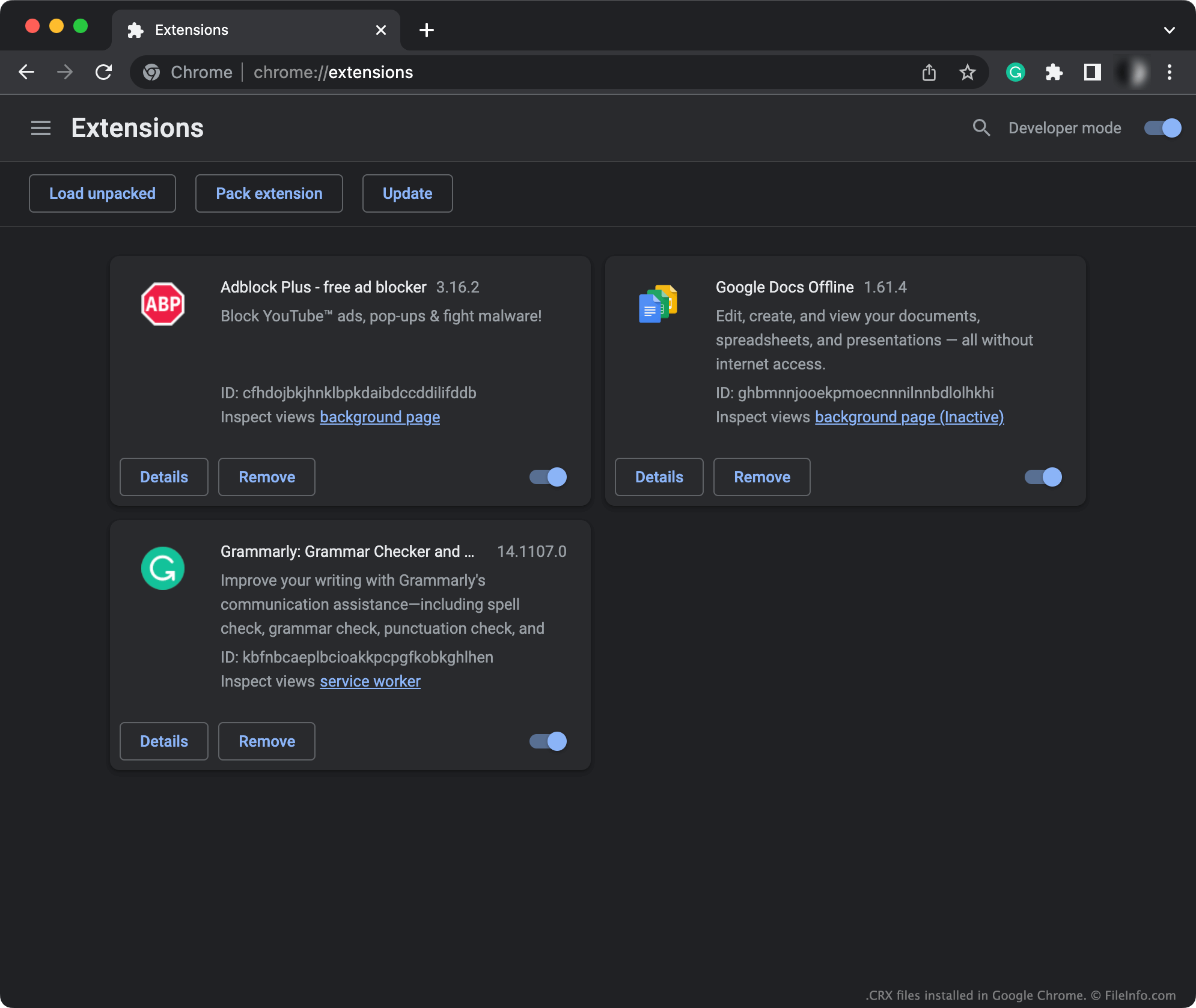
Wiele popularnych przeglądarek internetowych, w tym Google Chrome i Microsoft Edge, opiera się na przeglądarce Chromium o otwartym kodzie źródłowym. Przeglądarki oparte na Chromium pozwalają użytkownikom instalować dodatki, częściej nazywane rozszerzeniami. (Tylko komputerowe wersje Chrome i Edge pozwalają użytkownikom instalować rozszerzenia.)
Zwykle użytkownicy instalują rozszerzenia, otwierając okno przeglądarki, przechodząc do Chrome Web Store (lub innego centrum rozszerzeń), a następnie wyszukując i instalując rozszerzenia. W takim przypadku Chrome Web Store (lub inne centrum rozszerzeń) automatycznie pobiera, rozpakowuje i instaluje rozszerzenie, a użytkownicy nigdy nie widzą pliku CRX ani nie wchodzą z nim w interakcję.
Jednak użytkownicy szukający rozszerzeń poza centrum rozszerzeń swojej przeglądarki mogą natrafić na plik CRX i potrzebować go zainstalować. Na przykład użytkownik, który pobierze nieoficjalne rozszerzenie Chromium z forum, może otrzymać to rozszerzenie jako plik CRX. Każdy plik CRX jest skompresowanym archiwum, które zawiera wszystkie pliki składowe rozszerzenia. Na przykład plik CRX może zawierać pliki .JS, .JSON, obrazy i pliki wykonywalne, które razem tworzą rozszerzenie.
UWAGA: Pliki CRX używają formatu .ZIP. Zawierają jednak niestandardowe nagłówki plików, dlatego rozpakowanie ich za pomocą standardowych narzędzi do dekompresji plików Zip może nie być możliwe.
Jak otworzyć plik CRX
Aby zainstalować rozszerzenie zawarte w pliku CRX:
- Przejdź do menu swojej przeglądarki opartej na Chromium. Na przykład w Google Chrome wpisz adres chrome://extensions w pasku adresu. (W Microsoft Edge wpisz edge://extensions.)
- Przeciągnij plik CRX i upuść go w oknie .
- Po wyświetleniu monitu kliknij .
Przeglądarka automatycznie zainstaluje wtedy rozszerzenie zawarte w pliku CRX.