

.CRX Dateiendung
Chromium-Erweiterung
| Entwickler | |
| Beliebtheit |
4,1 | 702 Stimmen |
Was ist eine CRX-Datei?
Eine CRX-Datei ist eine Erweiterung für Google Chrome, Microsoft Edge und andere Chromium-basierte Webbrowser. Sie fügt dem Webbrowser eine zusätzliche Funktion oder ein Design hinzu. Eine CRX-Datei kann beispielsweise einen Werbeblocker, eine Rechtschreibprüfung, einen Passwortmanager oder einen Übersetzer für Webseiten enthalten.
Weitere Informationen
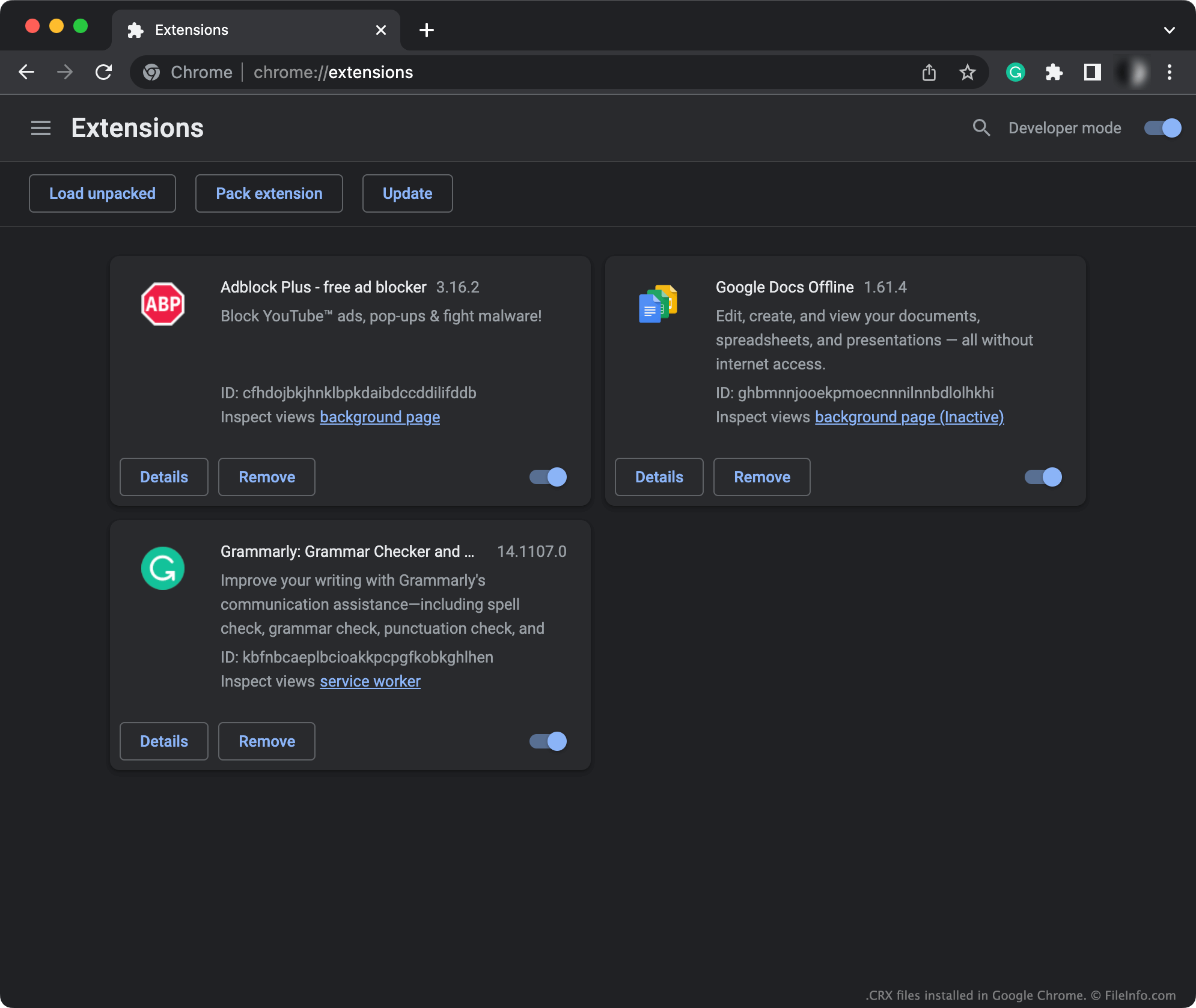
Viele beliebte Webbrowser, darunter Google Chrome und Microsoft Edge, basieren auf dem Open-Source-Browser Chromium. Chromium-basierte Browser ermöglichen es Benutzern, Add-ons zu installieren, die häufiger als Erweiterungen bezeichnet werden. (Nur die PC-Versionen von Chrome und Edge ermöglichen Benutzern die Installation von Erweiterungen.)
Normalerweise installieren Benutzer Erweiterungen, indem sie das Fenster ihres Browsers öffnen, zum Chrome Web Store (oder einem anderen Erweiterungsportal) gehen und Erweiterungen suchen und installieren. In diesem Fall lädt der Chrome Web Store (oder ein anderes Erweiterungsportal) die Erweiterung automatisch herunter, entpackt und installiert sie, sodass Benutzer eine CRX-Datei nie sehen oder mit ihr interagieren.
Benutzer, die außerhalb des Erweiterungsportals ihres Browsers nach Erweiterungen suchen, können jedoch auf eine CRX-Datei stoßen und diese installieren müssen. Beispielsweise kann ein Benutzer, der eine inoffizielle Chromium-Erweiterung aus einem Forum herunterlädt, diese Erweiterung als CRX-Datei erhalten. Jede CRX-Datei ist ein komprimiertes Archiv, das alle zu einer Erweiterung gehörenden Dateien enthält. Eine CRX-Datei kann beispielsweise .JS-, .JSON-, Bild- und ausführbare Dateien enthalten, die zusammen die Erweiterung bilden.
HINWEIS: CRX-Dateien verwenden das .ZIP-Format. Sie enthalten jedoch benutzerdefinierte Dateikopfzeilen, sodass Sie sie möglicherweise nicht mit standardmäßigen Dienstprogrammen zum Dekomprimieren von ZIP-Dateien entpacken können.
So öffnen Sie eine CRX-Datei
So installieren Sie die in einer CRX-Datei enthaltene Erweiterung:
- Öffnen Sie das Menü Ihres Chromium-basierten Browsers. Geben Sie beispielsweise in Google Chrome die Adresse chrome://extensions in die Adressleiste ein. (Geben Sie in Microsoft Edge edge://extensions ein.)
- Ziehen Sie Ihre CRX-Datei per Drag-and-drop auf das Fenster .
- Klicken Sie bei entsprechender Aufforderung auf .
Ihr Browser installiert anschließend automatisch die in Ihrer CRX-Datei enthaltene Erweiterung.