

.7Z Rozszerzenie pliku
Skompresowany plik 7-Zip
| Deweloper | Igor Pavlov |
| Popularność |
4,0 | 575 Głosów |
Czym jest plik 7Z?
Plik 7Z to skompresowane archiwum utworzone przez różne programy do kompresji plików, w szczególności 7-Zip firmy Igor Pavlov. Jest skompresowany za pomocą otwartoźródłowej metody kompresji LZMA, która zapewnia wysoki stopień kompresji i może obejmować szyfrowanie AES-256 (256-bitowe). Pliki 7Z mogą zawierać wiele katalogów lub plików skompresowanych w celu zaoszczędzenia miejsca podczas przechowywania lub przesyłania.
Więcej informacji
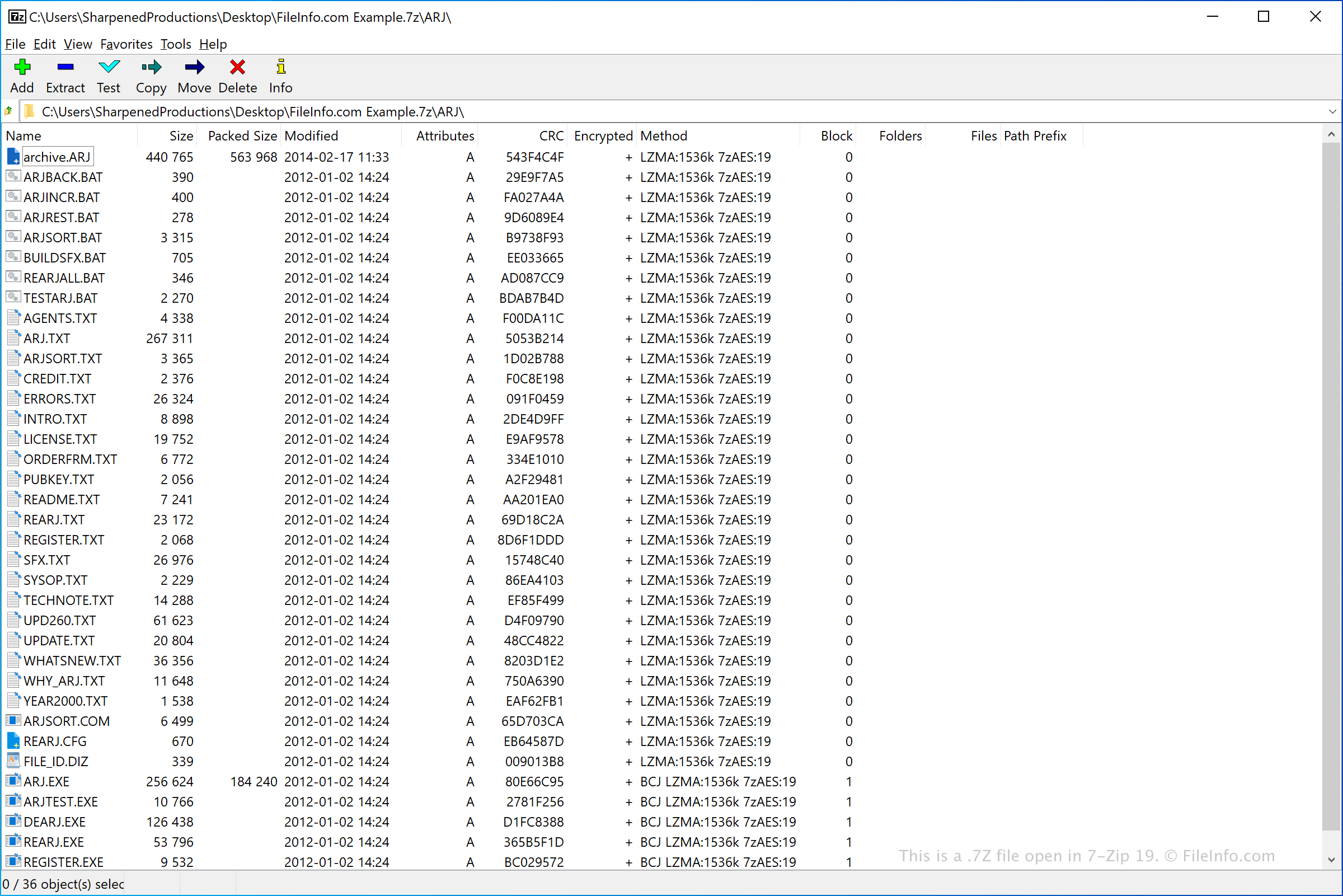
Format 7z został pierwotnie wydany w 1999 roku i był używany przez 7-Zip, bezpłatną aplikację o otwartym kodzie źródłowym służącą do archiwizowania i kompresowania danych. Ostatecznie w grudniu 2008 roku został udostępniony jako własność publiczna i nadal jest rozwijany.
Kompresja 7z domyślnie korzysta z metody LZMA. Format 7z obsługuje także metody kompresji PPMD, BCJ, BCJ2, BZip2 i Deflate. Ponadto ten typ pliku obsługuje nazwy plików Unicode, archiwa wieloczęściowe, kompresję nagłówków archiwum oraz pliki o rozmiarze do 16 000 000 000 GB.
Jak otworzyć plik 7Z
Pliki zawarte w archiwum 7Z można wypakować za pomocą różnych programów do dekompresji, takich jak 7-Zip (Windows), Corel WinZip (Windows), Apple Archive Utility (dołączony do komputerów Mac), Corel WinZip Mac (Mac) oraz B1 Free Archiver (wieloplatformowy).
Jeśli archiwum 7Z jest podzielone na archiwum wielotomowe (np. masz plik .7Z.001, plik .7Z.002 itd.), możesz wypakować wszystkie pliki zawarte w archiwum wielotomowym, otwierając plik 7Z.001 archiwum w programie do dekompresji. Aby to zadziałało, wszystkie pliki archiwum wielotomowego muszą być przechowywane w tym samym folderze. Musisz także posiadać każdy plik wchodzący w skład archiwum. Jeśli na przykład masz plik .7Z.003 i plik .7Z.005, ale nie masz pliku .7Z.004, możesz mieć problemy z wypakowaniem plików. (Niektóre programy, które potrafią dekompresować jednoczęściowe archiwa 7Z, nie potrafią dekompresować archiwów wielotomowych. Na przykład Apple Archive Utility nie potrafi dekompresować wielotomowych archiwów 7Z.)
UWAGA: Niektóre archiwa 7Z mogą być chronione hasłem. Aby otworzyć takie archiwa, po wyświetleniu monitu musisz wprowadzić hasło użyte do utworzenia archiwum.