

.WG Bestandsextensie
WordGrinder-documentset
| Ontwikkelaar | David Given |
| Populariteit |
2,0 | 1 stem |
Wat is een WG-bestand?
Een WG-bestand is een documentset die een of meer documenten bevat die zijn gemaakt met WordGrinder, een eenvoudige tekstverwerker voor het schrijven van tekst. Elk document bevat tekst die is gecodeerd in UTF-8 en ondersteunt eenvoudige teken- en alineastijlen, zoals vetgedrukte, onderstreepte en cursieve tekst en koppen. WordGrinder slaat ook sjablonen op als WG-bestanden. Deze gebruiken dezelfde indeling als documentsets.
Meer informatie
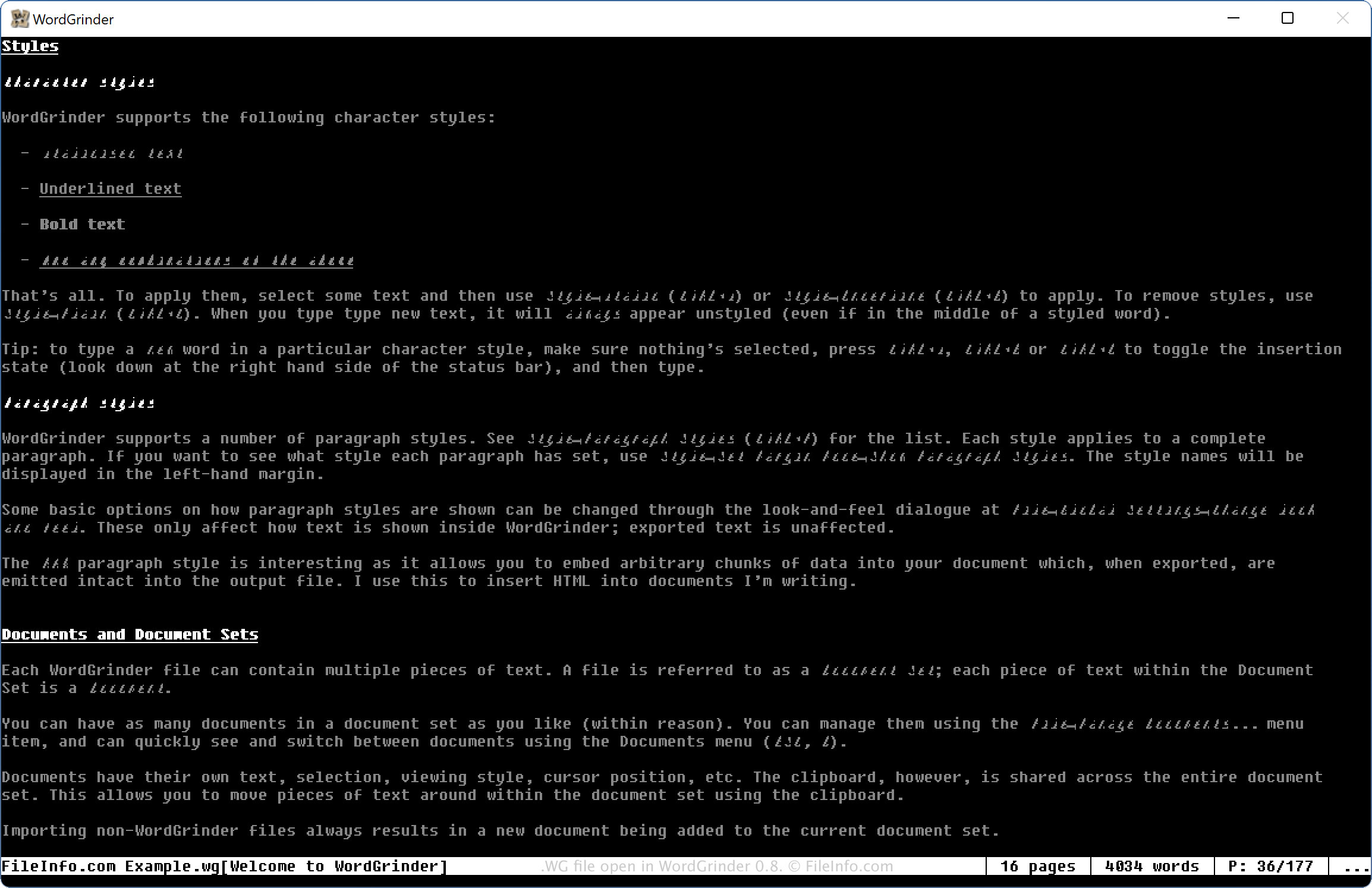
David Given ontwikkelde WordGrinder als een eenvoudige tekstverwerker voor gebruikers die zich richten op het schrijven van tekst, zoals romanschrijvers en andere schrijvers. Naast ondersteuning voor eenvoudige stijlen bevat het programma een spellingcontrole, mogelijkheden voor ongedaan maken en opnieuw uitvoeren en automatische opslag. Bovendien kun je een geopend WG-bestand in WordGrinder alleen met de pijltoetsen doorlopen.
Een WG-bestand maken met WordGrinder
Je kunt een WG-bestand maken via het menu van WordGrinder, dat je opent door op de toets "Escape" te drukken. Vervolgens kun je de pijltoetsen gebruiken om te selecteren, het document te bewerken, het menu opnieuw te openen en te selecteren. Daarnaast kun je selecteren als je het document wilt opslaan als WG-sjabloonbestand (dezelfde indeling als de documentset).
Een WG-bestand openen
Je kunt een WG-bestand openen met WordGrinder (multiplatform). Om een WG-bestand te openen, druk je op de toets "Escape" en selecteer je .
Een WG-bestand openen met een teksteditor
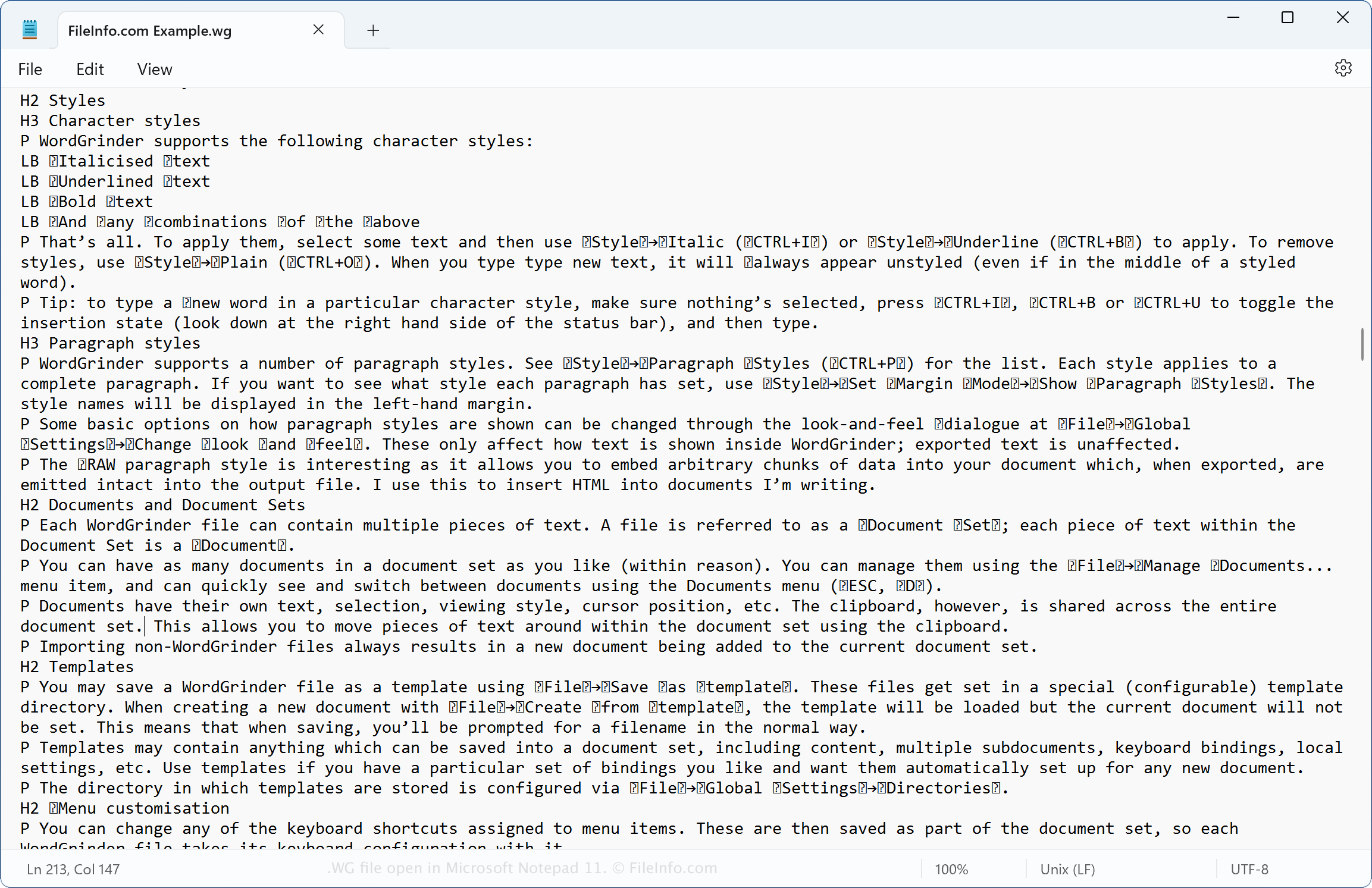
Omdat WG-bestanden tekst zonder opmaak bevatten, kun je ze ook openen met teksteditors, zoals Microsoft Notepad (Windows) of Apple TextEdit (macOS). Hoewel een teksteditor het WG-bestand niet op de oorspronkelijke manier weergeeft, zoals WordGrinder dat doet, kun je er wel de tekstinhoud van het bestand mee bekijken. Dit kan handig zijn als je geen toegang hebt tot WordGrinder, maar wel wilt weten welke tekst er in het WG-document staat.