

.PLR Bestandsextensie
Terraria-spelersprofiel
| Ontwikkelaar | Re-Logic |
| Populariteit |
4,1 | 59 stemmen |
Wat is een PLR-bestand?
Een PLR-bestand is een spelersprofiel dat is gemaakt door Re-Logic Terraria, een 2D-actie-, verkennings- en sandbox-bouwspel. Het bevat de naam en het uiterlijk van een spelerspersonage, de maximale HP en MP, inventaris, speltype en speeltijd. Terraria gebruikt PLR-bestanden om spelersprofielen weer te geven op het scherm .
Meer informatie
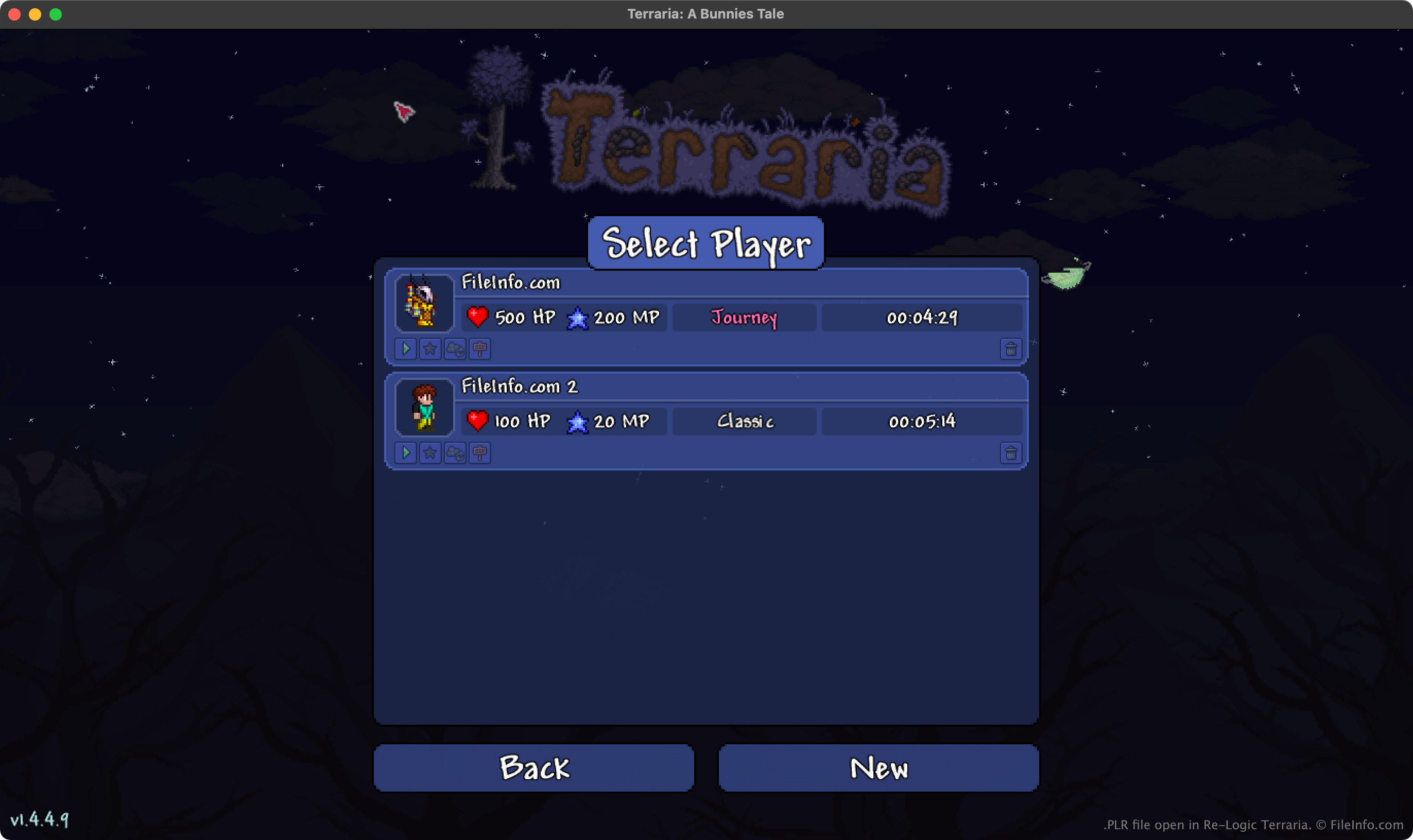
In Terraria verkennen spelers een open wereld, bouwen ze gebouwen en andere structuren en vechten ze tegen verschillende wezens. Voordat spelers beginnen met spelen, moeten ze een spelersprofiel maken. Tijdens het maken van dit profiel geven ze de volgende informatie over hun personage op:
- Naam
- Geslacht en uiterlijk
- Speltype (Journey, Classic, Mediumcore of Hardcore)
Terraria slaat het profiel vervolgens op als een PLR-bestand. Naarmate de speler vordert in het spel, registreert Terraria ook de maximale HP en MP van de speler, de huidige inventaris met voorwerpen, de huidige buffs en andere gegevens in het PLR-bestand.
Waar Terraria PLR-bestanden opslaat
De desktopversies van Terraria slaan PLR-bestanden op in de volgende mappen:
- Windows: ~/Users/YourUserName/Documents/My Games/Terraria/Players
- Mac: ~/Users/YourUserName/Library/Application Support/Terraria/Players
- Linux: ~/.local/share/Terraria/Players
OPMERKING: Terraria slaat ook back-ups van elk spelersprofiel op. Deze .BAK-bestanden gebruiken de extensie .plr.bak en worden in dezelfde map als PLR-bestanden opgeslagen.
Een PLR-bestand openen
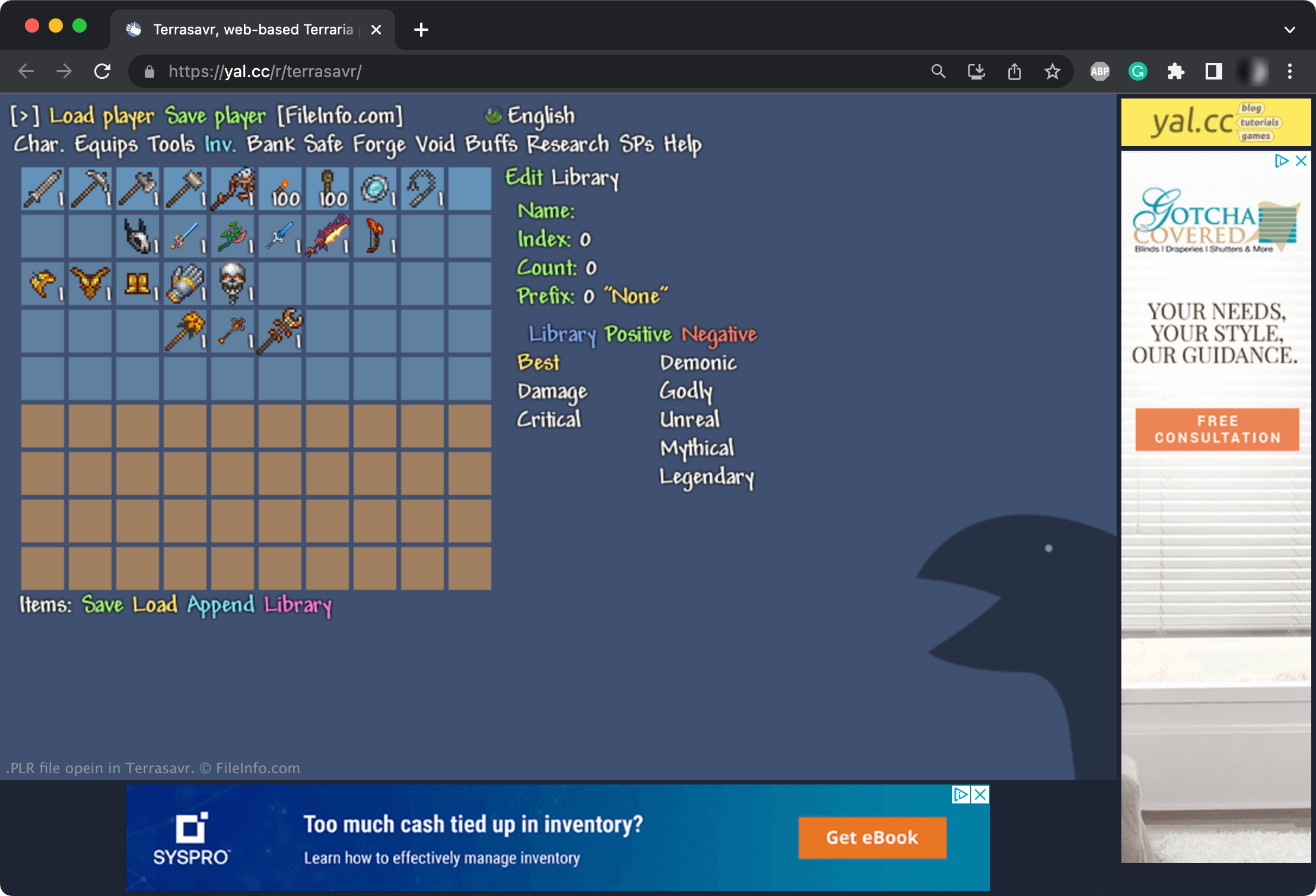
Je kunt PLR-bestanden openen met Re-Logic Terraria. Als je een PLR-bestand met Terraria wilt openen, plaats je het in de map ~/Terraria/Players (waarvan de volledige locatie hierboven staat vermeld). Het profiel in je PLR-bestand verschijnt vervolgens op het scherm van Terraria.
Je kunt PLR-bestanden ook bewerken met Terrasavr, een online editor voor Terraria-personages en -inventarissen. Je kunt Terrasavr bijvoorbeeld gebruiken om voorwerpen aan de inventaris van je personage toe te voegen, de spelmodus waaraan je personage is gekoppeld te wijzigen of de eigenschappen van je personage aan te passen.