.PLR ファイル拡張子
Terraria Player Profile
| 開発元 | Re-Logic |
| 人気度 |
4.1 | 59 票 |
PLRファイルとは?
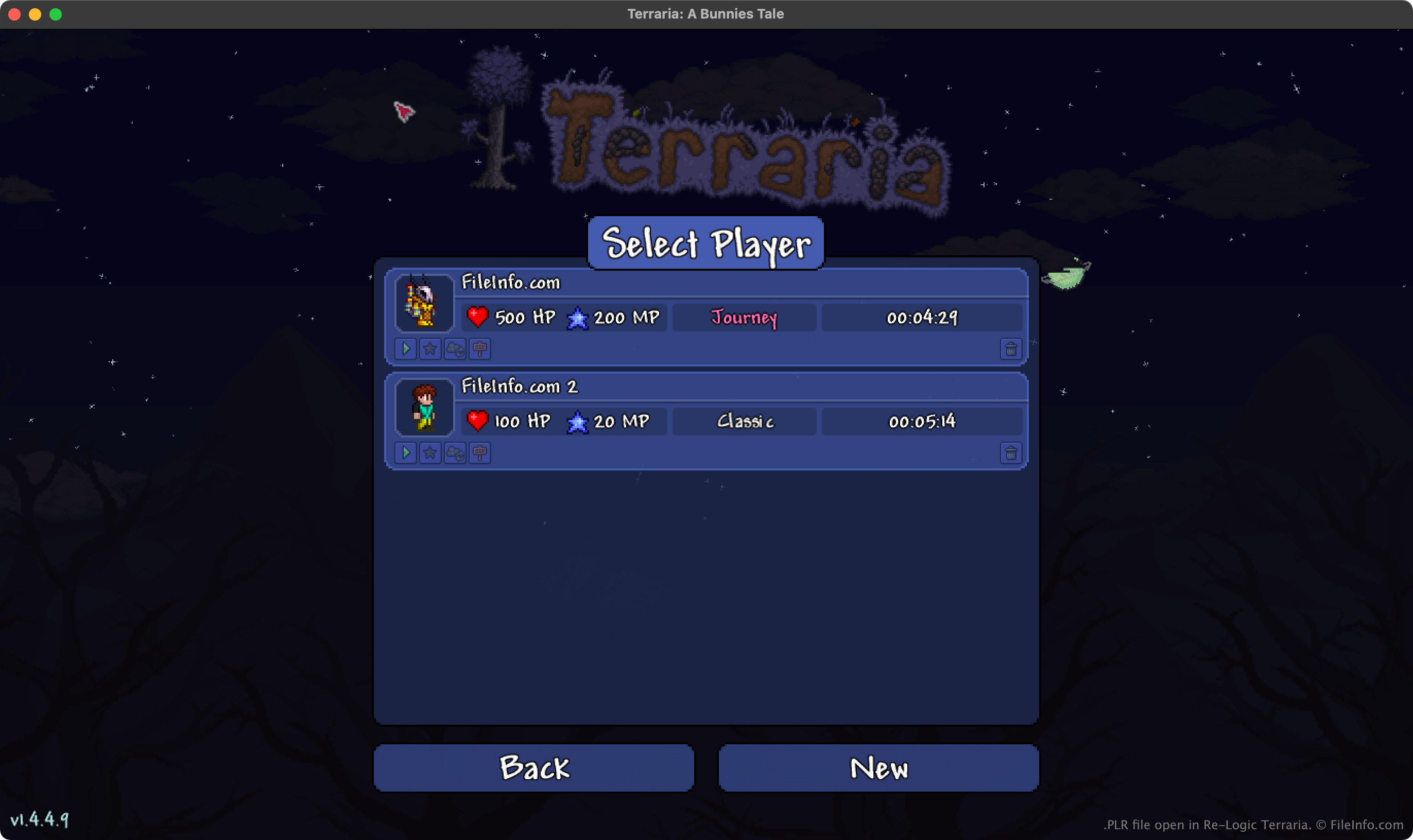
A PLR file is a player profile created by Re-Logic Terraria, a 2D action, exploration, and sandbox construction game. It contains a record of a player character's name, appearance, maximum HP and MP, inventory, game type, and time played. Terraria uses PLR files to show player profiles on its Select Player screen.
詳細情報
In Terraria, players explore an open world, construct buildings and other structures, and battle a variety of creatures. Before players start playing, they must create a player profile. While creating this profile, they specify their character's following information:
- Name
- Gender and appearance
- Game type (Journey, Classic, Mediumcore, or Hardcore)
Terraria then saves the profile as a PLR file. As the player progresses through the game, Terraria also records the player's maximum HP and MP, current item inventory, current buffs, and other data to their PLR file.
Where Terraria saves PLR files
The desktop versions of Terraria store PLR files in the following directories:
- Windows: ~/Users/YourUserName/Documents/My Games/Terraria/Players
- Mac: ~/Users/YourUserName/Library/Application Support/Terraria/Players
- Linux: ~/.local/share/Terraria/Players
注: Terraria also saves backups of each player profile. These .BAK files use the .plr.bak extension and are saved in the same directory as PLR files.
PLRファイルの開き方
You can open PLR files with Re-Logic Terraria. To open a PLR file with Terraria, place it in your ~/Terraria/Players directory (the full location of which is listed above). Then, the profile your PLR file contains will appear on Terraria's Select Player screen.
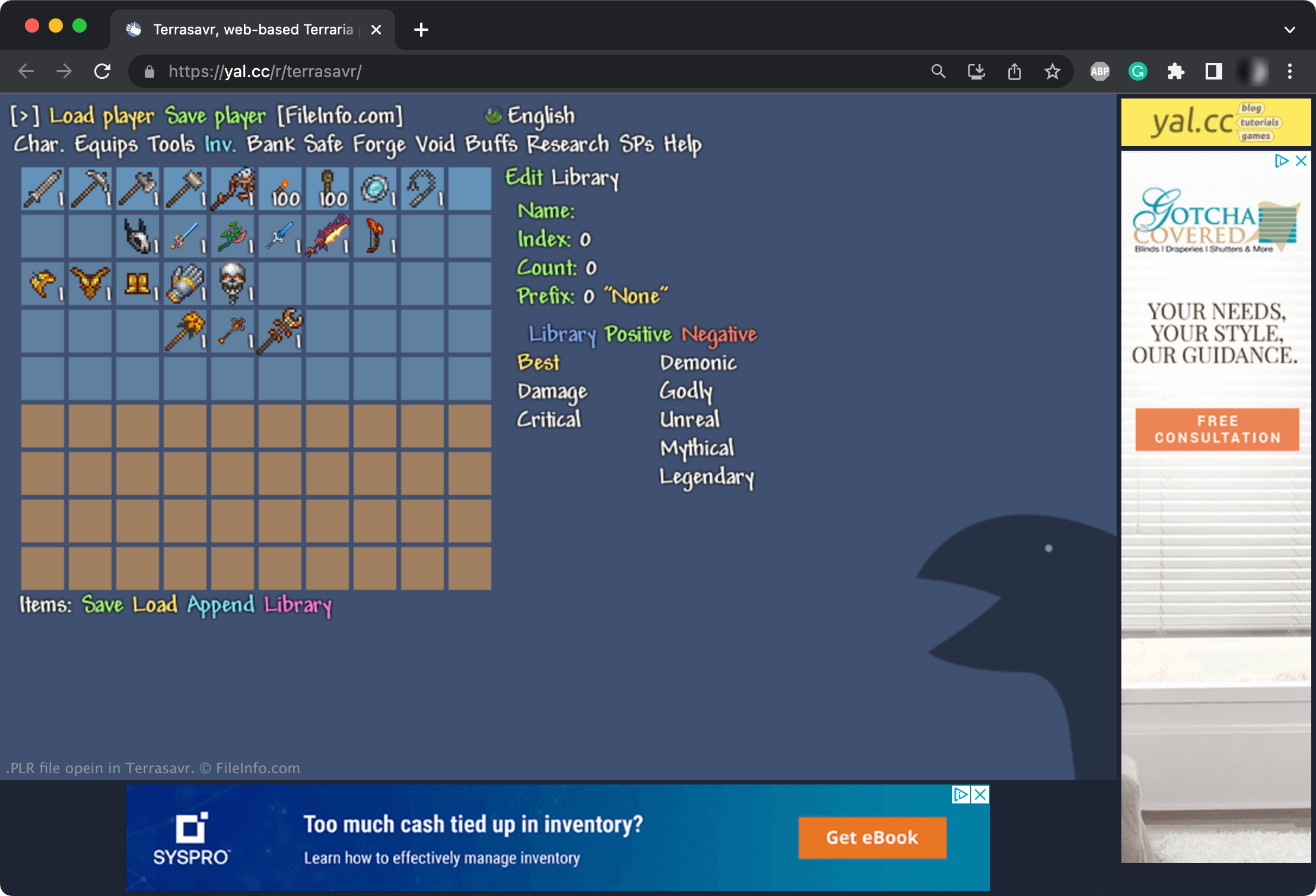
You can also edit PLR files with Terrasavr, an online Terraria character and inventory editor. For example, you can use Terrasavr to add items to your character's inventory, change the game mode with which your character is associated, or modify your character's attributes.
PLRファイルを開くプログラム
rFactor Player File
| 開発元 | Image Space |
| 人気度 |
2.7 | 9 票 |
Player file used by rFactor, a car racing game developed by Image Space; contains player profile information, such as the last race track used, the car the player drove, and many others; used for loading player data in the game.
詳細情報
rFactor player files are stored in a plain text format and can be edited with a text editor. However, you should be careful when making edits, since changing the file can cause the game to malfunction.
PLR files are saved to the \UserData\[playername]\ directory of an rFactor installation.