

.CMPROJ Bestandsextensie
Camtasia macOS-project
| Ontwikkelaar | TechSmith |
| Populariteit |
3,0 | 5 stemmen |
Wat is een CMPROJ-bestand?
Een CMPROJ-bestand is een project dat is gemaakt met de macOS-versie van TechSmith Camtasia, een toepassing voor schermopnamen en videobewerking. Het bevat alle geïmporteerde mediabestanden, videobewerkingen, tijdlijneigenschappen en projectinstellingen. Camtasia-gebruikers slaan projecten op als CMPROJ-bestanden wanneer ze hun video's maken en bewerken en exporteren ze vervolgens naar andere indelingen om ze te delen.
Meer informatie
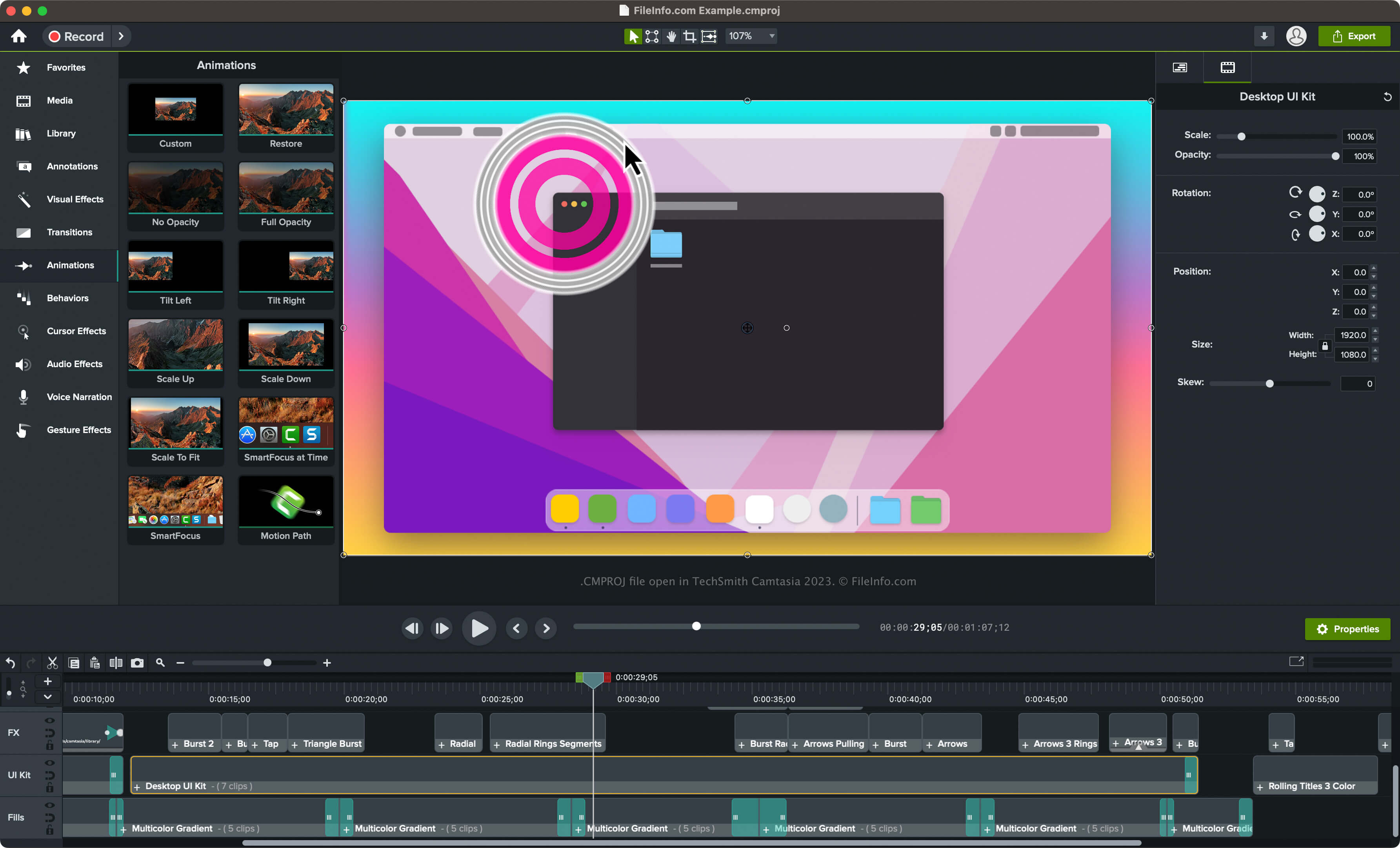
Camtasia kan verschillende soorten video's maken, zoals opnamen van videogames, tutorials, trainingsvideo's en opnamen van webinars. Hoewel Camtasia beschikbaar is voor macOS en Windows, slaat alleen de macOS-versie van Camtasia projecten op als CMPROJ-bestanden.
De Windows-versie slaat projecten op als .TSCPROJ-bestanden (het bestandstype .CAMPROJ vervangen in versie 9 van TechSmith Camtasia). Als je de macOS-versie van Camtasia gebruikt, kun je ook TSCPROJ-bestanden maken door te selecteren.
Een CMPROJ-bestand maken in de macOS-versie van Camtasia
Volg deze stappen om een CMPROJ-bestand te maken met de macOS-versie van Camtasia:
- Selecteer of (als je nog geen project bent begonnen)
- Selecteer of
- Geef het project een naam, kies de opslaglocatie en klik vervolgens op
Een CMPROJ-bestand openen
Je kunt een CMPROJ-bestand openen met de macOS-versie van TechSmith Camtasia. Om een CMPROJ-bestand met Camtasia te openen, selecteer je .
Een CMPROJ-bestand openen als macOS-pakket
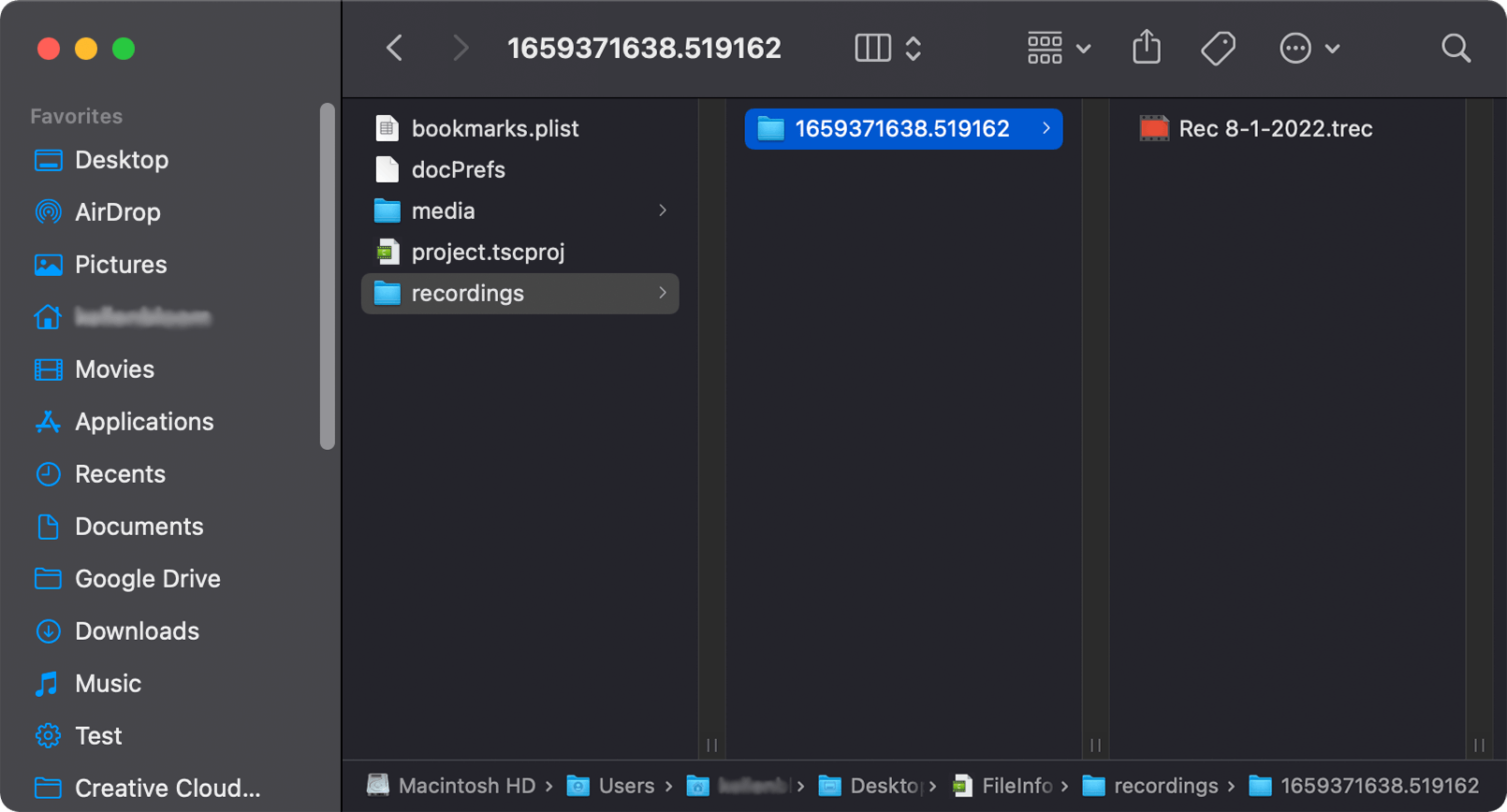
Omdat CMPROJ-bestanden macOS-pakketten zijn, kun je de inhoud van een CMPROJ-bestand handmatig bekijken in macOS door met de rechtermuisknop op het bestand te klikken en te selecteren.
In Windows kun je een CMPROJ-bestand als map openen door erop te dubbelklikken. Je kunt vervolgens door de inhoud navigeren, die mogelijk een TSCPROJ-bestand, een map "media" (waarin mediabestanden uit het project worden opgeslagen), een map "recordings" (waarin .TREC-video-opnamen worden opgeslagen) en andere bestanden bevat.
Een CMPROJ-bestand converteren
De macOS-versie van Camtasia kan een CMPROJ-bestand converteren naar verschillende bestandstypen, waaronder de volgende indelingen:
- .MP4 - MPEG-4-video
- .GIF - Graphical Interchange Format
- .MOV - Apple QuickTime-film
- .CAMTEMPLATE - Camtasia-sjabloon
- .TSCPROJ - TechSmith Camtasia-project
Je kunt een CMPROJ-bestand ook exporteren als .CAMPACKAGE om het project en andere bronnen te back-uppen of met andere Camtasia-gebruikers te delen. Selecteer hiervoor .