.XSLT 파일 확장자

Extensible Stylesheet Language Transformations File

개발사 W3C
인기도
3.0  |  9 투표
 
🔍File Helper(으)로 .XSLT 파일을 웹 브라우저에서 바로 여세요.온라인으로 보기

XSLT 파일이란 무엇인가요?

An XSLT file is a stylesheet used to transform the content of an .XML document. The styling information it contains is written in the XSLT (Extensible Stylesheet Language Transformations) format, which is an extension of XML. Most often, web developers use XSLT files to transform XML content into .HTML content, for use in webpages.

추가 정보

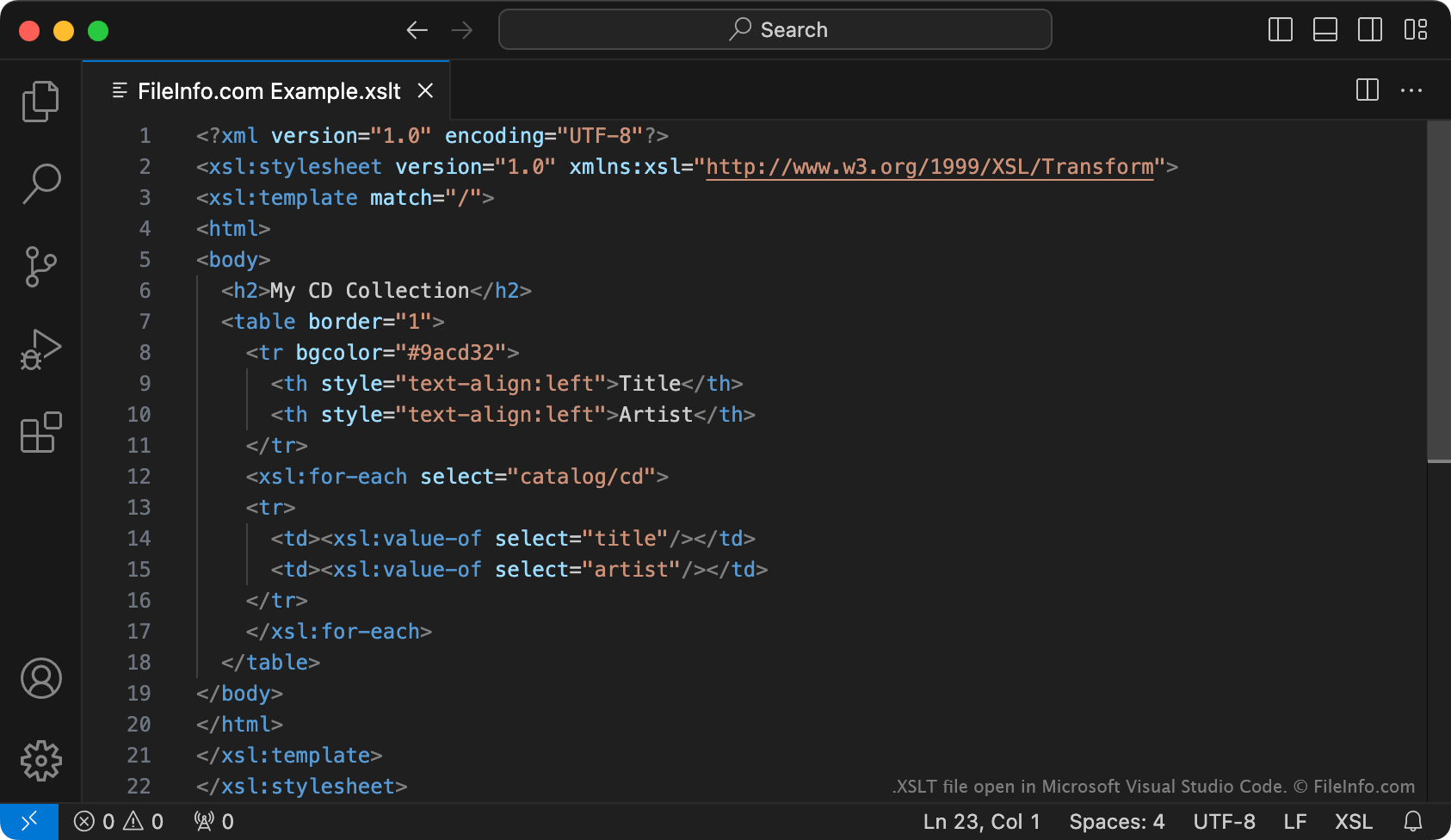
Microsoft Visual Studio Code에서 열린 .xslt 파일의 스크린샷
Microsoft Visual Studio Code에서 열린 XSLT 파일

In 1998, the World Wide Web Consortium (W3C) published the first version of the XSLT markup language. Using XSLT, developers can create stylesheets used to format associated XML datasets and convert them to other file formats (including HTML, plain text, and .PDF). Typically, XSLT stylesheets are saved as XSLT files. (Some may instead be saved as .XSL files.)

In addition to transforming an XML file's content to another format, XSLT files can be used to add, remove, rearrange, or sort elements within an XML file. To use an XSLT file to transform a corresponding XML file, developers feed both files into an XSLT processor. The processor then creates a resulting, transformed file.

XSLT 파일을 여는 방법

You can open an XSLT file with Microsoft Visual Studio Code or any other text editor. However, if you intend to edit an XSLT file's contents, you should open the file in a dedicated XML editor. XML editors provide helpful syntax-highlighting, editing, and validation tools that make working with XSLT files easier.

Some popular XML editors include:

XSLT 파일을 여는 프로그램

카테고리: 데이터
업데이트: 2023-10-13

검증자 FileInfo.com

FileInfo.com 팀 이 페이지에 나열된 Extensible Stylesheet Language Transformations 파일 형식과 Mac, Windows, and Linux 앱을 독자적으로 조사했습니다. 저희의 목표는 100% 정확성이며, 검증한 파일 유형에 대한 정보만 게시합니다.

이 페이지에 추가하거나 업데이트할 내용을 제안하고 싶으시면 알려 주세요.