

.WEBARCHIVE 파일 확장자
Safari 웹 아카이브
| 개발사 | Apple |
| 인기도 |
3.0 | 135 표 |
WEBARCHIVE 파일이란 무엇인가요?
WEBARCHIVE 파일은 Safari 웹 브라우저로 저장한 웹페이지입니다. 이 파일에는 HTML과 연결된 이미지가 포함되어 있어, 컴퓨터가 오프라인(인터넷에 연결되지 않은 상태)이어도 나중에 페이지를 완전히 불러올 수 있습니다. 웹페이지의 내용에 따라 WEBARCHIVE 파일에는 CSS 또는 JavaScript도 포함될 수 있습니다.
추가 정보
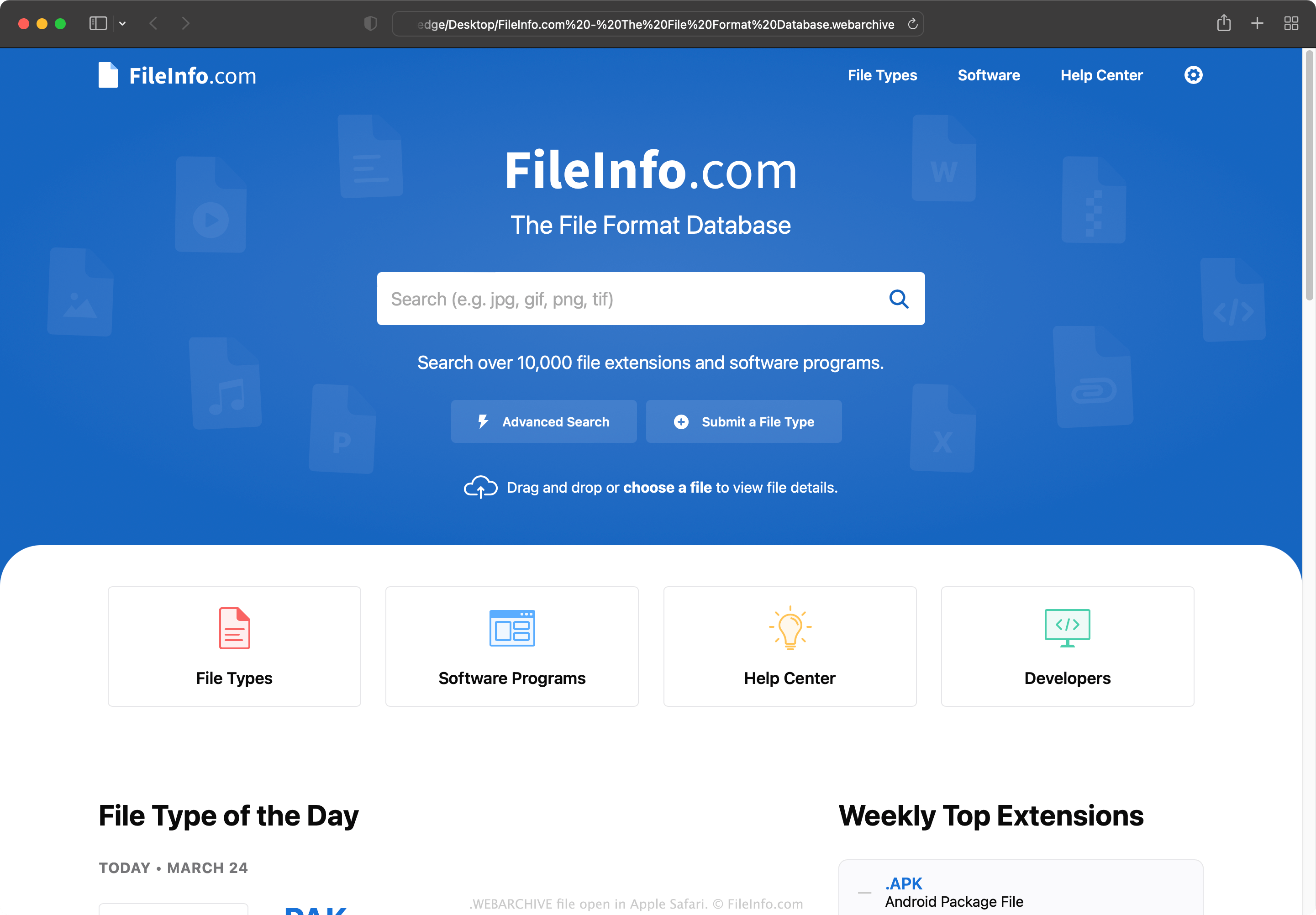
Safari 사용자가 현재 웹페이지 버전을 보존하여 오프라인에서 페이지를 보거나 나중에 해당 내용에 접근하려는 경우, 페이지를 WEBARCHIVE 파일로 저장할 수 있습니다. 각 WEBARCHIVE 파일에는 Safari가 해당 파일에 설명된 웹페이지의 정확한 복제본을 열기 위해 필요한 모든 데이터가 포함됩니다(단, 인터넷에 연결되지 않은 상태에서는 대화형 요소나 동적 요소가 제대로 작동하지 않을 수 있습니다).
웹페이지를 WEBARCHIVE 파일로 저장하는 방법
웹페이지를 WEBARCHIVE 파일로 저장하려면:
- Safari에서 웹페이지로 이동합니다.
- 를 선택합니다.
- 다른 이름으로 저장 창이 나타나면 형식을 선택합니다.
- 를 선택합니다.
참고: Safari는 버전 5.1.7까지 Windows용으로 개발되었지만 이후 지원이 중단되었습니다.
WEBARCHIVE 파일을 여는 방법
WEBARCHIVE 파일을 Safari(macOS, iOS)에서 열어 파일에 포함된 웹페이지를 볼 수 있습니다. iCab 웹 브라우저로도 WEBARCHIVE 파일을 열 수 있습니다.
웹 브라우저를 사용할 수 없거나 WEBARCHIVE 파일에 포함된 HTML 데이터를 보려는 경우, Apple TextEdit 또는 다른 텍스트 편집기에서 파일을 열 수 있습니다. WEBARCHIVE 파일에 포함된 이미지와 기타 바이너리 콘텐츠는 제대로 표시되지 않는다는 점에 유의하세요.