

.WEBARCHIVE ファイル拡張子
Safari Web Archive
| 開発元 | Apple |
| 人気度 |
3.0 | 135 票 |
WEBARCHIVEファイルとは?
WEBARCHIVEファイルは、Safari Webブラウザで保存されたWebページです。ページを後で完全に読み込めるように、HTMLとリンクされた画像が含まれています。コンピューターがオフライン(インターネットに接続されていない状態)でも読み込むことができます。WEBARCHIVEファイルには、Webページの内容によってはCSSやJavaScriptが含まれる場合もあります。
詳細情報
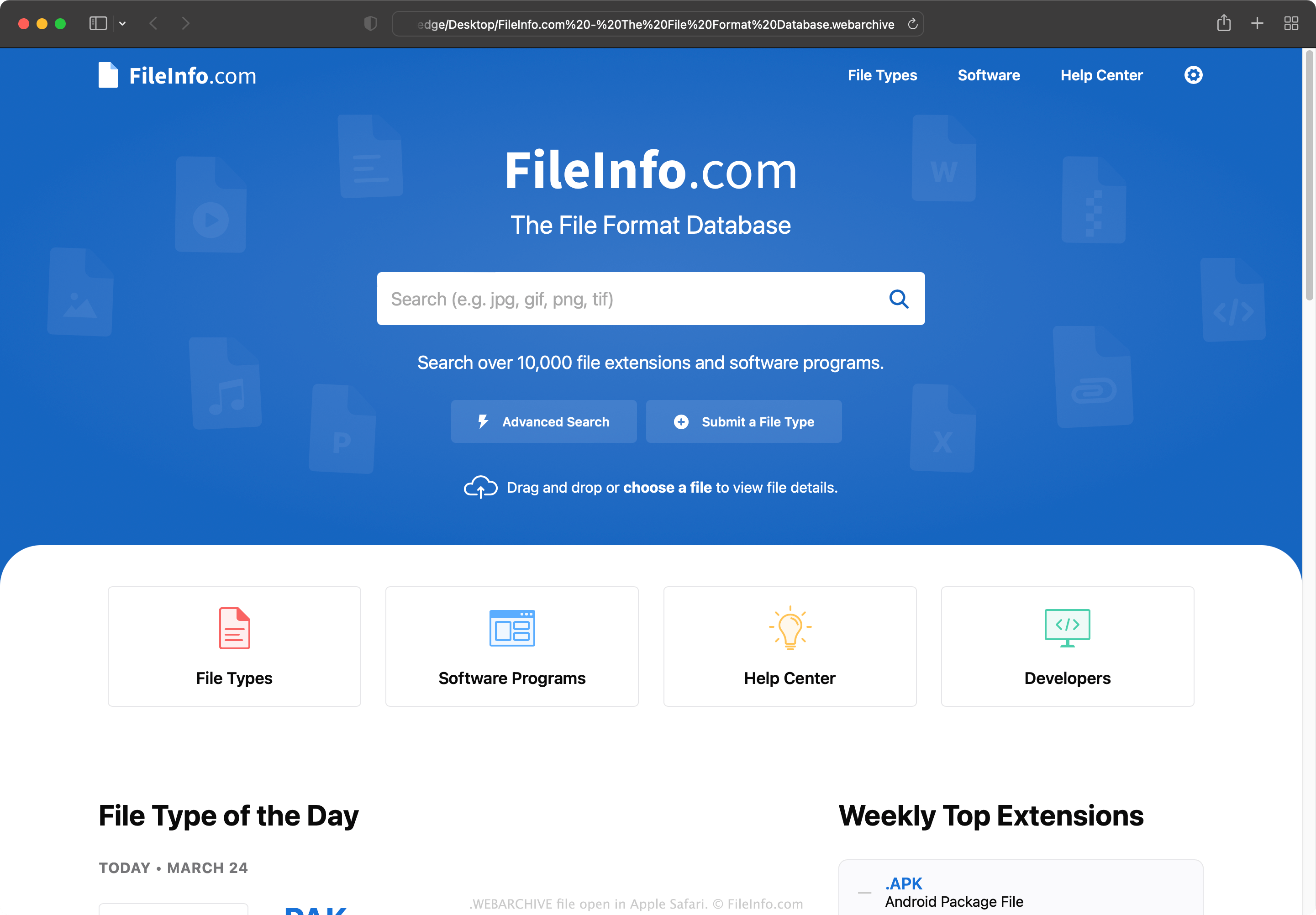
SafariユーザーがWebページの現在のバージョンを保存して、オフラインでページを表示したり、将来その内容にアクセスしたりしたい場合は、そのページをWEBARCHIVEファイルとして保存できます。各WEBARCHIVEファイルには、そのファイルが表すWebページの正確な複製を開くためにSafariが必要とするすべてのデータが含まれています(ただし、インターネット接続がない場合、インタラクティブな要素や動的な要素は正しく機能しないことがあります)。
WebページをWEBARCHIVEファイルとして保存する方法
WebページをWEBARCHIVEファイルとして保存するには:
- SafariでWebページを開きます。
- を選択します。
- 「Save As」ウィンドウが表示されたら、形式を選択します。
- を選択します。
注: Safariはバージョン5.1.7までWindows向けに開発されていましたが、その後提供が終了しました。
WEBARCHIVEファイルの開き方
WEBARCHIVEファイルは、Safari(macOS、iOS)で開いて、含まれているWebページを表示できます。また、iCab WebブラウザでWEBARCHIVEファイルを開くこともできます。
Webブラウザを利用できない場合や、WEBARCHIVEファイルに含まれるHTMLデータを表示したい場合は、Apple TextEditやその他のテキストエディタでファイルを開くことができます。ただし、WEBARCHIVEファイルに含まれる画像やその他のバイナリコンテンツは正しく表示されません。