

.TMAP 파일 확장자
TissUUmaps 프로젝트
| 개발사 | TissUUmaps Team |
| 인기도 |
3.0 | 1 표 |
TMAP 파일이란 무엇인가요?
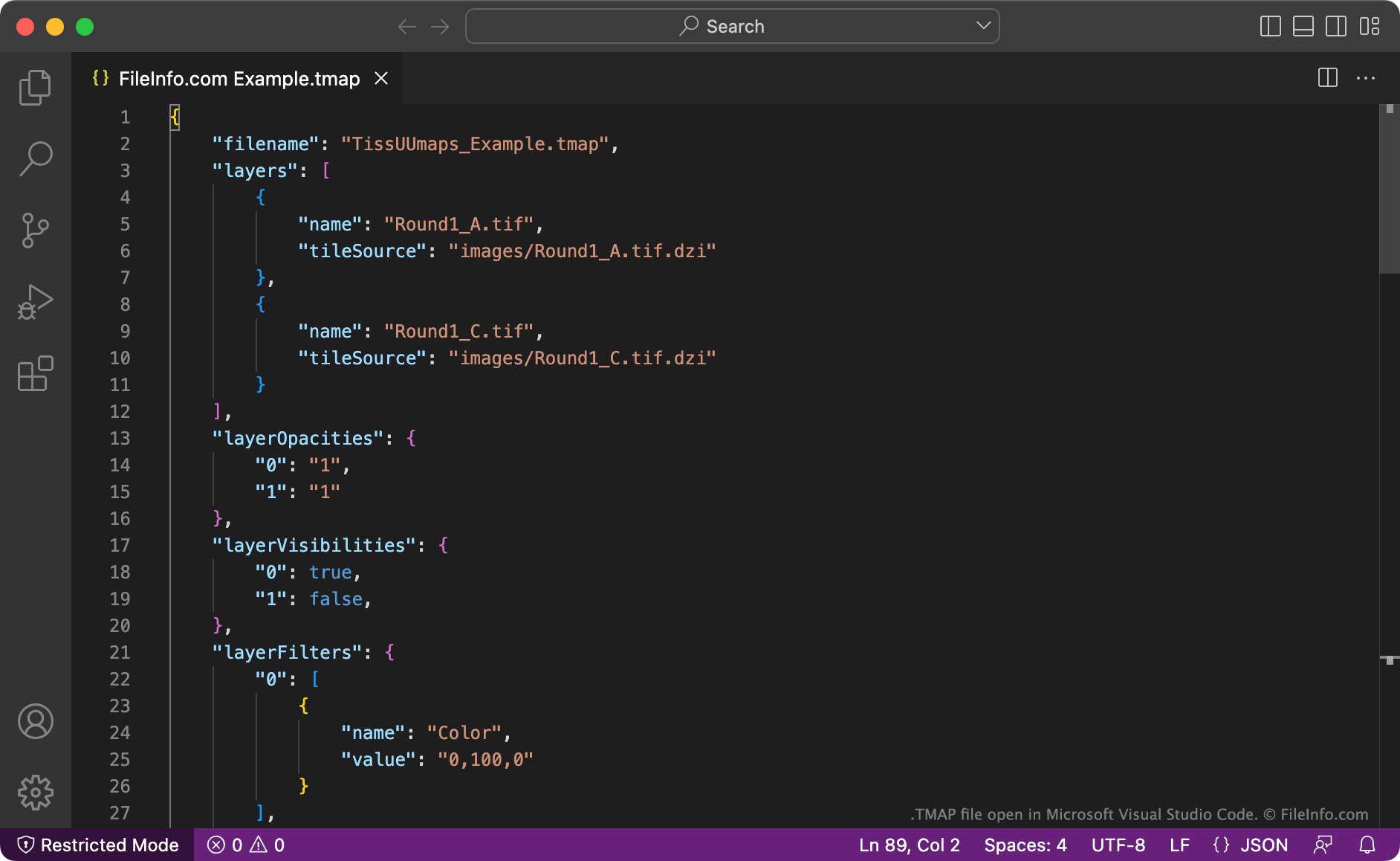
TMAP 파일은 조직 분석 도구인 TissUUmaps로 만든 프로젝트 파일입니다. 이 파일에는 프로젝트에 포함된 이미지 레이어, 마커, 영역 및 설정을 지정하는 JSON 형식의 데이터가 들어 있습니다. 사용자는 TissUUmaps에서 프로젝트를 저장하거나 다른 조직 관련 프로그램에서 프로젝트를 내보내 TMAP 파일을 만들 수 있습니다.
추가 정보
연구자들은 조직 샘플의 데이터를 시각화하고 분석하기 위해 TissUUmaps를 사용합니다. 이 프로그램은 스웨덴 웁살라 대학교의 한 연구팀이 만들었으며, 온라인에서 다운로드할 수 있습니다.
TissUUmaps 프로젝트를 만들려면 연구자는 먼저 프로그램에서 지원하는 전체 슬라이드 이미지 형식(예: .TIF, .VMU, .SCN 또는 .SVSLIDE) 중 하나로 저장된 이미지를 하나 이상 불러옵니다. 그런 다음 각 이미지에 필터를 적용하고, 마커를 추가하고, 영역을 그려 분석을 수행하는 데 활용할 수 있습니다.
사용자는 언제든 현재 TissUUmaps 프로젝트를 TMAP 파일로 저장할 수 있습니다. 이 파일에는 프로젝트에서 가져온 이미지, 레이어 및 레이어 속성, 필터, 영역, 관련 플러그인(프로젝트를 만드는 동안 사용한 플러그인)에 대한 JSON 기록이 들어 있습니다. 나중에 이 파일을 불러와 프로젝트 작업을 다시 시작할 수 있습니다.
TMAP 파일을 여는 방법
TissUUmaps(다중 플랫폼)로 TMAP 파일을 열 수 있습니다. 그러려면 프로그램의 메뉴 모음에서 을 선택합니다. 그런 다음 TMAP 파일이 있는 위치로 이동하여 파일을 선택합니다. 프로젝트가 TissUUmaps에 올바르게 표시되려면 프로젝트에서 사용하는 이미지도 가지고 있어야 하며, 해당 이미지는 TMAP 파일에 지정된 위치(들)에 저장되어 있어야 합니다.
또한 Microsoft Visual Studio Code(다중 플랫폼), GitHub Atom(다중 플랫폼) 또는 다른 텍스트 편집기로 TMAP 파일을 열어 파일에 들어 있는 일반 텍스트 데이터를 확인할 수 있습니다.