.TID 파일 확장자
AVCHD Thumbnail File
| 개발사 | Sony and Panasonic |
| 인기도 |
1.5 | 6 투표 |
TID 파일이란 무엇인가요?
File created by Sony and Panasonic digital camcorders; contains thumbnail stills of recorded video in the AVCHD (Advanced Video Coding High Definition) format; similar to .TDT files; appears in folder when connecting camcorder to computer; not meant to be manually opened.
추가 정보
TID files can be found, along with TDT files, in the AVCHDTN folder, which is held within the AVCHD folder, which is held in the Private folder contained within your camcorder.
TID 파일을 열거나 참조하는 프로그램
TiddlyWiki Tiddler
| 개발사 | The TiddlyWiki Team |
| 인기도 |
2.0 | 1 투표 |
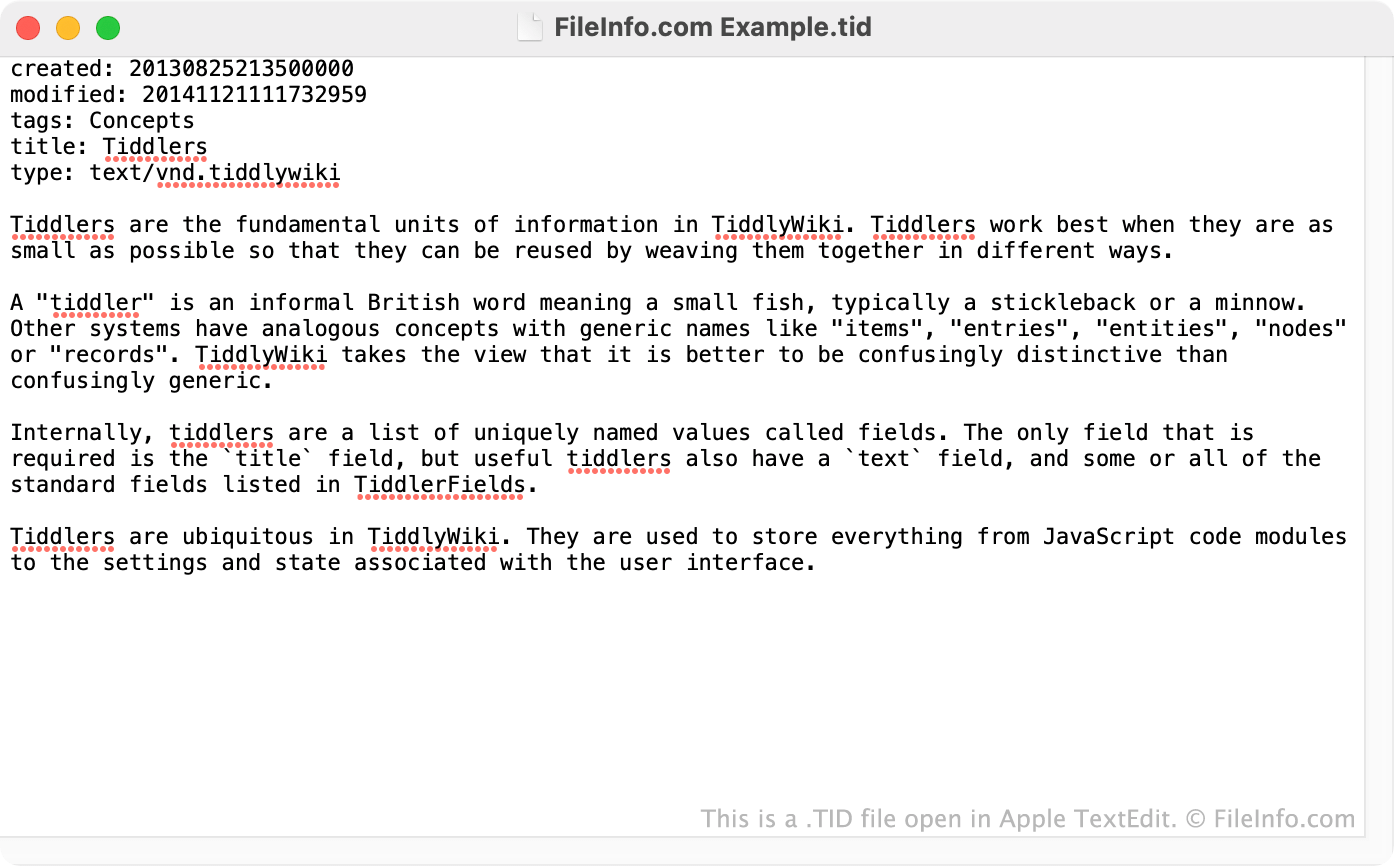
A TID file is a tiddler exported from a TiddlyWiki. It contains the tiddler's text and metadata, such as the tiddler's title, creator, and last modified date. TID files can be imported into other TiddlyWikis, allowing users to copy information across wikis.
추가 정보
TiddlyWiki is a personal wiki system that allows users to capture, organize, and share complex information. To do so, users download a TiddlyWiki .HTML file and then begin adding tiddlers, or topics, to their TiddlyWiki.
If a user wants to export a topic from their own or another TiddlyWiki, they can do so using TiddlyWiki's export tiddler option (which is available from each tiddler's dropdown menu). This allows the user to export the tiddler in a variety of formats, including TiddlyWiki's proprietary TID format.
The TID format stores tiddlers as plain text. Each TID file begins with name:value pairs that describe the tiddler's metadata, such as its title, creator, created on date, tags, type, last modified date, and caption. The tiddler's actual content typically begins after this list of metadata (and is sometimes preceded by the text: tag).
TID 파일을 여는 방법
Because TID files are plain text files, you can open and edit them in any text editor. If you want to import a TID file into a TiddlyWiki, you can do so using the import option found in your TiddlyWiki's Tools menu. After importing the TID file, you will be able to edit and link to it as you would any other tiddler.