

.SKS 파일 확장자
SpriteKit 장면
| 개발사 | Apple |
| 인기도 |
4.0 | 2 표 |
SKS 파일이란 무엇인가요?
SKS 파일은 2D 게임과 앱을 개발하는 데 사용되는 SpriteKit 프레임워크의 장면에 대한 모든 활성 콘텐츠를 포함하는 SpriteKit 장면(SKS)입니다. 사용자는 Apple Xcode(macOS IDE)의 장면 편집기에서 SKS 장면을 구성하고, SKS 파일로 저장한 다음 .XCODEPROJ 개발 프로젝트에 불러와 macOS, iOS, watchOS 또는 tvOS 플랫폼용으로 배포할 수 있는 게임이나 앱으로 컴파일합니다.
추가 정보
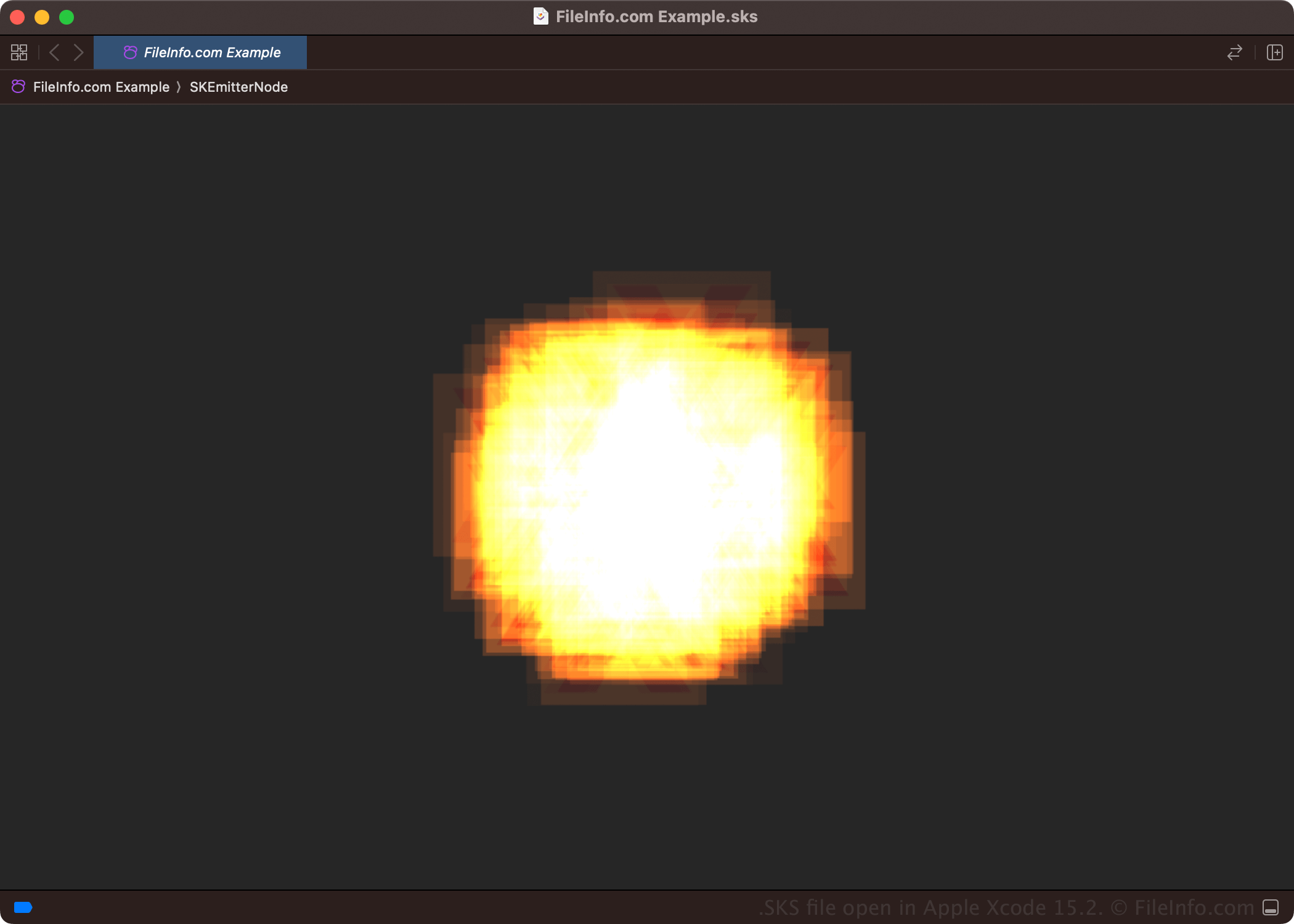
SpriteKit 프레임워크를 사용하면 개발자가 도형, 입자, 이미지, 텍스트 및 동영상을 그려 게임과 기타 앱을 만들 수 있습니다. 또한 게임이나 앱을 구성하는 장면의 요소에 다양한 애니메이션과 물리 동작을 적용하여 애니메이션 효과를 줄 수도 있습니다.
macOS, iOS, watchOS 또는 tvOS 플랫폼용 개발자는 SpriteKit 장면을 수정할 때 Xcode의 장면 편집기를 자주 사용합니다. 이 기능은 코드를 작성하는 것보다 빠르며, 개발자가 게임이나 앱의 여러 위치에서 장면을 재사용할 수 있게 해 줍니다.
Xcode로 SpriteKit 장면(SKS 파일)을 만들고 수정하려면:
- 을 선택합니다.
- 플랫폼(iOS, macOS, watchOS 또는 tvOS)을 선택합니다.
- 을 선택합니다.
일반적인 .SKS 파일 이름
MyScene.sks - Apple Xcode가 SKS 파일에 지정하는 기본 파일 이름입니다.
SKS 파일을 여는 방법
macOS에서는 Apple Xcode로 SKS 파일을 열 수 있습니다. 예를 들어 SKS 파일을 열려면 을 선택합니다.
SKS 파일을 여는 프로그램
Mac