.PROJECT 파일 확장자
Eclipse Project Settings File
| 개발사 | Eclipse |
| 인기도 |
3.4 | 29 투표 |
PROJECT 파일이란 무엇인가요?
File created by Eclipse when creating a new project; saved in an XML format and contains the project name, build specifications, and dependencies; used for saving and loading projects into the Eclipse IDE; uses the filename .prefix.
PROJECT 파일을 열거나 참조하는 프로그램
Defold Project Settings File
| 개발사 | Defold Foundation |
| 인기도 |
3.7 | 3 투표 |
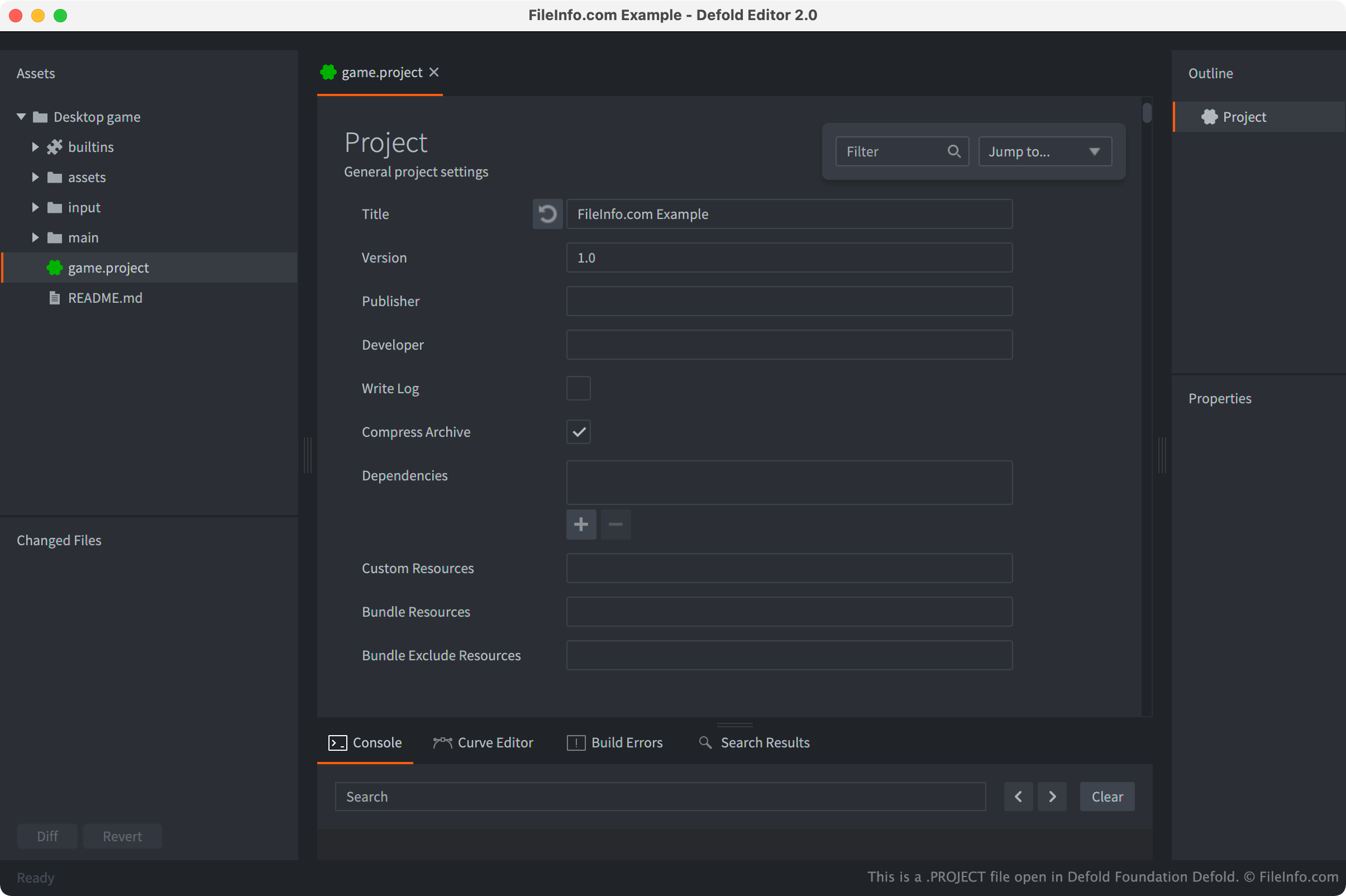
A game.project file is a settings file used by a Defold game engine project. It contains text that specifies how a game is loaded, what dependencies and custom resources the game contains, what type of physics the game uses, and other settings. Defold projects must always contain a game.project file, or they will not open correctly in Defold.
추가 정보
Defold is a free, cross-platform 2D and 3D game development environment. When a developer creates a new Defold project, the program automatically creates a game.project file that resides in the project's root folder. The game.project file contains metadata about the project, such as its title and version, as well as project-level settings that control how the project is loaded and managed in Defold.
For example, if you wanted to share assets used in one game with another, you could use your game.project file's library → Include Dirs setting to specify what folders you want to share with other projects. Then, those folders (and only those folders) would be available to use as a dependency in another game.project file.
일반적인 .PROJECT 파일 이름
game.project - The name of Defold's PROJECT files. Defold PROJECT files must have this name to function correctly.
PROJECT 파일을 여는 방법
Typically, you'll want to open your Defold project's game.project file in Defold (cross-platform). To do so, open the project your game.project file is included in and then select the file from Defold's Assets sidebar.
However, because game.project files are text files, you can also open and edit them in any text editor. For example, if you want to edit a project setting that is hidden in Defold, you can do so by opening and editing your game.project file in a text editor.