

.MONOPIC 파일 확장자
Monodraw 그림
| 개발사 | Helftone |
| 인기도 |
3.0 | 1 표 |
MONOPIC 파일이란 무엇인가요?
MONOPIC 파일은 사용자가 만든 이미지를 일반 텍스트로 내보낼 수 있는 ASCII 아트 도구인 Helftone Monodraw로 만든 이미지입니다. 이 파일에는 사용자가 Monodraw로 만든 다이어그램, 마인드 맵 또는 기타 그림이 들어 있습니다. MONOPIC 파일 자체는 일반 텍스트 파일이 아니라 이진 파일입니다.
추가 정보
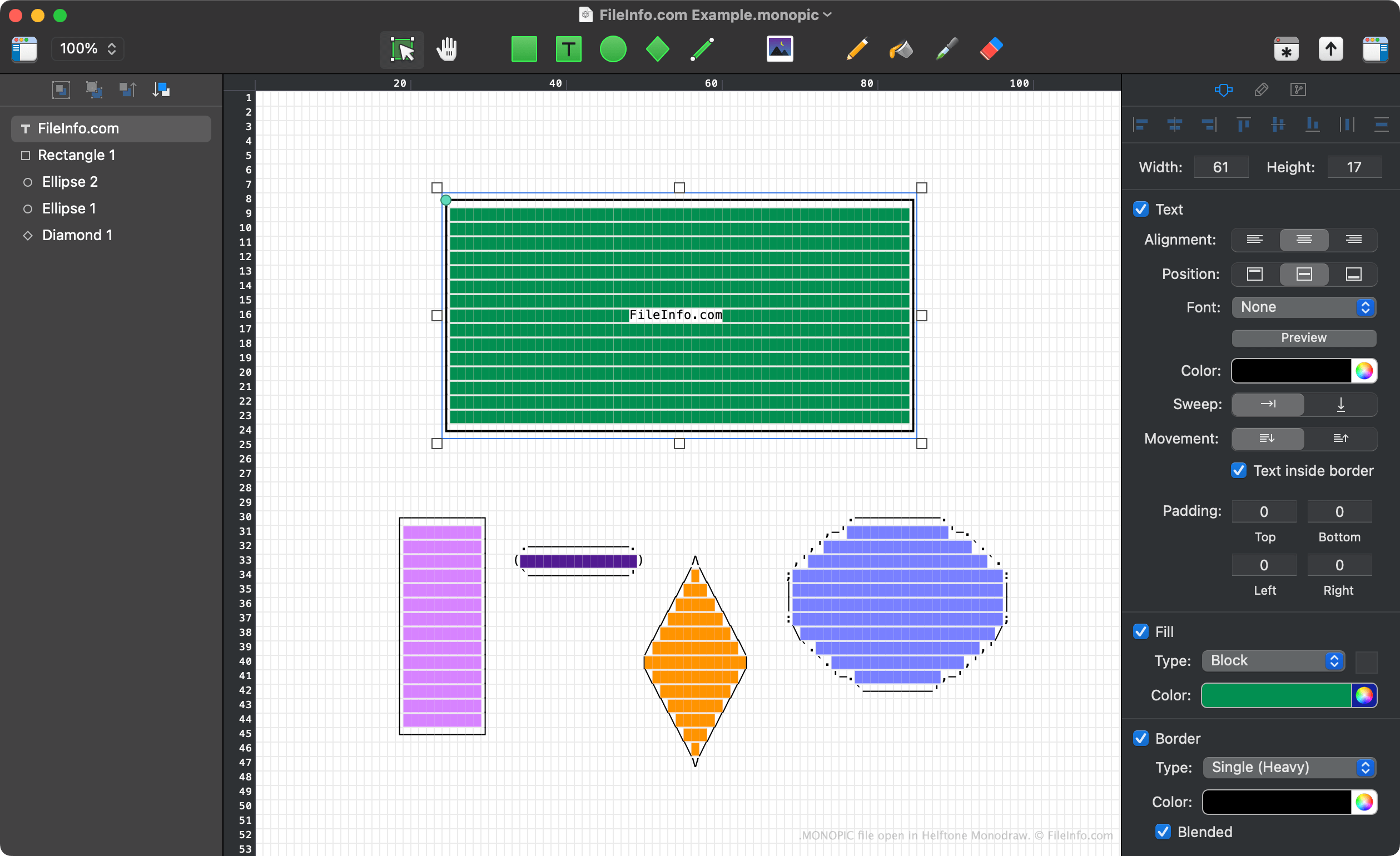
Monodraw는 macOS에서 사용할 수 있는 그리기 도구입니다. 일반 텍스트 요소로 다이어그램, 마인드 맵, 배너 및 아트를 만들 수 있습니다. 예를 들어 일반 텍스트 직사각형, 텍스트, 화살표 및 기타 요소로 구성된 워크플로 다이어그램을 만들 수 있습니다. 만든 그림에 색상과 포함된 이미지도 추가할 수 있습니다.
이 프로그램은 만든 아트 프로젝트를 MONOPIC 파일로 저장합니다. 이 파일은 일반 텍스트 파일이 아닙니다. Monodraw에서만 열 수 있는 이진 파일입니다. Monodraw에서 이미지 만들기를 마친 후에는 해당 이미지를 .TXT, .PNG 또는 .SVG 형식으로 내보내 Monodraw 외부에서 보고 사용할 수 있습니다.
MONOPIC 파일을 여는 방법
Helftone Monodraw(Mac)로 MONOPIC 파일을 열 수 있습니다. 그러려면 프로그램의 메뉴 막대에서 을 선택하세요. 그런 다음 MONOPIC 파일이 있는 위치로 이동하여 파일을 여세요.
MONOPIC 파일을 변환하는 방법
MONOPIC 파일을 여는 프로그램
Mac
무료 체험판