

.MLAPPINSTALL 파일 확장자
MATLAB 앱 설치 패키지
| 개발사 | The MathWorks |
| 인기도 |
2.0 | 1 표 |
MLAPPINSTALL 파일이란 무엇인가요?
MLAPPINSTALL 파일은 The MathWorks MATLAB으로 만든 앱을 저장하는 압축된 앱 설치 패키지입니다. MATLAB은 프로그래밍 및 수치 계산 애플리케이션입니다. 이 파일에는 소스 코드, 지원 정보(종속 항목 포함), 앱 아이콘 등 MATLAB에 앱을 설치하는 데 필요한 모든 항목이 포함되어 있습니다. MATLAB 사용자는 소프트웨어로 만든 앱을 다른 MATLAB 사용자와 공유하기 위해 MLAPPINSTALL 파일을 만듭니다.
추가 정보
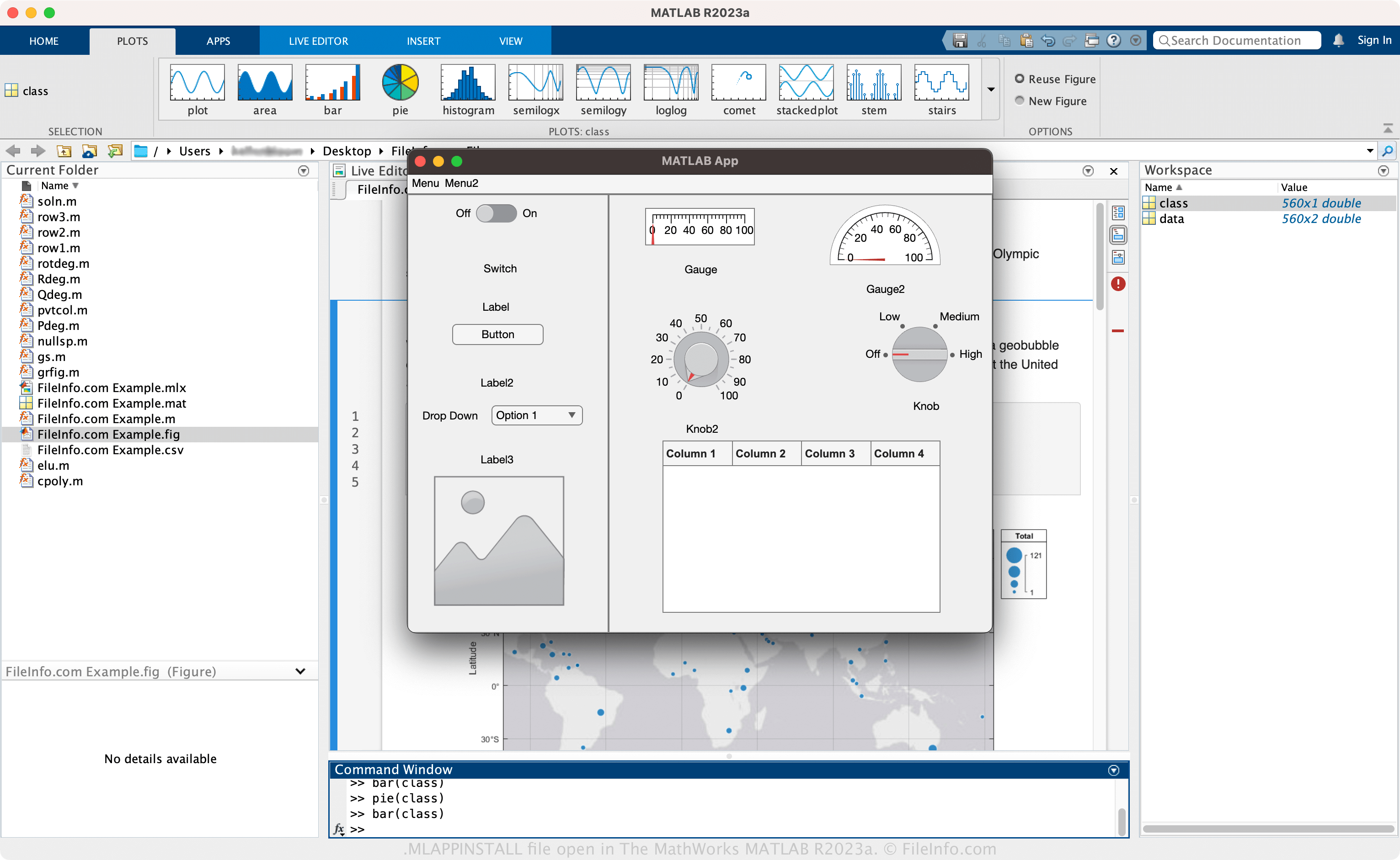
MATLAB은 엔지니어와 과학자가 데이터를 분석하고, 시각화하고, 조작하는 데 사용할 수 있는 기술 컴퓨팅 시스템입니다. 이 소프트웨어는 여러 기능 중 하나로 앱을 개발할 수 있는 통합 개발 환경(IDE)을 제공합니다. 이러한 앱에는 혈압 데이터를 시각화하는 도구, 금융 계산기 등이 포함됩니다.
이 기능을 사용하면 앱의 인터페이스를 설계하고 기능을 프로그래밍할 수 있으며(그리고 이를 .MLAPP 파일로 저장할 수 있으며), 배포할 준비가 되면 MLAPP 파일을 웹 앱 또는 독립 실행형 데스크톱 앱으로 컴파일하거나 다른 MATLAB 사용자와 공유할 MLAPPINSTALL 패키지로 컴파일할 수 있습니다.
MATLAB으로 MLAPPINSTALL 파일을 만드는 방법
MATLAB으로 MLAPPINSTALL 파일을 만들려면 "APPS" 탭에서 을 선택한 다음 를 클릭합니다. 앱을 설계하는 동안 을 선택한 다음 를 클릭하여 파일을 만들 수도 있습니다.
MLAPPINSTALL 파일을 여는 방법
MLAPPINSTALL 파일은 The MathWorks MATLAB(다중 플랫폼)으로만 열 수 있습니다. MLAPPINSTALL 파일을 열려면 탭을 선택한 다음 을 클릭합니다.