.KC 파일 확장자
KeyKit Collection
| 개발사 | Tim Thompson and AT&T |
| 인기도 |
4.0 | 3 투표 |
KC 파일이란 무엇인가요?
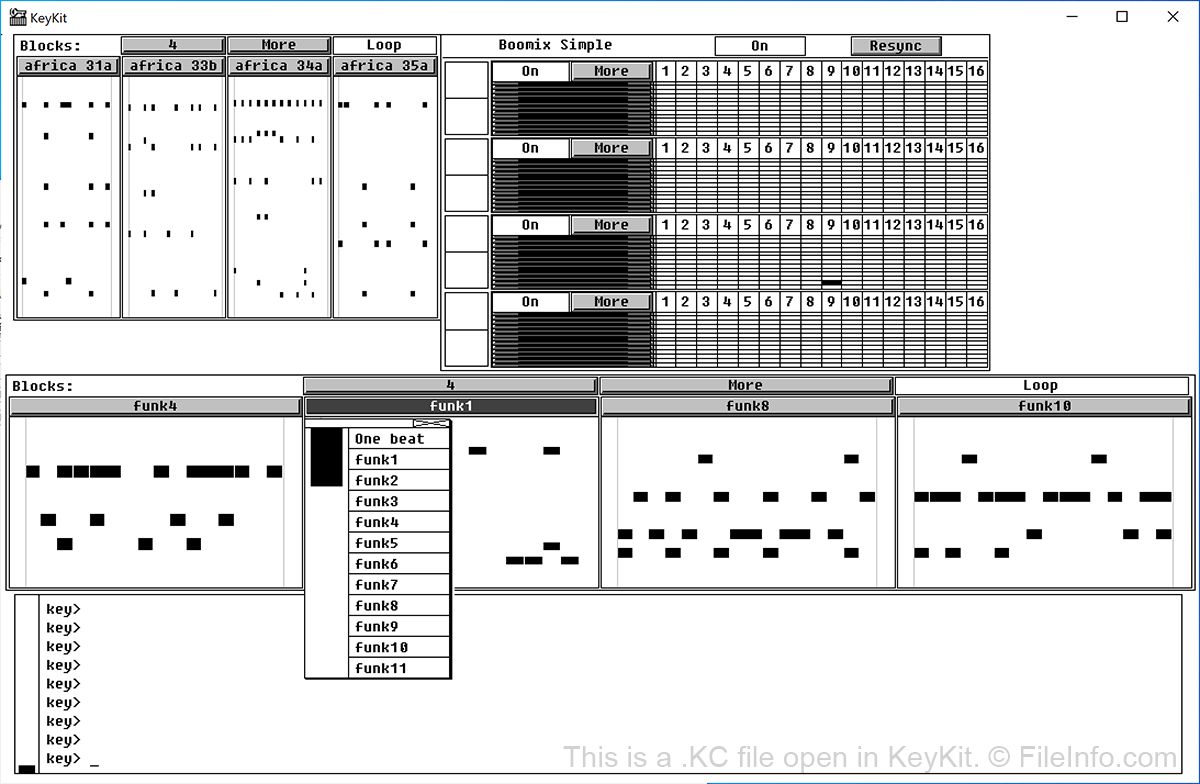
A KC file is a KeyKit Collection used by Tim Thompson's KeyKit. It contains a set of named musical sequences you can play in KeyKit. KC files are most often used to group similar percussion sequences into collections that can be opened and played using KeyKit's Blocks tool.
추가 정보
KeyKit is an open source programming language and graphical interface used to create MIDI music. Developer Tim Thompson created the language and accompanying program in the 1990s, during the time he worked at AT&T. While KeyKit was originally released through AT&T, it is now available for free from GitHub.
KeyKit was developed for use on Windows NT, but still works on modern Windows, Linux, and Raspberry Pi systems. So if you have a KC file sitting on your computer, you can still open it and play the musical sequences it contains using KeyKit. Additionally, KeyKit comes loaded with a number of sample KC files, including rock-, jazz-, rap-, funk-, and reggae-inspired collections.
KC 파일을 여는 방법
To open a KC file in KeyKit:
- If you haven't already, download and install KeyKit using the source code available on GitHub (linked below).
- Open KeyKit and click within the blank section of the program's GUI. From the menu that appears, select Tools1 → Blocks.
- Click anywhere within the GUI's blank section to open the Blocks tool.
- Within the Blocks tool, select More → Read Collection. Then, navigate to the location of your KC file, select it, and select Open.
The musical sequences contained within your KC file should now be available to play within KeyKit. To confirm this, select one of the One beat buttons that appears within the Blocks tool. A list of the sequences contained within your KC file should appear beneath the button.
KC 파일을 여는 프로그램
macOS Kernel Extension Boot File
| 개발사 | Apple |
| 인기도 |
3.0 | 2 투표 |
A KC file is a system file used by macOS. It contains data macOS uses to load kernel extensions, or kexts. While kernel extensions are deprecated, macOS still uses some KC files, which can be found in the Macintosh HD/System/Volumes/Macintosh HD/boot directory.
추가 정보
A kernel is the foundational layer of an operating system. It communicates with a PC's hardware and manages resources, such as RAM and CPU.
A macOS kernel extension is a bundle that extends the functionality of a user's kernel, allowing it to perform additional low-level system tasks. Kexts run in kernel space, which gives them the ability to perform tasks that user-space applications and processes cannot.
The primary KC file macOS uses to boot kernel extensions is BootKernelExtensions.kc. You may encounter additional KC files, which contain a string of additional numbers and letters after the .kc extension.
KC 파일을 여는 방법
KC files are not meant to be opened.