

.EXE 파일 확장자
Windows 실행 파일
| 개발사 | Microsoft |
| 인기도 |
4.1 | 7014 표 |
EXE 파일이란 무엇인가요?
EXE 파일은 Microsoft Windows에서 실행되는 실행 파일 프로그램입니다. 여기에는 notepad.exe 또는 msedge.exe처럼 파일을 두 번 클릭하면 열리는 애플리케이션이 포함되어 있습니다. 인터넷에서 다운로드한 설치 프로그램과 같은 일부 EXE 파일은 열면 Windows 컴퓨터에 프로그램을 설치합니다.
추가 정보
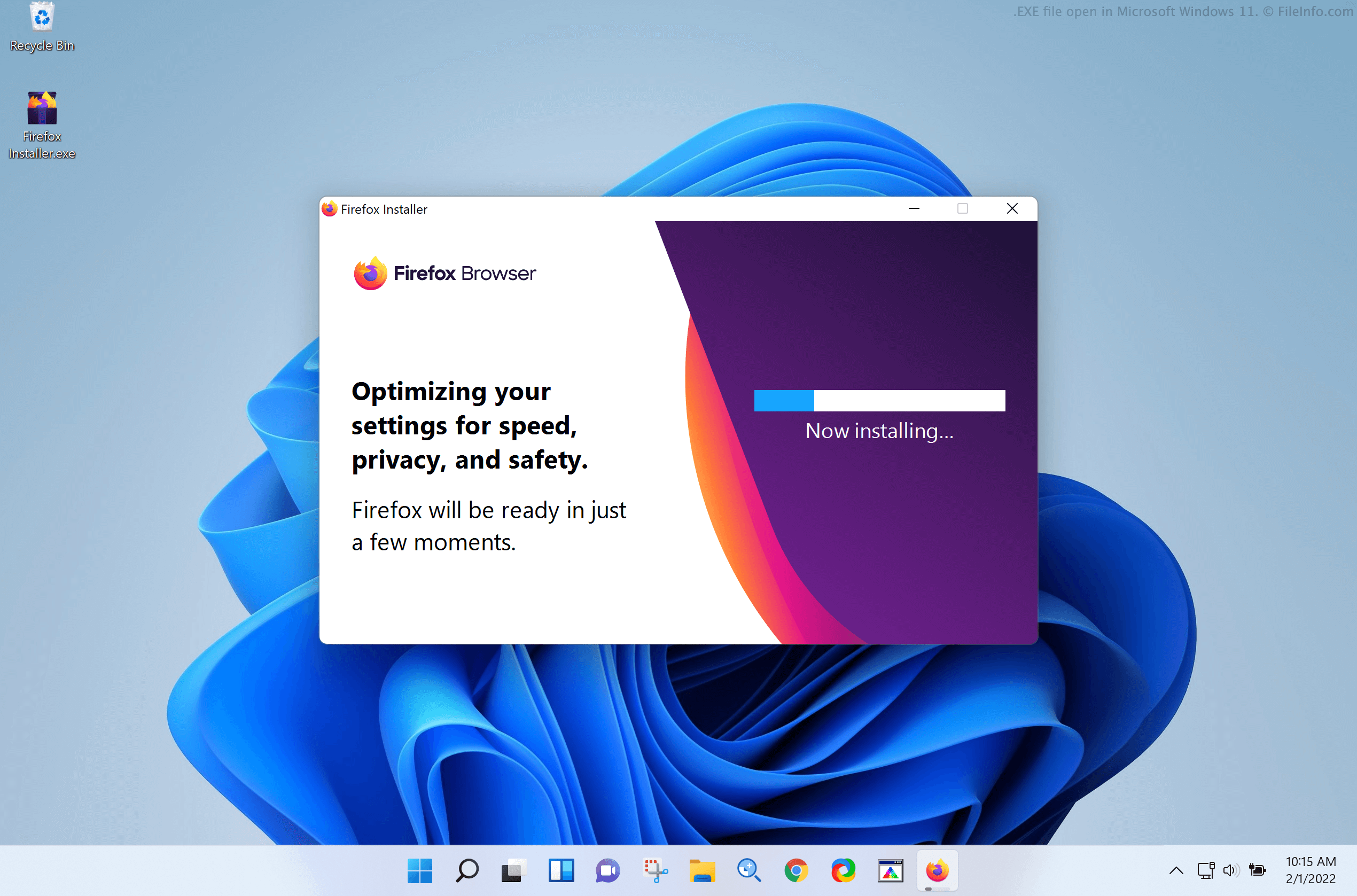
EXE는 소프트웨어 개발자가 Windows 프로그램을 패키징하고 배포할 때 사용하는 기본 형식입니다. 각 EXE 파일에는 Windows가 파일에 포함된 프로그램을 인식하고 읽고 실행하는 데 사용하는 데이터가 들어 있습니다. 이 데이터는 컴파일된 바이너리 형식으로 저장되며, 기계어라고도 합니다. EXE 파일에는 프로그램의 아이콘과 GUI 그래픽 리소스 같은 추가 프로그램 리소스가 포함되어 있는 경우도 많습니다.
Windows에서 EXE 파일을 두 번 클릭하면 Windows가 파일에 포함된 프로그램을 실행합니다. 파일에 애플리케이션 설치 프로그램이 포함되어 있으면 설치 프로그램이 열리고 설치 과정이 시작됩니다. 파일에 애플리케이션이 저장되어 있으면 애플리케이션이 열립니다. 또한 파일에 다른 종류의 프로그램(예: 악성 코드)이 포함되어 있으면 해당 프로그램이 실행됩니다.
개발자는 일반적으로 EXE 파일에 설치 프로그램이 포함되어 있는지 애플리케이션이 포함되어 있는지 알 수 있도록 이름을 지정합니다. 예를 들어 설치 프로그램이 저장된 EXE 파일은 흔히 setup.exe라는 이름을 사용하며, 앱을 실행하는 EXE 파일에는 일반적으로 앱 이름이 포함됩니다(예: Microsoft Edge의 경우 msedge.exe).
EXE 파일과 MSI 파일의 차이
개발자는 Windows 애플리케이션 설치 프로그램을 EXE 파일 대신 .MSI 파일로 저장할 수 있습니다. MSI 파일은 항상 애플리케이션 설치 프로그램을 포함한다는 점을 제외하면 EXE 파일과 비슷합니다. MSI 파일에는 Windows 애플리케이션이나 다른 프로그램이 저장되지 않습니다. Windows는 항상 Windows Installer(Windows에 포함된 유틸리티)를 사용하여 MSI 파일을 열고 파일에 포함된 프로그램을 설치합니다.
일반적인 .EXE 파일 이름
setup.exe - 애플리케이션 설치 프로그램에 흔히 사용되는 이름입니다. 열면 설치 과정이 시작됩니다.
install.exe - 앱 설치 프로그램에 사용되는 또 다른 인기 있는 이름입니다.
cmd.exe - Windows 2000 이상에서 사용되는 셸 프로그램으로, COMMAND.COM을 대체합니다.
EXE 파일을 여는 방법
Windows에서는 EXE 파일을 두 번 클릭하여 파일에 포함된 프로그램을 실행할 수 있습니다. 하지만 파일의 출처가 신뢰할 수 있는지 확인할 수 없다면 파일을 두 번 클릭하지 마십시오.
고급 사용자는 7-Zip 또는 RARLAB WinRAR와 같은 압축 파일 해제 도구를 사용하여 EXE 파일에 포함된 프로그램을 실행하지 않고도 내용을 추출할 수 있습니다.
Windows 외부에서 EXE 파일을 실행하는 방법
EXE 파일 형식은 Windows에서 사용하도록 특별히 설계되었습니다. macOS와 Linux 같은 Windows 이외의 운영 체제(OS)에서는 EXE 파일로 저장된 프로그램을 기본적으로 실행할 수 없습니다. 그러나 macOS, Linux 및 기타 Windows 이외의 운영 체제 사용자는 Windows 가상 머신을 만들어 PC에서 Windows 프로그램을 실행할 수 있습니다.
macOS에서는 Parallels Desktop 또는 VMware Fusion으로 만든 Windows 가상 머신을 사용하여 EXE 파일에 포함된 프로그램을 실행할 수 있습니다. 또한 OS에 번들로 제공되는 Boot Camp 유틸리티를 사용하여 Mac에 Windows를 설치할 수도 있습니다.
Linux에서는 Oracle VM VirtualBox로 만든 Windows 가상 머신을 사용하여 EXE 파일에 포함된 프로그램을 실행할 수 있습니다. 또한 Windows를 설치하지 않고도 사용자가 Windows 애플리케이션을 실행할 수 있도록 특별히 설계된 애플리케이션인 Wine을 사용할 수도 있습니다.
Android에서는 Android 버전의 Wine을 사용하여 Windows 애플리케이션을 실행할 수 있습니다. 그러나 Android용 Wine은 Android 기기의 아키텍처에 의해 제한되므로 일부 Windows 프로그램만 실행할 수 있습니다. iOS에서는 Turing Software UTM의 iOS 버전을 사용하여 Windows 애플리케이션을 실행할 수 있습니다.
경고
EXE 파일은 일반적으로 합법적인 Windows 애플리케이션이지만, 악성 코드 공격을 배포하고 실행하는 데 사용될 수도 있습니다. 악성 Windows 실행 파일 공격으로부터 보호하려면 파일의 출처를 신뢰할 수 없는 한 다운로드했거나 이메일로 받은 EXE 파일을 두 번 클릭하지 마십시오.