.CW 파일 확장자
ClassiCube Map
| 개발사 | ClassiCube Team |
| 인기도 |
4.0 | 3 투표 |
CW 파일이란 무엇인가요?
A CW file is a game world created and used by ClassiCube, a Minecraft-like sandbox game. While playing ClassiCube, players can save their current world as a CW file. This allows them to resume playing in that world in the future, and to share the world with other players.
추가 정보
ClassiCube is a nostalgic Minecraft clone that includes only the game's original features. It is available for all major platforms, including PC and mobile platforms.
When a player begins playing ClassiCube, the game creates a fresh game world. If a player wants to save their progress in a game world, they can open ClassiCube's game menu (by pressing Esc) and select Save level.... This allows the player to save their world's current state as a CW file.
If a player wants to resume playing in a saved world, they can do so by loading the corresponding CW file from ClassiCube's game menu. Players also sometimes share their CW files online, to allow others to adventure within those game worlds.
CW 파일을 여는 방법
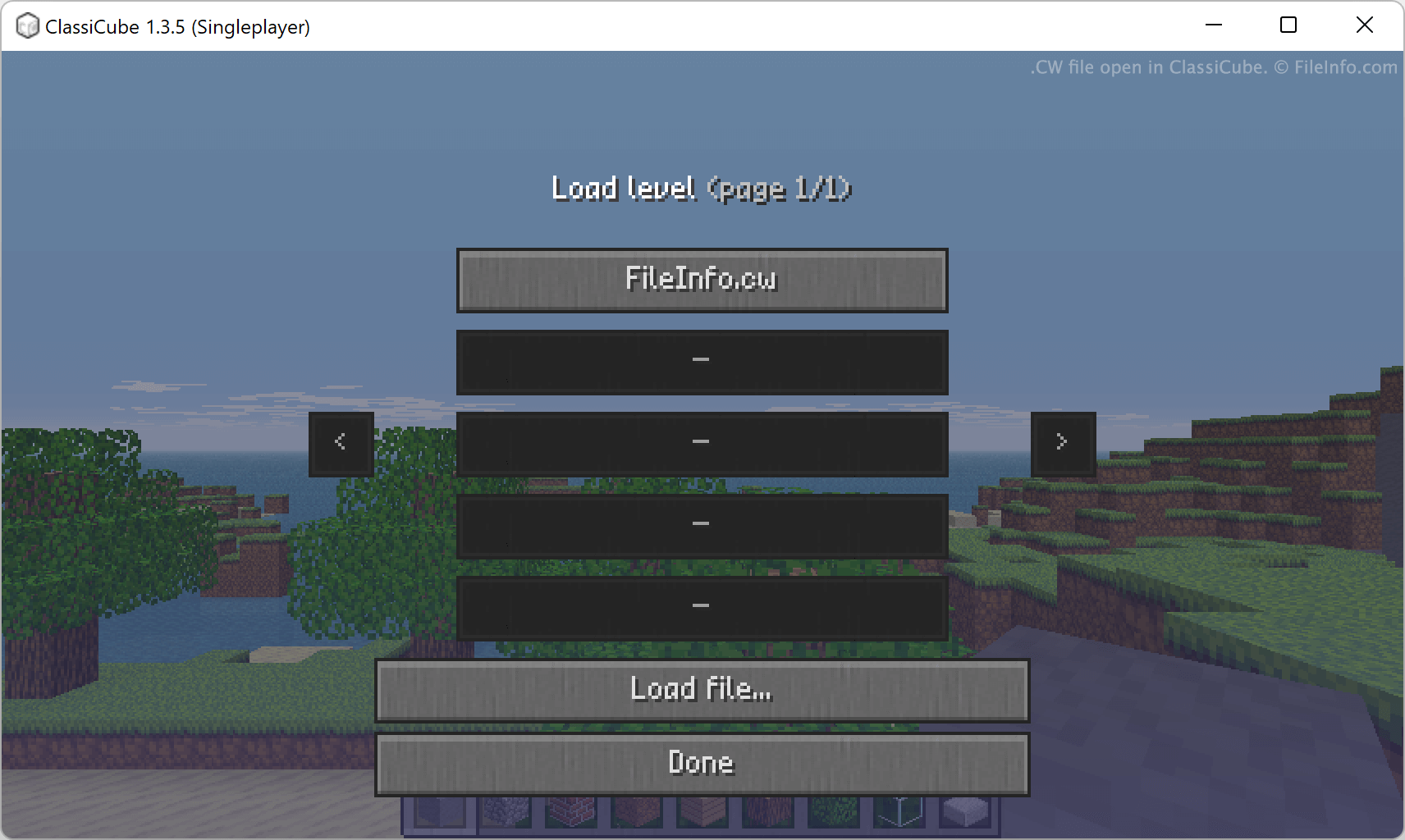
You can open a CW file in ClassiCube to play in the game world it contains. For example, to load a CW file in ClassiCube's single-player mode:
- Start a single-player game.
- Open the game menu (by pressing Esc).
- Click Load level....
- Navigate to and open your CW file.
ClassiCube will then load the world your CW file contains.
CW 파일을 여는 프로그램
CardWorks Template
| 개발사 | NCH Software |
| 인기도 |
2.7 | 6 투표 |
Business card template created by CardWorks, a program used for designing and printing business cards; saves the card layout and includes the individual's name, title, company, website, address, phone, email, and other related information.
추가 정보
CardWorks designs can be exported as .PDF files and printed with a standard printer. You can array multiple cards on the same page in a custom arrangement before exporting or printing.