

.AM6 파일 확장자
AutoPlay Media Studio 6 프로젝트
| 개발사 | Indigo Rose |
| 인기도 |
3.5 | 4 표 |
AM6 파일이란 무엇인가요?
AM6 파일은 광범위한 코드를 작성하지 않고도 대화형 애플리케이션을 제작하는 데 사용되는 비주얼 개발 도구인 Indigo Rose AutoPlay Media Studio(버전 6 이상)로 만든 프로젝트입니다. 메뉴, 버튼, 이미지, 동영상 및 애플리케이션의 사용자 인터페이스와 동작을 구성하는 기타 요소를 비롯해 프로젝트에 필요한 모든 리소스, 설정, 스크립팅 코드를 포함합니다.
추가 정보
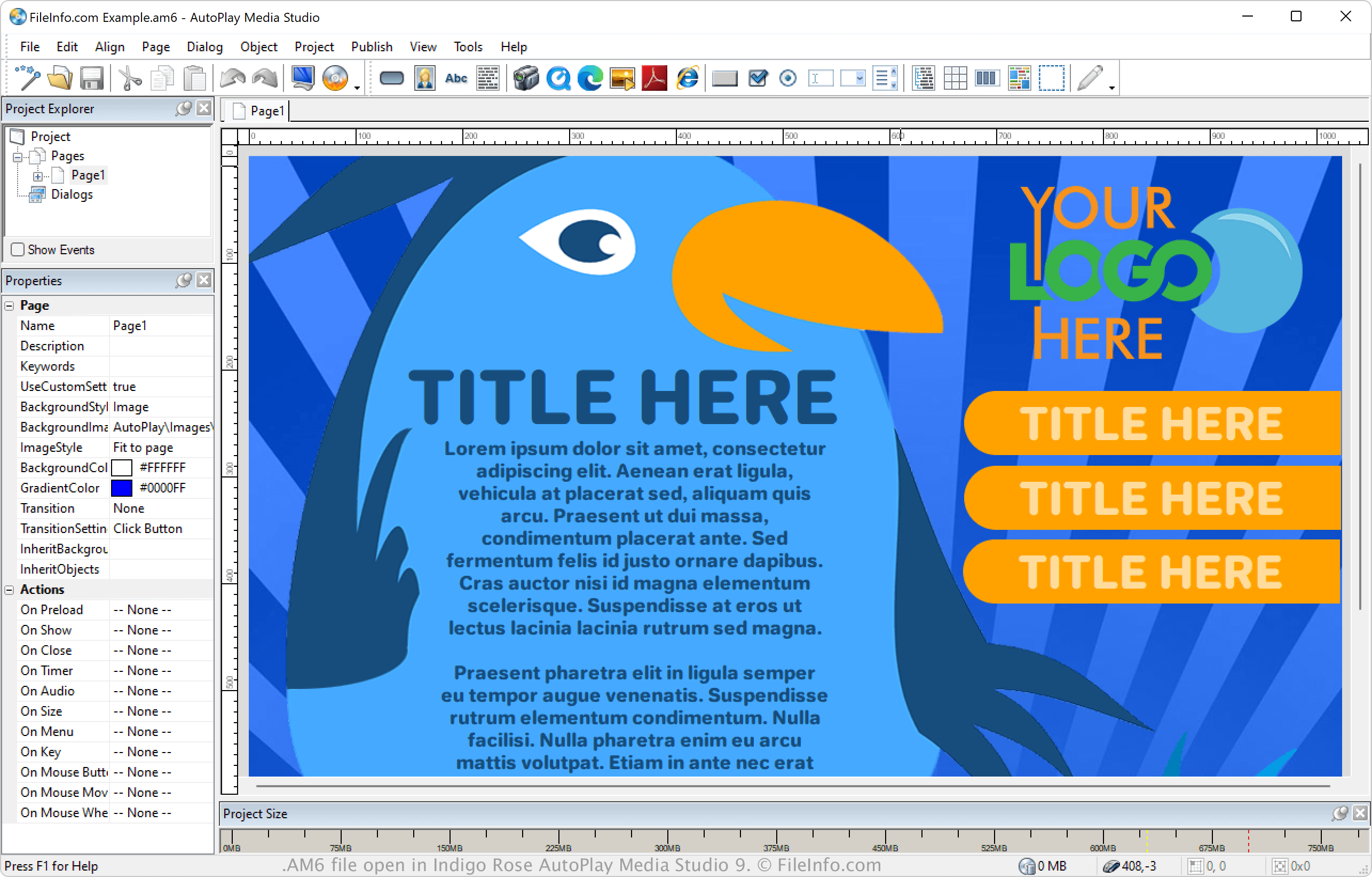
AutoPlay Media Studio의 주요 사용자는 제품 실행 프로그램, 대화형 교육 도구, 설치 메뉴, 홍보 프레젠테이션과 같은 멀티미디어 소프트웨어를 제작하려는 소프트웨어 개발자, IT 전문가, 콘텐츠 제작자입니다. 사용자는 AutoPlay Media Studio 버전 6으로 프로젝트를 작업하면서 AM6 파일로 저장한 다음, 파일을 닫았다가 다시 열어 추가로 수정할 수 있습니다. 프로젝트를 완성하면 사용자는 프로젝트를 배포할 수 있도록 독립 실행 파일(.EXE) 또는 디스크 이미지(.ISO) 파일로 빌드할 수 있습니다.
AutoPlay Media Studio의 버전마다 프로젝트를 저장하는 파일 확장자가 다릅니다. 예를 들어 버전 4는 프로젝트를 .AM4 파일로 저장하고, 버전 5는 프로젝트를 .AM5 파일로 저장합니다. 그러나 버전 8부터 AutoPlay Media Studio는 프로젝트를 .AUTOPLAY 파일로 저장합니다.
AM6 파일을 여는 방법
Windows에서는 Indigo Rose AutoPlay Media Studio(버전 6 이상)로 AM6 파일을 열 수 있습니다. AM6 파일을 열려면 을 선택합니다.