

.PVMZ ファイル拡張子
Parallels圧縮仮想マシン
| 開発元 | Parallels |
| 人気度 |
2.8 | 5 票 |
PVMZファイルとは?
PVMZファイルは、Parallels Desktopのエミュレーションソフトウェアで作成された、圧縮された仮想マシンです。Parallels Desktop for MacがWindows、macOS、Linuxなどのオペレーティングシステムを読み込み、実行するために必要な、仮想マシン(VM)のすべての情報が含まれています。PVMZファイルは.PVMファイルと同じですが、容量を節約するためにZip圧縮されています。
詳細情報
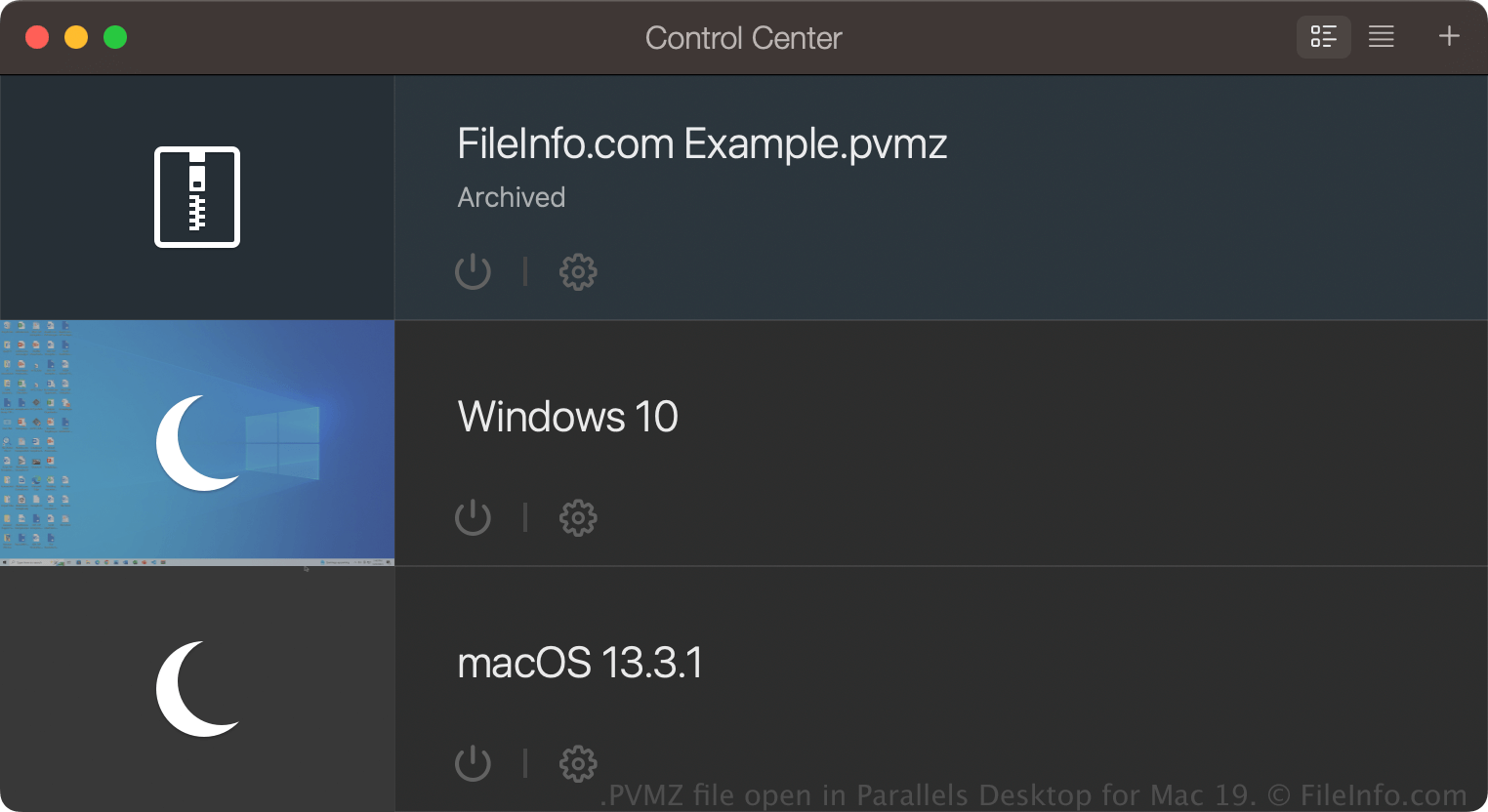
Parallels Desktop for Macは、Mac上でWindows、Linux、Android、およびmacOSの追加バージョンを実行できる、オペレーティングシステムの仮想化プログラムです。Parallels DesktopでVMを作成すると、ソフトウェアはその内容を保存するために、macOSパッケージであるPVMファイルを作成します。
PVMファイルは大きくなることがあるため、通常、ユーザーはPVMファイルをPVMZファイルとして圧縮し、サイズを小さくします。この機能は、Parallels Desktop for MacのProおよびBusinessエディションでのみ利用できます。
Parallels DesktopでPVMZファイルを作成するには、Control CenterでVMを右クリックし、を選択します。VMをアーカイブすると、同じ場所にあるPVMファイルがPVMZファイルになります。
PVMZファイルの開き方
macOSでは、Parallels Desktop for MacでPVMZファイルを開くことができます。PVMZファイルを開くには、仮想マシンの保存先として設定したデフォルトのフォルダー(Parallelsのデフォルトの場所はMacintosh HD/Users/[username]/Documents/Parallels/)にファイルを置き、Parallels Desktop for Macでを選択して、PVMZファイルを選びます。
Parallels Desktop for MacのControl Centerで仮想マシン(VM)が「Archived」として表示されている場合は、ダブルクリックしてアーカイブを解除するか、VMを右クリックしてを選択します。