.OVPN ファイル拡張子

OpenVPN Configuration File

開発元 OpenVPN Technologies
人気度
4.1  |  160 
 

OVPNファイルとは?

An OVPN file is a configuration file used by the Windows version of OpenVPN Technologies OpenVPN, a virtual private network (VPN) application. It contains settings used to create a VPN connection with a remote computer. You can open an OVPN file using OpenVPN to start a VPN session.

詳細情報

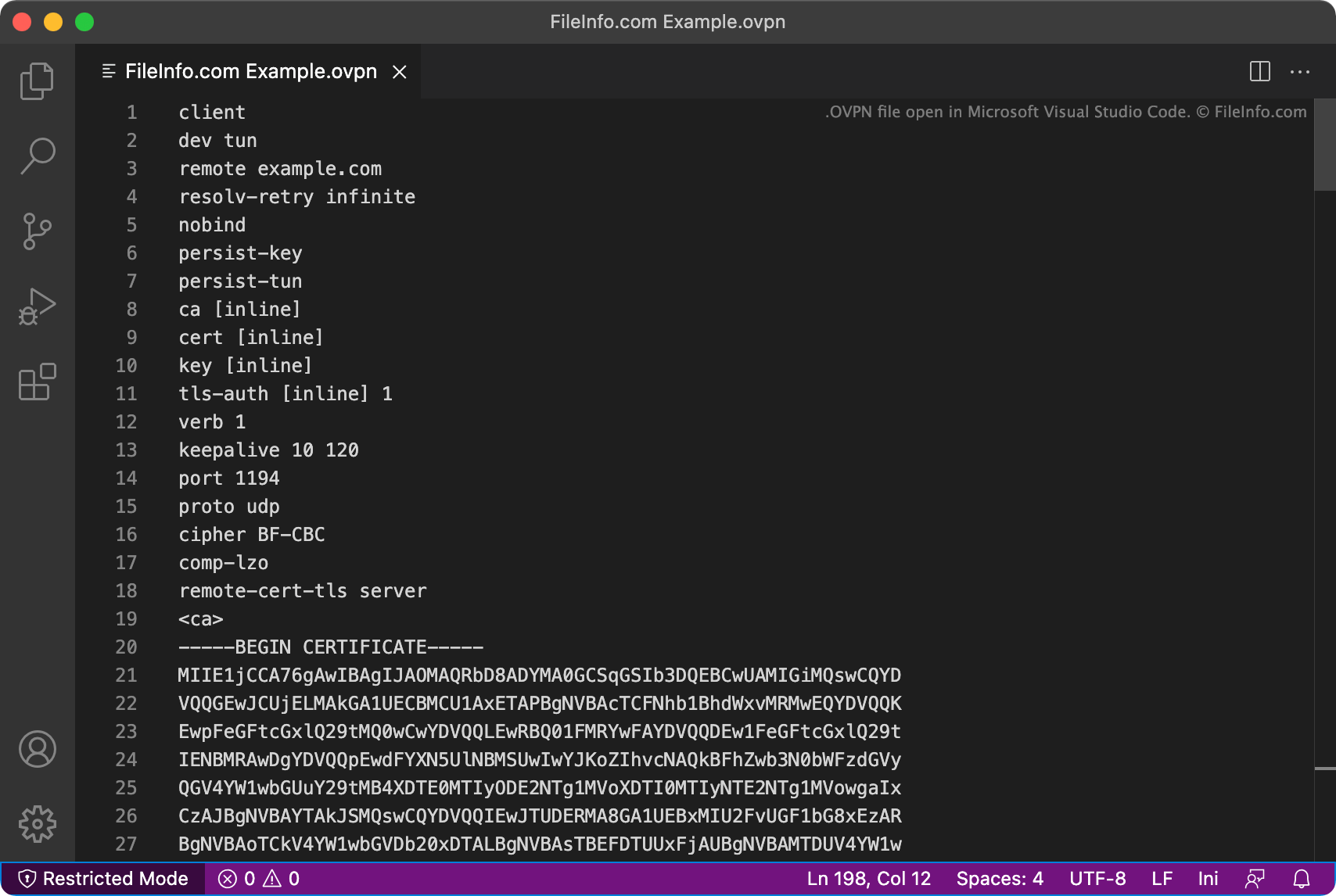
Microsoft Visual Studio Codeで開いた.ovpnファイルのスクリーンショット
Microsoft Visual Studio Codeで開いたOVPNファイル

OpenVPN contains a set of sample configuration files, stored in its sample-config-files directory. In Windows, you can also access these sample configurations by opening the Windows Start menu and then selecting OpenVPN → OpenVPN Sample Configuration Files. The sample configuration files are named server.ovpn and client.ovpn.

You should store any custom OVPN files that you create in the Program Files/​OpenVPN/​config directory.

注: On Unix systems, OVPN files use the .conf extension instead of the .ovpn extension.

OVPNファイルの開き方

OVPN files are meant to be used to start VPN connections in OpenVPN. To use an OVPN file to start a VPN connection, right-click the file and select Start OpenVPN on this configuration file. That will create the VPN connection specified in your OVPN file.

If you need to edit an OVPN file (for example, to adjust the VPN connection settings it contains), you can do so using any text or source code editor, such as Microsoft Visual Studio Code (cross-platform) or GitHub Atom (cross-platform).

File Viewer Plusで400種類以上のファイル形式を開けます。無料ダウンロード

OVPNファイルを開く、または参照するプログラム

Windows
Mac
Linux
カテゴリ: 設定
更新日: 2021-12-01

検証者 FileInfo.com

FileInfo.comチーム は、このページに掲載されているOpenVPN Configurationファイル形式とMac, Windows, and Linuxアプリについて独自に調査しました。 私たちの目標は100%の正確性であり、検証済みのファイルタイプに関する情報のみを公開しています。

このページへの追加や更新をご提案いただける場合は、お知らせください。