.MOBIRISE ファイル拡張子

Mobirise Project File

開発元 Mobirise
人気度
2.0  |  3 
 

MOBIRISEファイルとは?

A MOBIRISE file is a project created by Mobirise, a free Windows, macOS, and Android program that allows users to build websites without any coding. It contains "blocks" that make up the site, which may include a menu, header, articles, images, videos, sliders, galleries, features, pricing tables, forms, tables, and footers. MOBIRISE files are saved in JSON format.

詳細情報

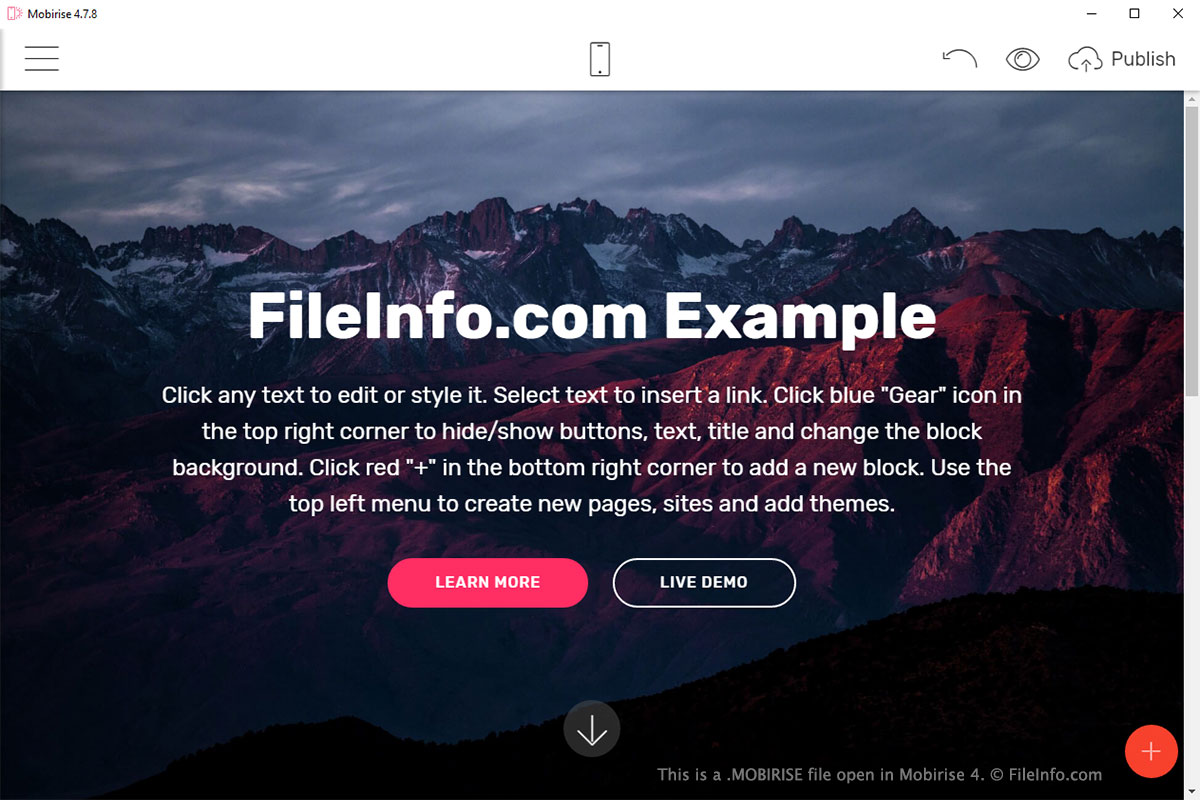
Mobirise 4で開いた.mobiriseファイルのスクリーンショット
Mobirise 4で開いたMOBIRISEファイル

Mobirise allows users to drag and drop "blocks" into a site to customize the appearance and functionality of the site. These blocks are saved in JSON format in the MOBIRISE file. When the site is published by a user, .HTML, .CSS, and .JS files are created for each block depending on the functionality of the block.

To create a new project in Mobirise, select "Sites" from the main menu, click "Create New Site," select the site theme, name the site, and click "OK." The MOBIRISE file is created to save the contents of the project. If you do not name the site, the name of the site will be Site-MM-DD_TTTT, with MM representing the month, DD representing the day, and TTTT representing the time that the site was created.

To open a site in Mobirise, select "Sites" from the main menu and click the site you want to open. If the site is not already in Mobirise, select "Sites" from the main menu, click "Import Mobirise Site," and select the MOBIRISE file you want to import in the explorer.

To export a site in Mobirise, select "Sites" from the main menu, click the "Site Settings" gear icon of the site you want to export, select "Export Site," and choose the place to which you want to save the site.

一般的な.MOBIRISEファイル名

project.mobirise - Default name given to a project saved by Mobirise.

File Viewer Plusで400種類以上のファイル形式を開けます。無料ダウンロード

MOBIRISEファイルを開くプログラム

Windows
無料
Mac
無料
カテゴリ: 設定
更新日: 2018-06-27

検証者 FileInfo.com

FileInfo.comチーム は、このページに掲載されているMobirise Projectファイル形式とMac and Windowsアプリについて独自に調査しました。 私たちの目標は100%の正確性であり、検証済みのファイルタイプに関する情報のみを公開しています。

このページへの追加や更新をご提案いただける場合は、お知らせください。