

.MDZ Estensione file
File Markdown compresso in formato ZIP
| Sviluppatore | N/D |
| Popolarità |
4,5 | 6 Voti |
Che cos'è un file MDZ?
Un file MDZ è un pacchetto di documenti Markdown compresso che raggruppa uno o più file Markdown (.MD) insieme alle risorse correlate, come immagini, diagrammi, fogli di stile e altri file di supporto. Il formato si basa sullo standard degli archivi .ZIP e usa l'estensione .mdz per identificare il pacchetto come raccolta di documenti basata su Markdown. Conservando tutti i contenuti correlati in un unico file, MDZ aiuta a mantenere i collegamenti tra i documenti e le risorse associate quando il pacchetto viene condiviso o archiviato.
Maggiori informazioni
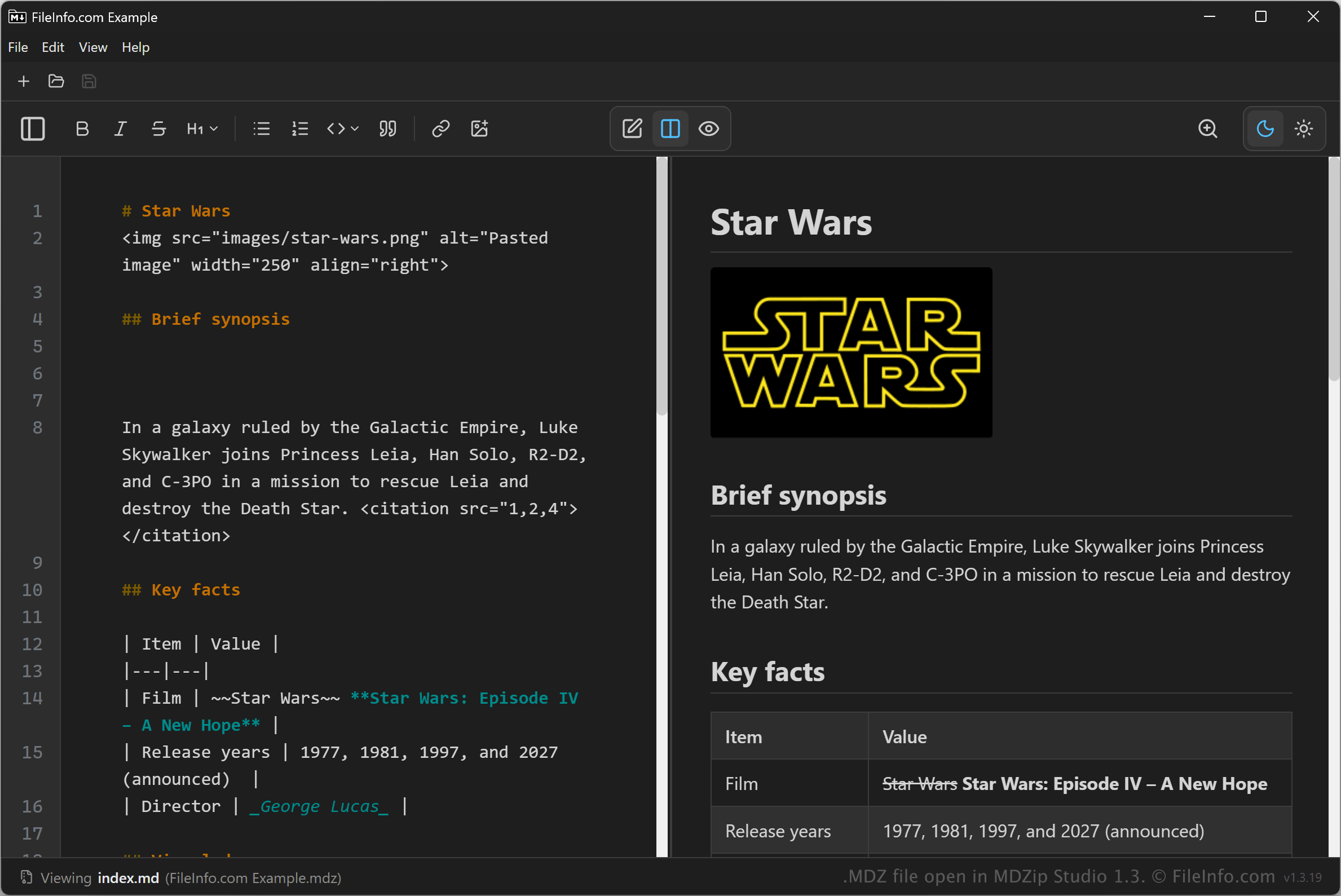
Il formato MDZ è progettato principalmente per flussi di lavoro Markdown che richiedono portabilità tra applicazioni e piattaforme diverse. Ad esempio, un autore tecnico può raccogliere una guida per l'utente basata su Markdown, insieme alle immagini e ai file di supporto, in un unico file MDZ, quindi condividerla con colleghi che usano sistemi operativi ed editor Markdown diversi senza interrompere i collegamenti alle risorse incorporate. Oltre agli autori tecnici, anche sviluppatori, ricercatori e creatori di contenuti possono usare i file MDZ per distribuire contenuti Markdown senza separare il testo dalle risorse a cui fa riferimento.
I file MDZ possono contenere un singolo documento o un'intera raccolta di file Markdown organizzati come progetto, ad esempio documentazione, report, libri, note o basi di conoscenza. Alcuni strumenti compatibili con MDZ usano una struttura di cartelle definita e file di metadati opzionali per identificare il documento principale e descrivere i contenuti dell'archivio.
Come aprire un file MDZ
Puoi aprire i file MDZ con diverse applicazioni, tra cui MDZip Studio e Microsoft Visual Studio Code con l'estensione MDZip Editor.
Poiché il formato si basa sulla compressione ZIP, puoi anche aprire molti file MDZ con qualsiasi utilità ZIP (potrebbe essere necessario rinominare l'estensione del file da .mdz a .zip). Alcune opzioni includono Esplora file di Windows, Apple Archive Utility, Corel WinZip e 7-Zip. Dopo aver estratto i contenuti, puoi visualizzare i documenti Markdown con un editor Markdown, un editor di testo o un visualizzatore Markdown che supporti i file inclusi nel pacchetto.