

.POT Extension de fichier
Modèle Microsoft PowerPoint (ancienne version)
| Développeur | Microsoft |
| Popularité |
3,3 | 29 Votes |
Qu'est-ce qu'un fichier POT ?
Un fichier POT est un modèle créé par PowerPoint, un programme utilisé pour créer des diaporamas. Il contient la mise en page, la mise en forme et les styles par défaut d’un diaporama. Les fichiers POT servent à créer plusieurs fichiers .PPT avec la même mise en forme.
Plus d'informations
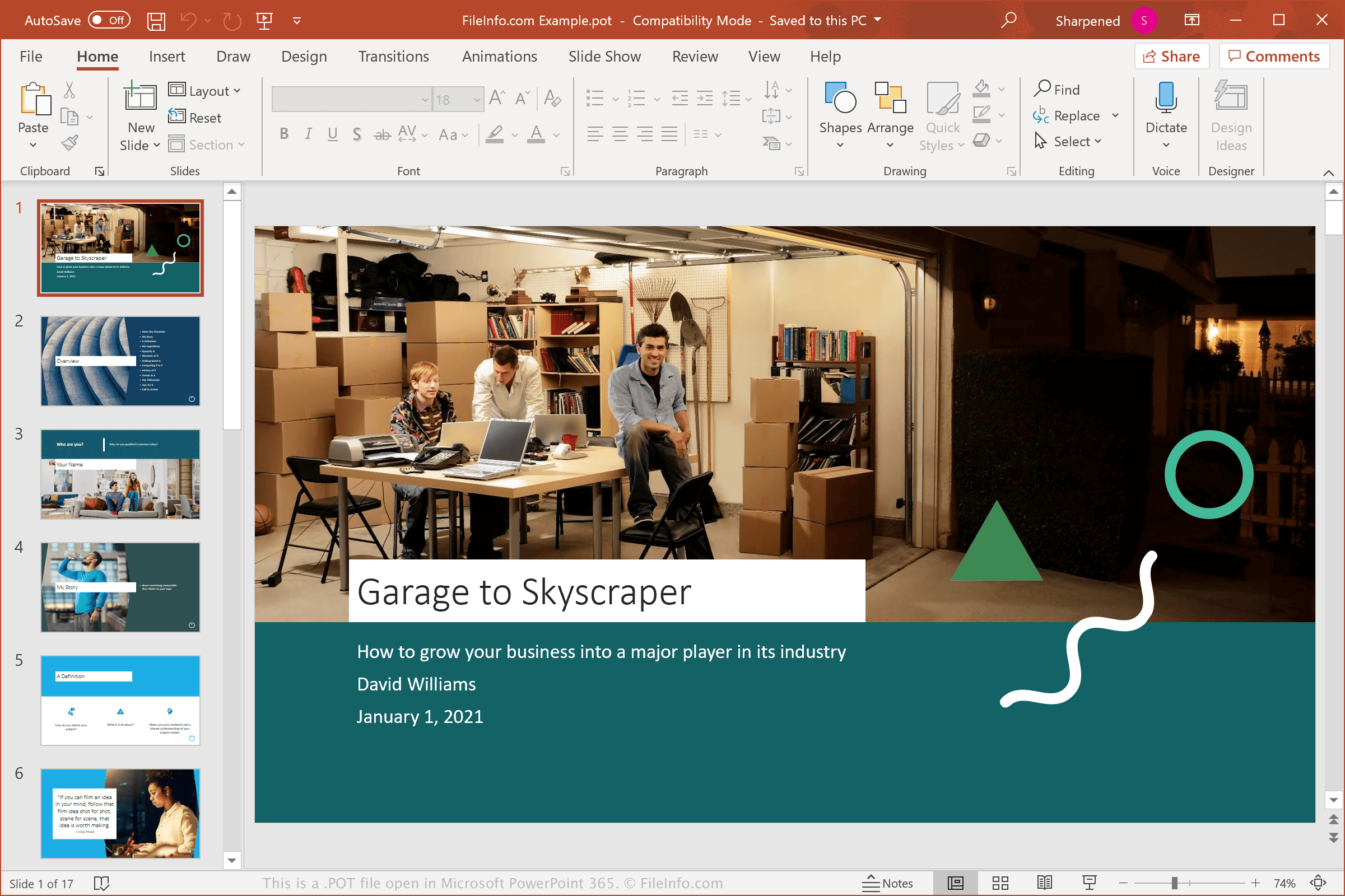
Vous rencontrerez probablement un fichier POT uniquement si vous utilisez PowerPoint 97 à 2003 ou si vous travaillez avec une personne qui utilise ces versions du logiciel. Si vous utilisez PowerPoint 2007 ou une version ultérieure et que vous enregistrez votre présentation comme modèle, elle sera enregistrée au format Open XML avec l’extension .POTX.
Les fichiers POT sont installés avec PowerPoint et vous permettent de créer des présentations telles que des rapports scolaires, des synthèses de trimestres financiers ou des diaporamas de photos de famille à partir de modèles avec une mise en forme et des styles prédéfinis. Vous pouvez également créer vos propres modèles personnalisés pour reproduire des présentations adaptées à vos besoins.
Comment ouvrir un fichier POT
Vous pouvez ouvrir et modifier les fichiers POT avec Microsoft PowerPoint sous Windows et macOS. PowerPoint est la meilleure option pour ouvrir les fichiers POT, car il prend entièrement en charge la mise en forme du modèle.
Plusieurs autres programmes de présentation peuvent ouvrir les fichiers POT, mais ils peuvent ne pas prendre entièrement en charge la mise en forme du modèle. Les autres programmes incluent Corel Presentations (Windows), Apple Keynote (Mac), Kingsoft Presentation (multiplateforme) et Apache OpenOffice Impress (multiplateforme). Si vous utilisez un Mac et souhaitez simplement afficher un fichier POT, vous pouvez utiliser Apple Preview, qui est fourni avec macOS.
Vous pouvez également importer des fichiers POT dans Google Slides, une application web (et mobile) gratuite qui vous permet d’afficher, de modifier, d’enregistrer et de convertir les présentations.
Programmes qui ouvrent les fichiers POT
Modèle d’objet portable
| Développeur | N/D |
| Popularité |
3,1 | 13 Votes |
Un fichier POT est un modèle d’objet textuel auquel peuvent faire référence des programmes Java, GNU gettext ou d’autres applications. Il est souvent utilisé pour stocker des propriétés et d’autres informations de base. Le plus souvent, les fichiers POT servent à créer des modèles pour les fichiers de traduction du texte de l’interface utilisateur, auxquels fait référence GNU gettext.
Plus d'informations
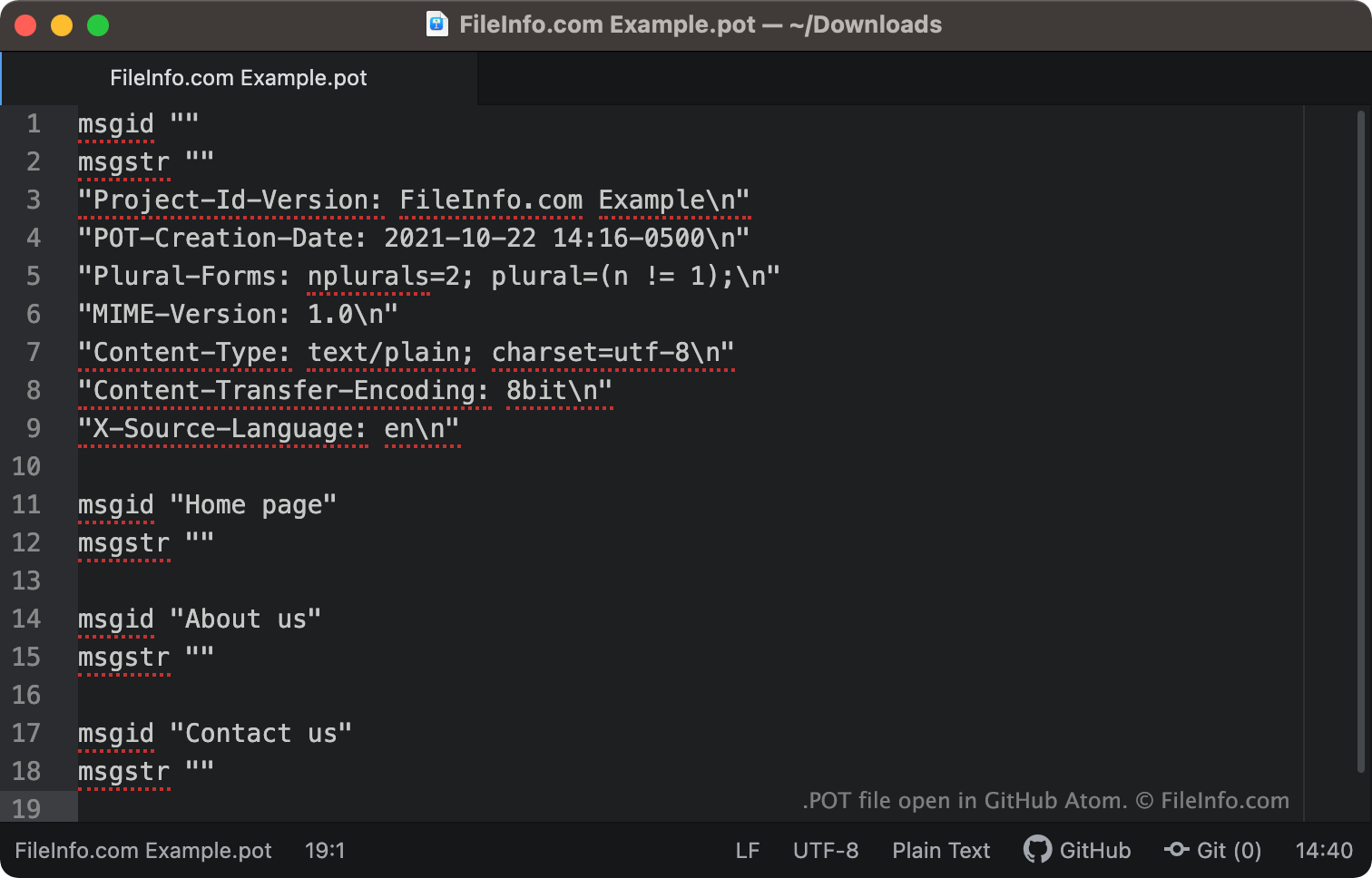
GNU gettext est une boîte à outils qui aide les programmeurs et les traducteurs à produire des fichiers de traduction d’interface utilisateur. Cette boîte à outils permet aux développeurs de produire un fichier POT par programmation, lequel contient la version originale, non traduite, de chacune des chaînes d’un programme.
Les développeurs peuvent ensuite copier leur fichier POT et fournir la copie à un traducteur, qui le remplit avec des chaînes traduites. Le fichier contenant à la fois le texte source et le texte traduit est alors enregistré en tant que fichier .PO. C’est ce fichier auquel le programme du développeur fera référence lorsqu’un utilisateur sélectionne une autre langue.
Comment ouvrir un fichier POT
Vous pouvez ouvrir et modifier un fichier POT dans n’importe quel éditeur de texte ou de code source, tel que Microsoft Visual Studio Code (multiplateforme) ou GitHub Atom (multiplateforme).