

.CVD Extension de fichier
Dessin Canvas X
| Développeur | Canvas GFX |
| Popularité |
3,5 | 2 Votes |
Un fichier CVD est un dessin créé par la version pour Mac de Canvas GFX Canvas X Draw, une application d’illustration technique. Il peut contenir des graphiques matriciels et vectoriels, des annotations et des formes personnalisées. Les fichiers CVD contiennent également des paramètres de dessin, des effets d’image et des calques.
Plus d'informations
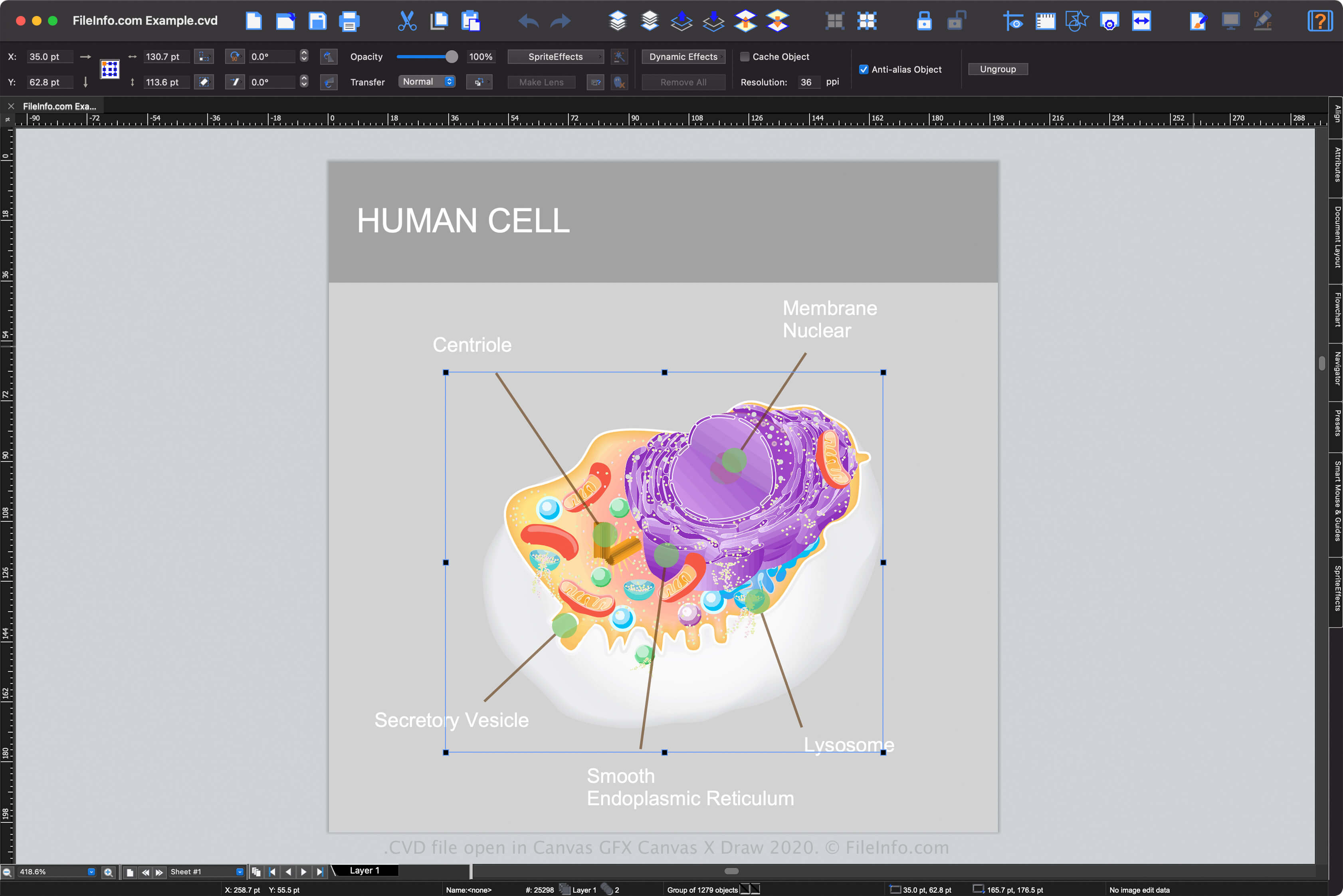
Canvas X Draw est disponible pour Windows et macOS, mais seule la version pour Mac prend en charge les fichiers CVD (la version Windows enregistre les dessins sous forme de fichiers .CVX, par défaut). ACD Systems a initialement développé le logiciel Canvas X, mais a transféré les responsabilités de développement à Canvas GFX en 2017.
Avec l’application Canvas X Draw, vous pouvez concevoir différents types de dessins, des organigrammes aux présentations, en passant par le plan d’une structure. Lorsque vous enregistrez votre dessin avec la version pour Mac de Canvas X Draw, l’application crée un fichier CVD pour en stocker le contenu. Après avoir enregistré le dessin, vous pouvez le fermer, puis le rouvrir pour continuer à le modifier.
Comment créer un fichier CVD avec Canvas X Draw
Vous pouvez créer un fichier CVD avec Canvas X Draw sous macOS en sélectionnant ou , puis en choisissant dans le menu déroulant « Format » (ce type devrait être sélectionné par défaut).
Comment ouvrir un fichier CVD
Vous pouvez ouvrir un fichier CVD avec Canvas GFX Canvas X Draw sous macOS. Pour ouvrir un fichier CVD avec Canvas X Draw, sélectionnez .
Comment convertir un fichier CVD
La version pour Mac de Canvas GFX Canvas X Draw peut convertir les fichiers CVD dans de nombreux types de fichiers, notamment les formats suivants :
- .CVDTPL - Modèle Canvas X Draw
- .DWG - Dessin AutoCAD
- .DXF - Format d’échange de dessins
- .PSD - Format de document Photoshop
- .JPG - Image JPEG
- .PNG - Graphique réseau portable
- .GIF - Format d’échange de graphiques
- .SVG - Fichier de graphiques vectoriels adaptables
- .CGM - Métafichier de graphiques informatiques
- .PDF - Format de document portable