

.ZIM Přípona souboru
Balíček SimLab Composer
| Vývojář | Simulation Lab Software |
| Popularita |
2,0 | 3 hlasy |
Soubor ZIM je balíček komprimovaný pomocí formátu Zip, který obsahuje soubor SimLab Composer 3D Scene .SIM a jeho soubory prostředků. Používá se ke sdílení 3D scén s dalšími uživateli SimLabu jako jednoho balíčku. Soubory ZIM se obvykle vytvářejí v aplikaci SimLab Composer, ale mohou je vytvářet také jiné 3D aplikace, například SketchUp a 3ds Max, pomocí zásuvného modulu SimLab exporter.
Další informace
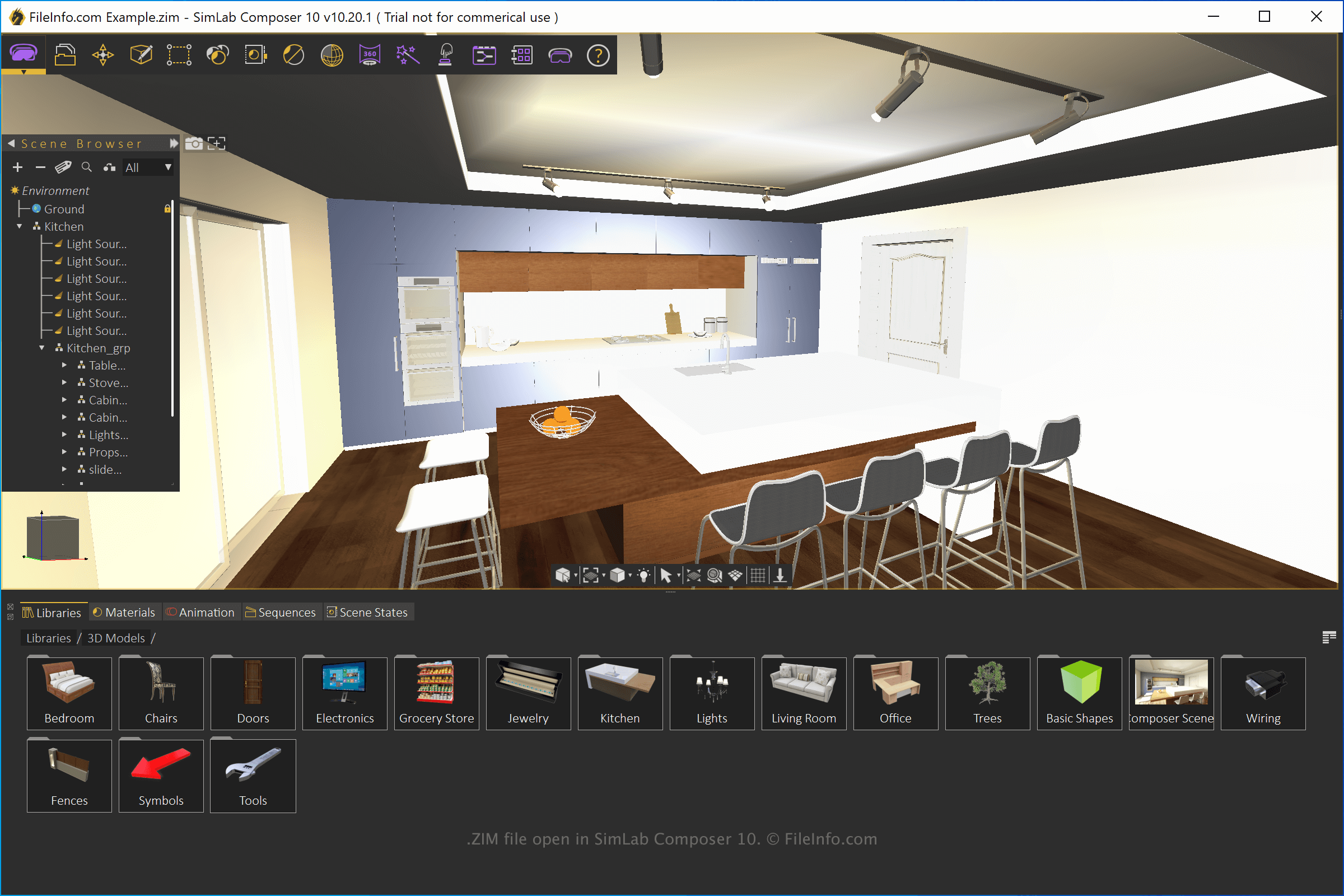
SimLab Composer je aplikace pro 3D modelování, animaci a vykreslování. Aplikaci můžete používat k různým účelům, včetně školicích výukových programů pro VR, architektonických modelů a 3D vizualizací produktů.
Chcete-li vytvořit soubor ZIM v aplikaci SimLab Composer, vytvořte scénu, vyberte a z rozevírací nabídky zvolte formát „SimLab Archive“.
Jak otevřít soubor ZIM
Soubory ZIM můžete otevřít v aplikaci SimLab Composer (Windows a macOS). Soubor otevřete výběrem možnosti . Soubory ZIM můžete také otevřít v aplikaci SimLab CADVRter (dodávané s aplikací SimLab Composer) a SimLab CAD Viewer (Android a iOS).
Protože jsou soubory ZIM komprimovány pomocí komprese Zip, můžete je otevřít nástrojem pro práci se soubory Zip a získat přímý přístup k souboru SIM a souborům prostředků. Chcete-li to provést, přejmenujte příponu souboru .zim na .zip a poté jej otevřete nástrojem pro práci se soubory Zip.