

.SNTM Přípona souboru
Mapa SolarWinds Network Topology Mapper
| Vývojář | SolarWinds |
| Popularita |
3,0 | 1 hlas |
Co je soubor SNTM?
Soubor SNTM je síťová mapa vytvořená aplikací SolarWinds Network Topology Mapper pro správu sítí LAN a WAN. Obsahuje konfiguraci sítě založenou na skenování, včetně uzlů připojených k síti a analýzy jejich výkonu.
Další informace
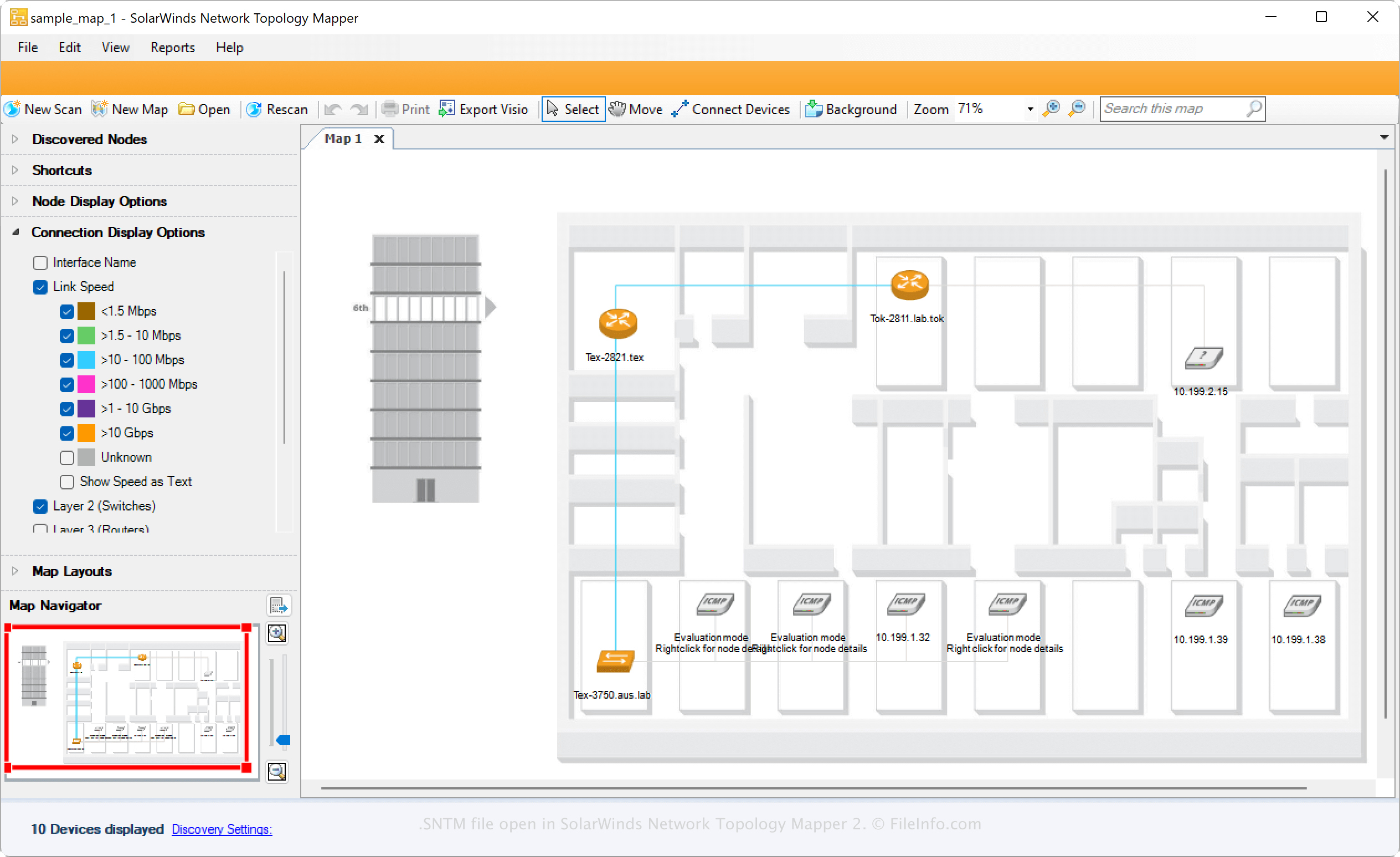
SolarWinds nahradil aplikaci LANsurveyor aplikací Network Topology Mapper, která slouží k vytváření a správě síťových map potřebných ke splnění požadavků PCI v organizacích. IT profesionálové mohou vytvářet kompletní síťové mapy na základě skenování provedeného aplikací Network Topology Mapper a poté je ukládat jako soubory SNTM nebo exportovat do jiného formátu.
Chcete-li vytvořit soubor SNTM pomocí aplikace Network Topology Mapper, vyberte nebo . Po uložení souboru SNTM můžete mapu zavřít a později ji znovu otevřít a dále upravovat.
Jak otevřít soubor SNTM
Soubor SNTM můžete otevřít v systému Windows pomocí aplikace SolarWinds Network Topology Mapper. Chcete-li otevřít soubor SNTM v aplikaci Network Topology Mapper, vyberte .