

.AUP3 Přípona souboru
Projekt Audacity 3
| Vývojář | Audacity |
| Popularita |
3,6 | 30 hlasů |
Co je soubor AUP3?
Soubor AUP3 je zvukový projekt vytvořený programem Audacity, bezplatným programem pro nahrávání a úpravu zvuku. Obsahuje informace o projektu uložené v databázi SQLite 3, včetně nastavení projektu, metadat a všech zvukových souborů použitých v projektu. Soubory AUP3 vytváří Audacity 3 a novější verze.
Další informace
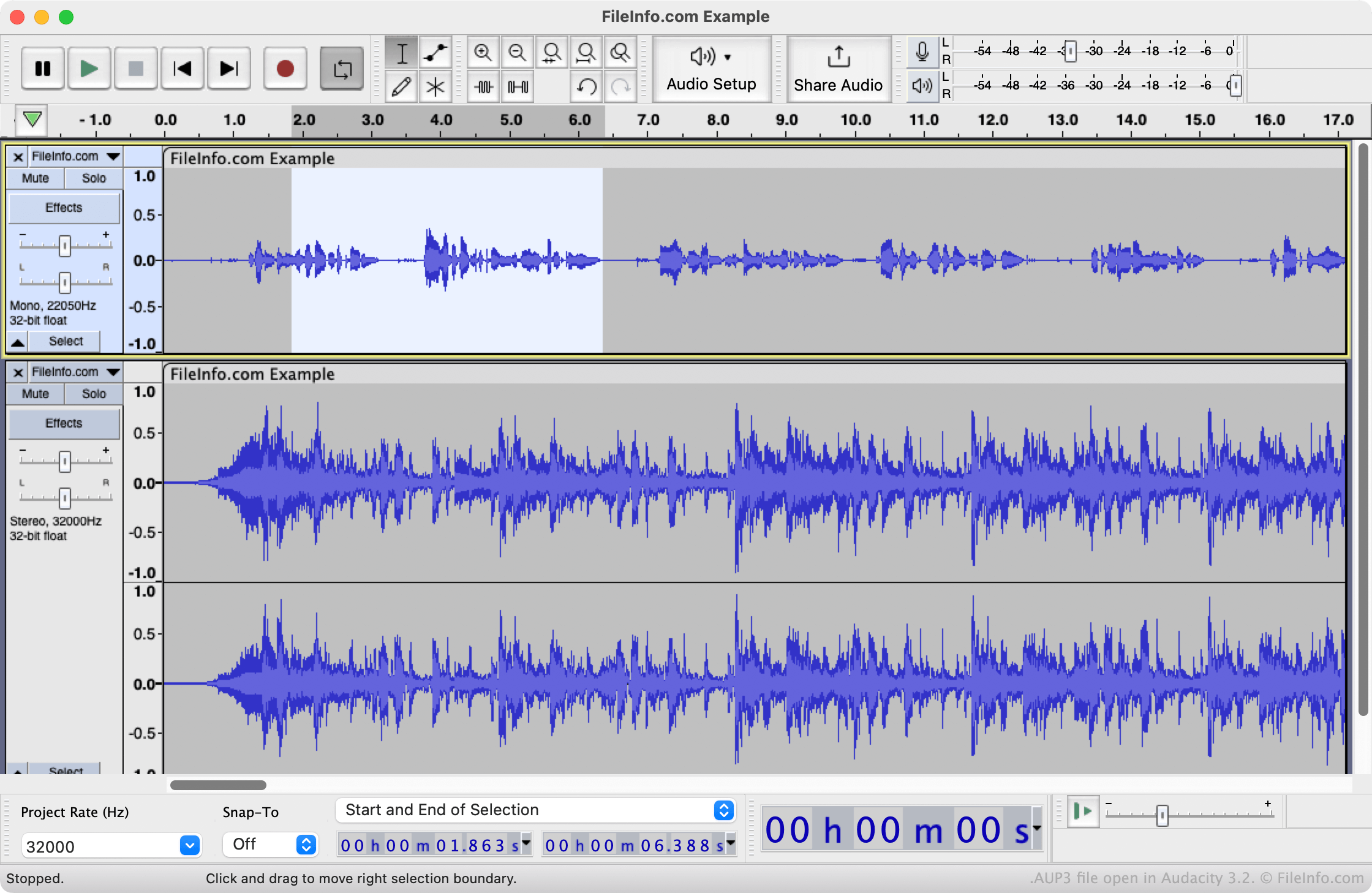
V březnu 2021 vydala společnost Audacity program Audacity 3, který k ukládání projektů pro úpravu zvuku používá nový formát souborů AUP3. AUP3 nahrazuje formát .AUP, který používaly předchozí verze programu Audacity. Soubory AUP můžete v programu Audacity 3 stále otevřít, ale program ukládá všechny projekty, včetně těch, které byly dříve uloženy jako soubory AUP, ve formátu AUP3.
Na rozdíl od souborů AUP, což jsou soubory XML obsahující odkazy na zvukové soubory a další data, jsou soubory AUP3 databázové soubory obsahující zvuková a další data, která projekt používá. Protože soubory AUP3 obsahují všechna data projektu, projekt už nemůžete „rozbít“ přesunutím zvukových souborů nebo jiných dat, na která projekt odkazuje. Soubory AUP3 však mohou být velmi velké (několik gigabajtů) a mohou se načítat pomaleji než soubory AUP, protože obsahují zvukové stopy.
POZNÁMKA: Verze 4 programu Audacity nahradila soubory AUP3 soubory .AUP4.
Jak otevřít soubor AUP3
Soubor AUP3 můžete otevřít v programu Audacity 3 a novějších verzích. Uděláte to tak, že na liště nabídky programu vyberete a poté vyhledáte a vyberete svůj soubor AUP3.
Upozorňujeme, že soubor AUP3 nelze otevřít v programu Audacity 2.4 ani ve starších verzích. Soubor AUP3 můžete otevřít v programu Audacity 4 nebo novějším, ale aplikace převede kopii projektu na soubor AUP4 a původní soubor AUP3 ponechá beze změny. Převedený projekt nelze uložit zpět ve formátu AUP3.