.PMS 文件扩展名

PlanetMiner Save File

开发者 Johneda
受欢迎程度
2.0  |  1 
 

什么是 PMS 文件?

A PMS file is a game save file created by PlanetMiner, a 2D interplanetary block-excavating game. It stores saved game progress in plain text, which includes a player's score, current level, number of gems collected, number of levels completed, and blocks excavated and deleted. PMS files allow players to save and resume PlanetMiner games.

更多信息

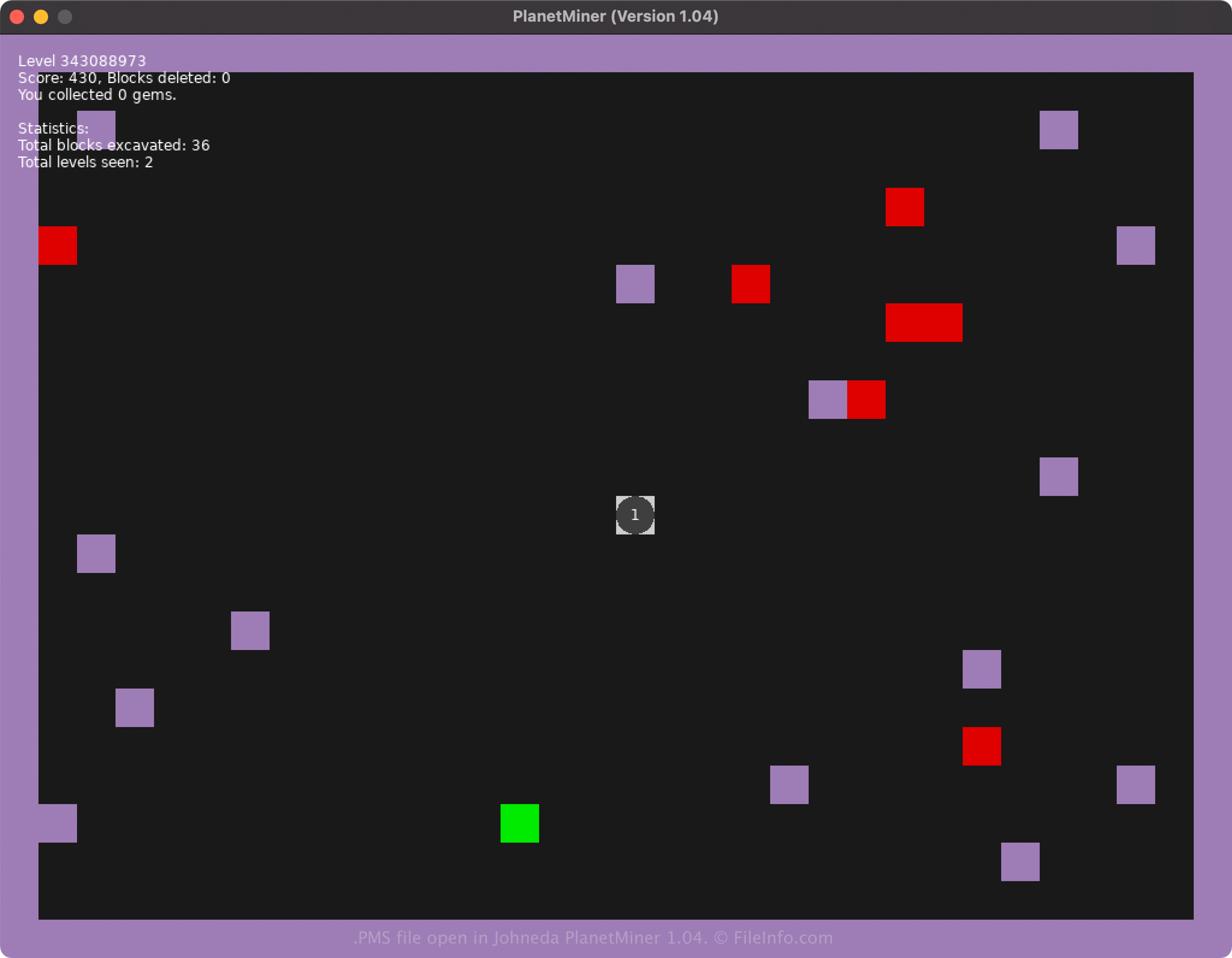
在 PlanetMiner 1.04 中打开的 .pms 文件截图
在 PlanetMiner 1.04 中打开的 PMS 文件

Johneda developed PlanetMiner and released it in December 2021 for Windows, Mac, and Linux platforms. When you save your game by typing CTRL+S, PlanetMiner creates a save.pms file to store the game progress.

The location in which PlanetMiner creates and saves PMS files depends on the platform you are running the game:

  • Windows XP - C:\​Documents and settings\​[user]\​Application data\​LOVE\​planetary\​
  • Windows Vista - 10: C:\​Users\​user\​AppData\​Roaming\​LOVE\​planetary\​
  • macOS: /​Users/​[user]/​Library/​Application Support/​LOVE/​planetary/​
  • Linux: ~/​.local/​share/​love/​planetary/​ or $XDG_DATA_HOME/​love/​planetary/​

注: The game utilizes one PMS file to store saved game progress. Therefore, you cannot save more than one PlanetMiner game.

常见 .PMS 文件名

save.pms - Default filename given to the PMS file created by PlanetMiner.

如何打开 PMS 文件

You can open and load PMS files by opening PlanetMiner, then typing CTRL+L. Since the file is saved in a plain text format, you can also use a text editor, such as Microsoft Notepad (bundled with Windows) or Apple TextEdit (bundled with macOS), to open, modify, and view the saved game data.

注: Opening a PMS file with a text editor will not look the same as opening it with PlanetMiner.

使用File Viewer Plus打开 400 多种文件格式。免费下载

可打开 PMS 文件的程序

Windows
Mac
Linux
分类: 游戏
更新时间: 2021-12-20

验证者 FileInfo.com

FileInfo.com 团队 独立研究了本页面列出的 PlanetMiner Save 文件格式和 Mac, Windows, and Linux 应用。 我们的目标是达到 100% 的准确率,并且仅发布我们已验证过的文件类型信息。

如果您想为此页面提出新增或更新建议,请告诉我们