

.PMS 파일 확장자
PlanetMiner 저장 파일
| 개발사 | Johneda |
| 인기도 |
2.0 | 1 표 |
PMS 파일이란 무엇인가요?
PMS 파일은 2D 행성 간 블록 굴착 게임인 PlanetMiner에서 만든 게임 저장 파일입니다. 플레이어의 점수, 현재 레벨, 수집한 보석 수, 완료한 레벨 수, 굴착하고 삭제한 블록을 비롯한 저장된 게임 진행 상황을 일반 텍스트로 저장합니다. PMS 파일을 사용하면 PlanetMiner 게임을 저장하고 이어서 진행할 수 있습니다.
추가 정보
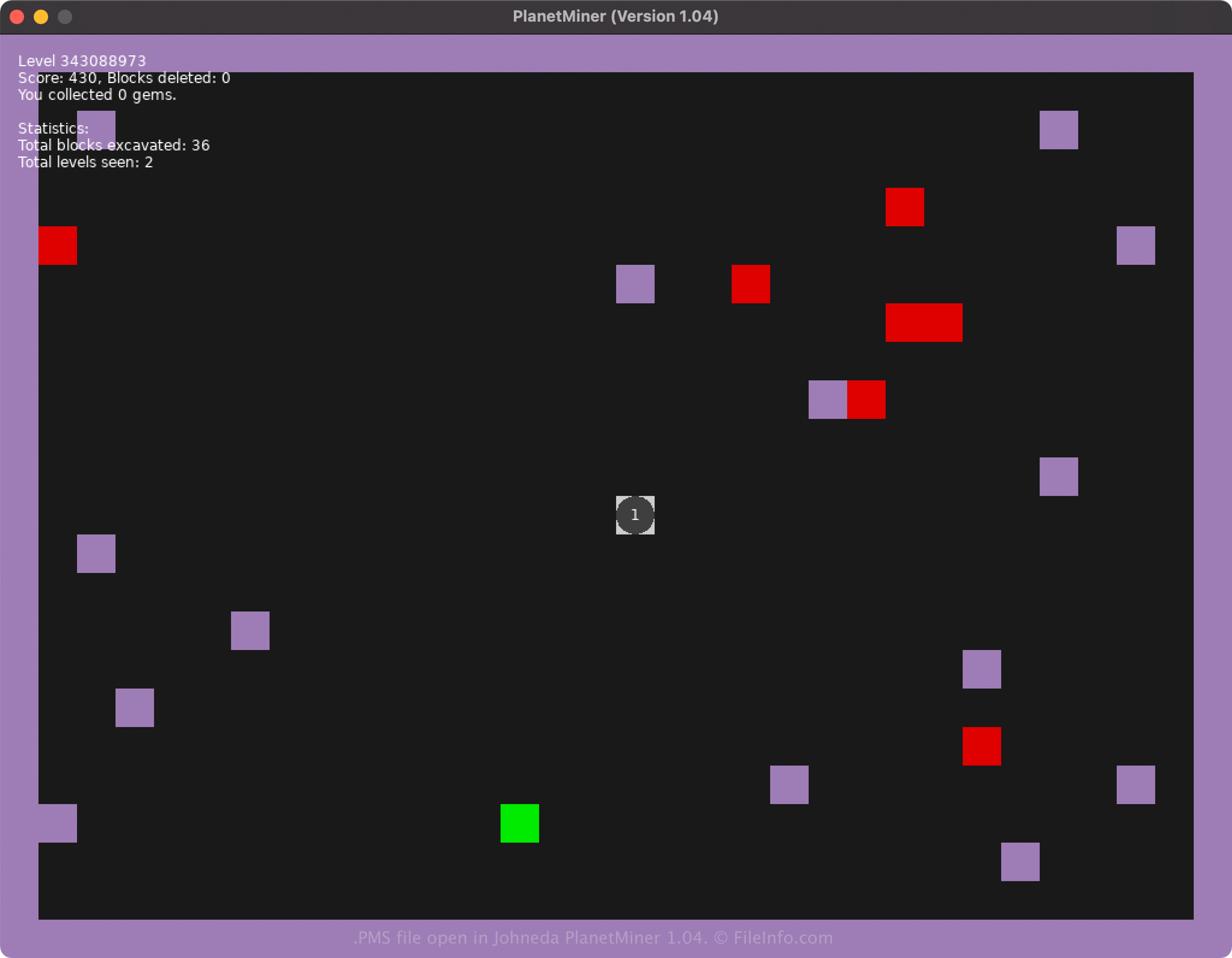
Johneda는 PlanetMiner를 개발했으며 2021년 12월 Windows, Mac, Linux 플랫폼용으로 출시했습니다. CTRL+S를 입력하여 게임을 저장하면 PlanetMiner는 게임 진행 상황을 저장하기 위해 save.pms 파일을 만듭니다.
PlanetMiner가 PMS 파일을 만들고 저장하는 위치는 게임을 실행하는 플랫폼에 따라 다릅니다.
- Windows XP - C:\Documents and settings\[user]\Application data\LOVE\planetary\
- Windows Vista - 10: C:\Users\user\AppData\Roaming\LOVE\planetary\
- macOS: /Users/[user]/Library/Application Support/LOVE/planetary/
- Linux: ~/.local/share/love/planetary/ 또는 $XDG_DATA_HOME/love/planetary/
참고: 게임은 저장된 게임 진행 상황을 하나의 PMS 파일에 저장합니다. 따라서 PlanetMiner 게임을 두 개 이상 저장할 수 없습니다.
일반적인 .PMS 파일 이름
save.pms - PlanetMiner에서 만든 PMS 파일에 지정되는 기본 파일 이름입니다.
PMS 파일을 여는 방법
PlanetMiner를 연 다음 CTRL+L을 입력하면 PMS 파일을 열고 불러올 수 있습니다. 파일은 일반 텍스트 형식으로 저장되므로 Microsoft Notepad(Windows에 포함됨) 또는 Apple TextEdit(macOS에 포함됨) 같은 텍스트 편집기를 사용하여 저장된 게임 데이터를 열고 수정하고 볼 수도 있습니다.
참고: 텍스트 편집기로 PMS 파일을 열면 PlanetMiner로 열 때와 같은 모습으로 표시되지 않습니다.