.MSCH 文件扩展名
Mindustry Schematic
| 开发者 | Anuke |
| 受欢迎程度 |
4.3 | 4 票 |
什么是 MSCH 文件?
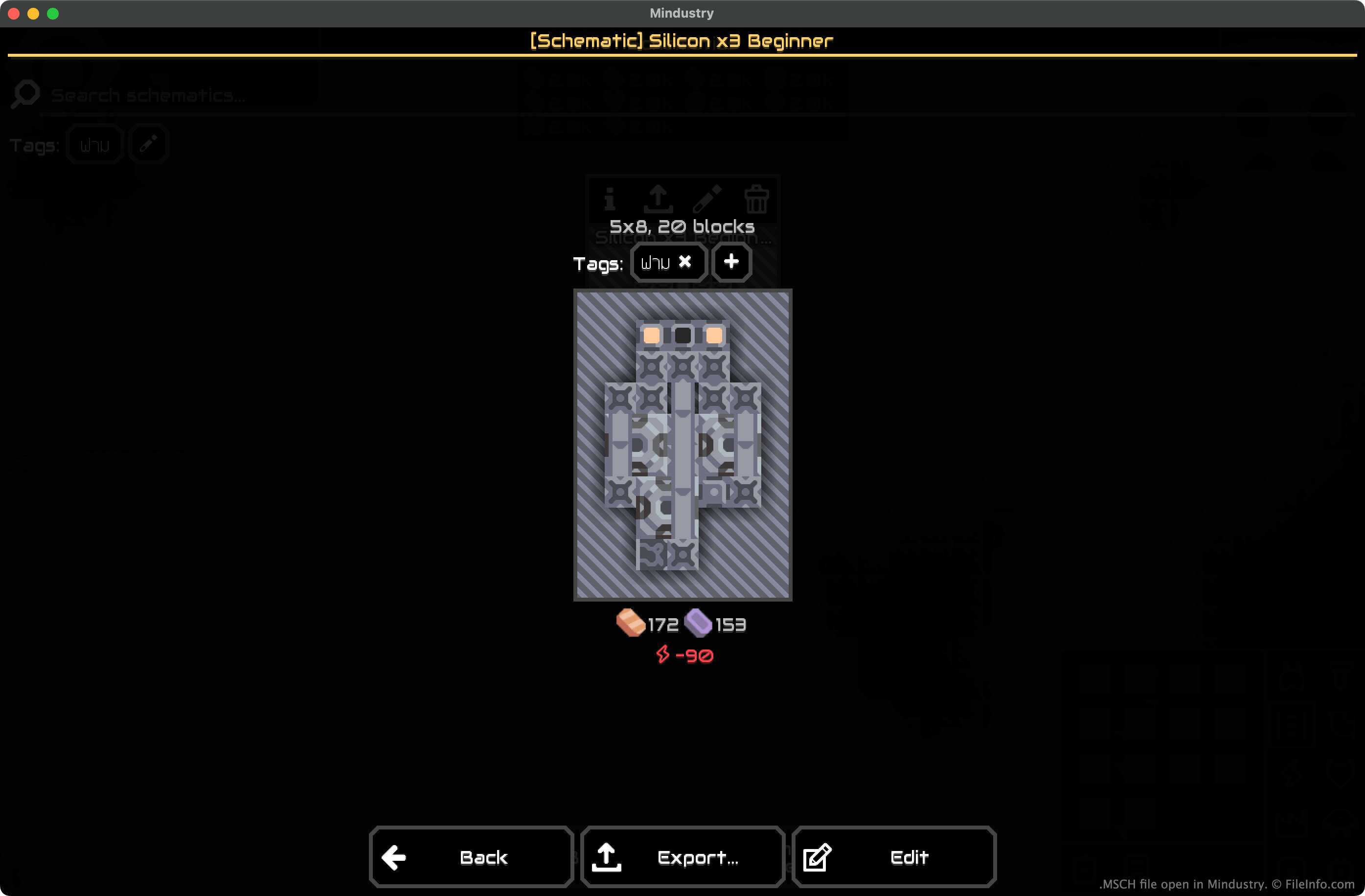
An MSCH file is a Mindustry schematic. It contains data used to import a pre-built structure into a Mindustry game. Saving a structure as an MSCH file allows players to re-use that structure across Mindustry games and share the structure with other players.
更多信息
In Mindustry, players construct factories and defend them from assaults by NPC enemies and other players. While constructing their factories, players can select all or part of a structure they've built and save that selection as a schematic. Doing so allows the player to quickly place copies of the selection (in their current game) and to export the selection as an MSCH file (for use in other games).
How to create and export an MSCH file
To save a structure as an MSCH file:
- Highlight the structure (in the desktop versions of Mindustry, press F and drag your mouse over the structure).
- Click Save Schematic.
- Name and save your MSCH file.
After creating your MSCH file, you can select Export to export it for use in other Mindustry games. You can also export the file later, by selecting it from the Schematics section of Mindustry's build menu.
如何打开 MSCH 文件
To import an MSCH file into a Mindustry game:
- Open Mindustry and start or load a game.
- From the build menu, select the Schematics button (represented by a clipboard icon).
- Select Import Schematic... → Import File.
- Navigate to and import your MSCH file.
After importing your MSCH file, you'll be able to use that schematic in your current Mindustry game.